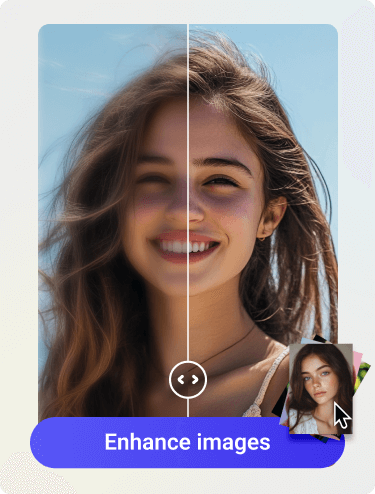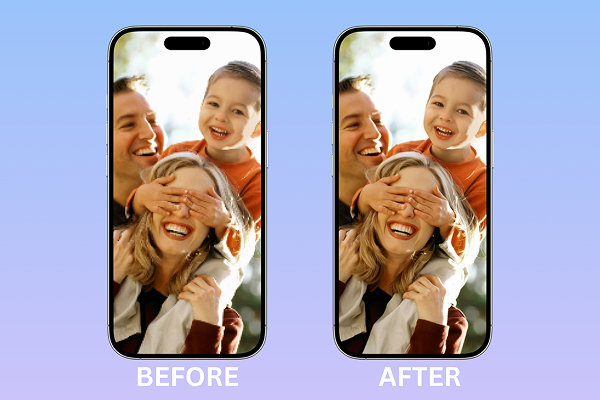
A video looking just fine on your phone turns out blurry and pixelated when you share it to social network sites like Facebook or TikTok. It’s time you know that finding an improve video quality app is a must to make sure other people can watch the good things of your video that you can see on your phone. A tool that is simple, time-saving and fast.
In this guide, you’ll learn what causes poor video quality, how an improve video quality app works, what features to look for, and how to use Artguru to improve videos online with a simpler AI workflow.
Why Does Your Video Look Low Quality?
Before choosing an improved video quality app, knowing what the main reason causing it is necessary. Some common reasons include:
- Low resolution
- Heavy compression
- Poor lighting while recording
- Motion blur
- Repeated exporting through many apps
Although an improve video quality app cannot magically recreate every missing detail, it can bring a better watching experience to your audience by analysing your video, finding the main cause and applying the right corrections.
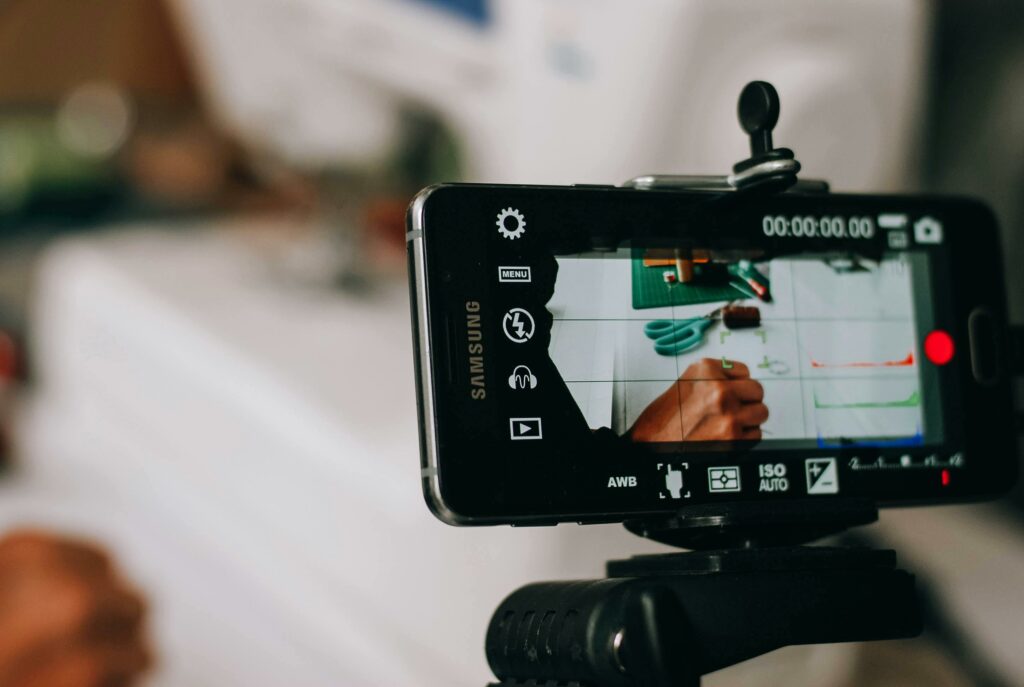
How Does An Improve Video Quality App Actually Work?
Not every editing app is built for quality enhancement. Some apps are mainly for filters, stickers, captions, or trimming. A real improve video quality app should focus on clarity.
1. Sharpening
An improve video quality app will sharpen your footage to gain clarity. While sharpening, it also balances itself to maintain the naturalness in your video. Thanks to AI technology, tools like Artguru can do it with the highest accuracy, bringing the most natural adjustment to your video.
2. Noise Reduction
Video shot in low light is normally recognized as grainy and blurry. A good video quality enhancer should reduce noise at an intelligent level in order to keep all the facial details intact.
3. Resolution Upscaling
Low resolution is also a very typical mistake. If you share it to social media or messaging apps, the situation will get worse because of platform compression for smaller file size. It’s when an improve video quality app with a powerful upscaler becomes a hero. Simple AI tools like Artguru can easily upscale your video up to HD/4K in just a few minutes.
4. Compression Cleanup
Compressed videos often show blocky pixels, fuzzy edges, or muddy details. AI enhancement can help reduce these artifacts and make the footage look more natural.
5. Simple Preview and Export
A beginner-friendly improve video quality app should let you upload, preview, and download the result without requiring any professional or complicated technical skills.
Top 5 Apps to Improve Video Quality
1. Artguru Video Enhancer
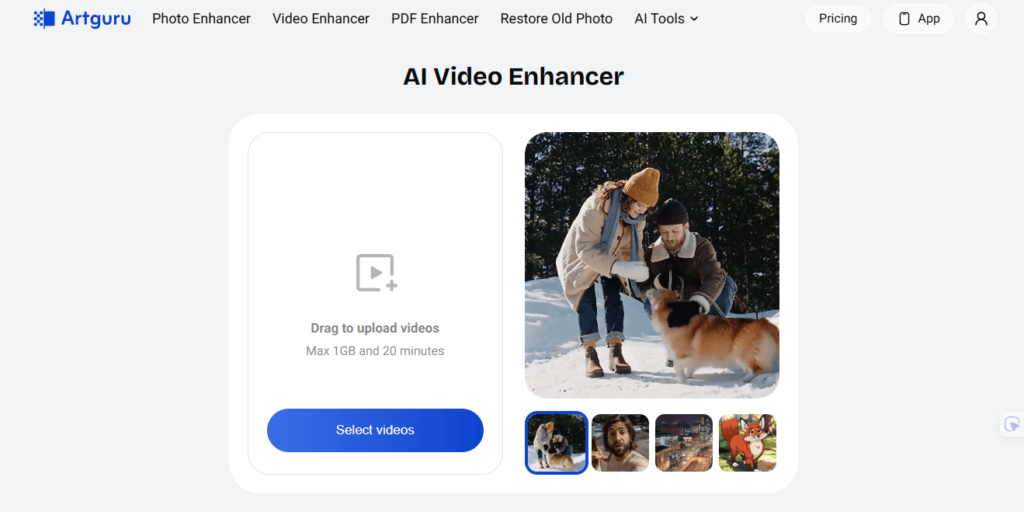
Artguru Video Enhancer is a wise choice if you want to improve video quality in a fast and simple way. There is no need to learn any technical skills while using Artguru. The AI technology will automatically enhance your video right after you upload it to Artguru.
Additionally, you can preview the result before downloading it into your device for later use. You can choose the resolution of the output that you would like to have. However, the better the original resolution is, the better the result will be.
Best for:
- Blurry phone videos
- Social media clips
- Product videos
- AI-generated videos that need more clarity
- Prefer an online simple workflow
2. CapCut
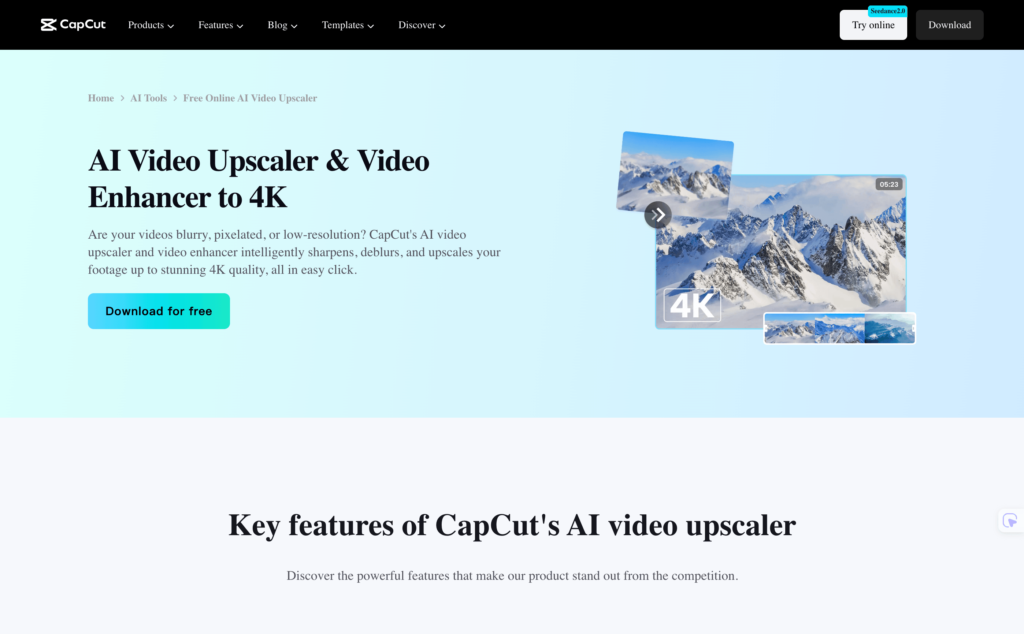
CapCut is a popular option for someone who wants to edit and enhance videos at the same time on the same app. CapCut can upscale videos up to 4K resolution. However, in order to use its enhancer, you need to subscribe to one of its memberships. So, if you are finding an app without installing or learning any technical skills, you should reconsider CapCut as a video enhancer.
Best for:
- TikTok and short-form video creators
- Users who need captions, effects, and editing tools
- Social media videos that need a cleaner final look
3. HitPaw VikPea
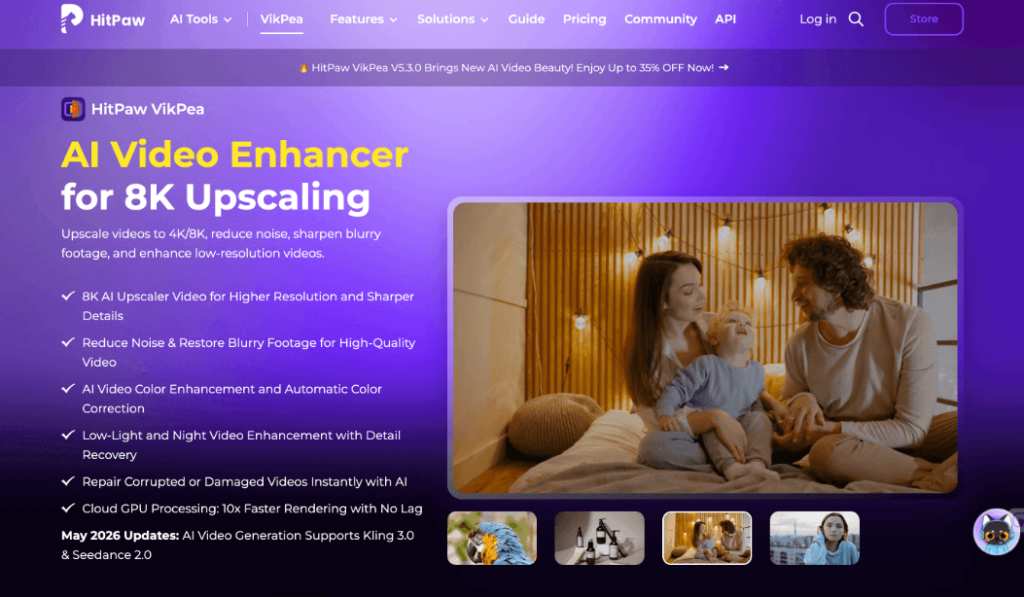
HitPaw VikPea is an AI video enhancer that focuses on sharpening, colorizing, upscaling, and optimizing videos. Its official pages mention support for upgrading blurry videos to 4K/8K and improving old or low-quality footage.
Best for:
- Users who want a dedicated AI video enhancer
- Old videos or low-resolution clips
- Sharpening and color improvement
- Users who prefer an app-style workflow
4. InShot
InShot is a very popular solution which has been known for a while for its capabilities of video editing and enhancing. InShot is suitable for quick light and color corrections. Besides, you can easily use its filter for even quicker fixes.
Best for:
- Users who want quick fixes
- Already familiar with manual enhancement with sliders
- All-in-one video enhancing app
How to Use Artguru as an Improve Video Quality App
Artguru has a very easy workflow which you can learn and do with only 3 steps:
Step 1: Upload Your Video
Go to Artguru Video Enhancer or Upscaler and upload your video file.
Use the original video file whenever possible. A video downloaded from a social platform may already be compressed, which can limit the final result.
Step 2: Let AI Enhance the Video
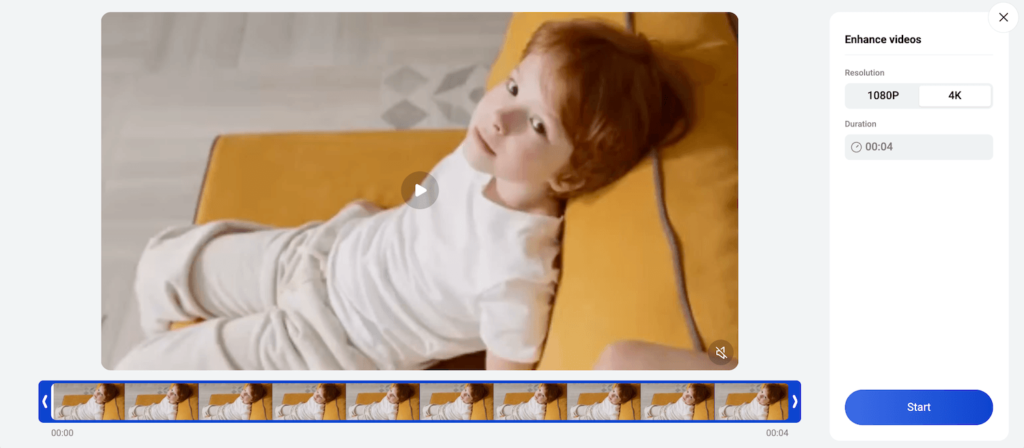
Artguru’s AI enhancement process can help sharpen details, reduce noise, and improve overall clarity. This makes it a practical improve video quality app option for people who do not want to adjust technical settings manually.
Step 3: Preview and Download
After processing, preview the enhanced version before using it. Look at faces, text, edges, and fast-moving areas. These parts usually show whether the enhancement looks natural.
Conclusion
A good improve video quality app should do more than add filters. It should help sharpen blurry details, reduce noise, clean up compression, and improve resolution when needed.
For small edits, a regular mobile editor may be enough. But when your main goal is clearer footage with less manual work, an AI tool is often the easier choice. With Video Enhancer like Artguru, you can upload your video, enhance it online, preview the result, and download a cleaner version without complicated editing steps.