



PNG Sharpener
Are your PNG graphics looking blurry or pixelated? Don’t let low-quality images ruin your design. Artguru’s AI PNG sharpener can sharpen PNG files instantly. Enhance edges, recover lost details, and make your transparent graphics clear right from your browser.
How to sharpen PNG image online

Step 1. Upload your PNG
Drag and drop your blurry PNG into our PNG sharpener. You can also upload your file by clicking the upload button.

Step 2. Let AI process it
Our advanced AI analyzes the pixels and intelligently sharpens PNG image details, unblurring edges and removing noise while you wait for a few seconds.

Step 3. Preview and download
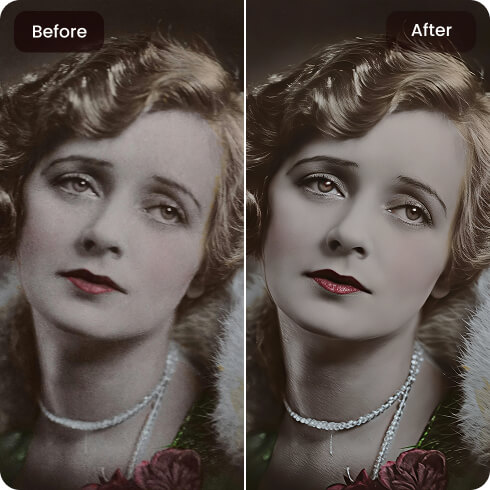
Review the high-definition result with our before-and-after comparison tool. Once you are satisfied with the clarity, download the HD image to your device.
Why use a PNG sharpener
 Transparency preservation
Artguru easily clears up your PNG without messing up the original colors or clear backdrops.
 Batch processing
You can effortlessly enhance dozens of PNGs (up to 200 images) simultaneously instead of editing them individually, saving time and effort.
 HD/4K upscaling
When you use Artguru to sharpen a PNG, it can upscale it to HD or 4K resolution, ensuring your projects look incredibly crisp on any screen or printed page.
 Secure and private
Whenever you sharpen PNG files with Artguru, strict encryption keeps your private data completely safe.
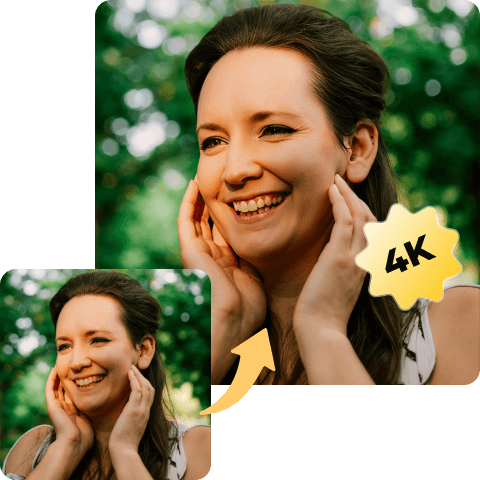
One click to sharpen PNG
Dealing with fuzzy logos or pixelated web assets can negatively impact your brand’s professional look. With Artguru, fixing this problem is effortless. Our PNG sharpener analyzes the damaged areas and seamlessly reconstructs the missing data. You don’t need any complex photo editing skills or expensive subscriptions to restore the high-quality look of your digital assets.
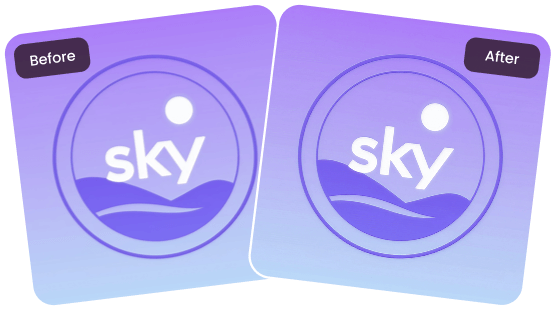
Sharpen PNG image for flawless web design and printing
A soft, compressed image might look passable on a tiny phone screen, but applying it to a professional website or printing it will reveal every flaw. That is why it is crucial to sharpen PNG image files before publishing your final project. Stop settling for mediocre graphics. Make your typography, icons, and transparent graphics vibrant and sharp today.
What people say about our PNG sharpener?

Sarah Jenkins
I was looking for a fast way to fix my blurry web icons without opening complex editing software. This PNG sharpener gets the job done perfectly and keeps my transparent backgrounds totally intact.
Marcus Cole
Honestly the best tool to sharpen PNG image quality! It doesn’t just add a generic sharpen filter; it actually reconstructs the pixels and makes my graphics 4K. Highly recommended.
Elena Rostova
I frequently receive low-res logos from clients that are nearly unreadable. Artguru lets me sharpen PNG online with ease. It completely restores the crisp edges in seconds!
FAQs about Artguru’s PNG sharpener
What is a PNG sharpener?
Artguru’s PNG sharpener is an AI-powered tool built to sharpens images, unblurs text, and restores intricate details without ruining your transparent backgrounds.
Simply upload your file to our photo enhancer. Our smart algorithms will automatically scan the graphic and sharpen PNG quickly. You can test it out with our free daily credits!
No. Our AI specifically recognizes and preserves your clear backgrounds, only working to sharpen PNG image subjects and edges. If your PNG isn’t transparent yet, you can easily create one using our background remover for free.
No. When you sharpen PNG, Artguru maintains your original resolution and can even enhance the overall sharpness, making it a high-definition 4K graphic.


