



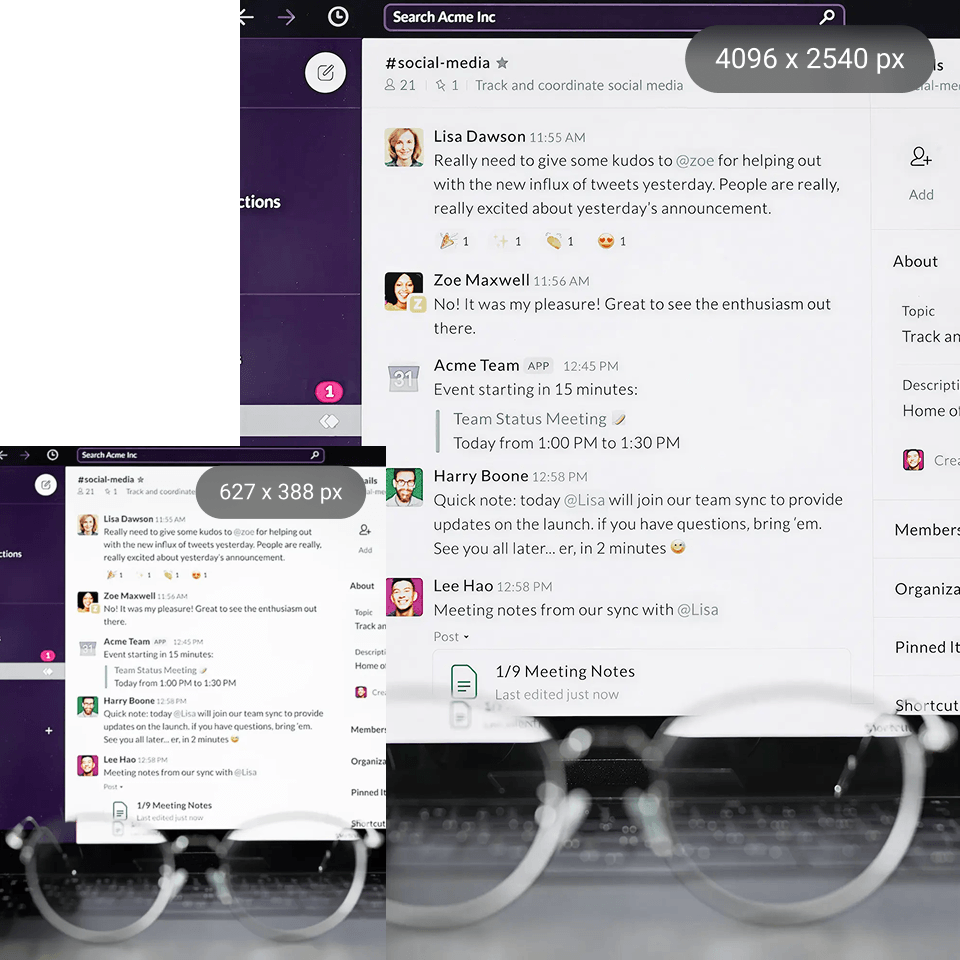
Screenshot enhancer
Are you having pixelated or blurry screenshots? With our Artguru screenshot quality enhancer, you can improve your screenshots in just a few seconds—without altering the original image or compromising its natural look.
One quick click using Artguru makes screenshot clearer for free on the Internet. Enhance images to HD or 4K and work with formats like PNG, JPG, and WebP. Get realistic results without changing colors or structure. No registration required, with free upload and download within usage limits.
Try our Screenshot Enhancer yourself

Step 1. Upload your screenshot
Start by adding your image to Artguru. Whether it’s a blurry UI capture, a compressed WhatsApp screenshot, or a text-heavy image, we accept common formats like JPG, PNG, and WebP.

Step 2. Let Artguru enhance screenshot
Once uploaded, Artguru processes your image in the background. It handles noise reduction, detail refinement, and clarity improvement automatically, so you don’t need to adjust anything.

Step 3. Preview and download
After processing, the before and after of the result can be compared. Once satisfied, download your enhanced image in PNG or JPG format, and choose between HD/4K.
Why use a screenshot enhancer for better clarity and readability?
 Fix blurry screenshot text
If your screenshot text becomes unreadable due to compression or resizing, Artguru helps fix exactly that. It sharpens text, smooths edges, and reduces noise while keeping your screenshots natural and readable—not over-processed.
 Preserve screenshot colors
If you have improved a screenshot and assumed that colors or structure are totally off, then you know how irritating it can be. Artguru preserves the color, brightness and layout and improves quality. This makes it a reliable screen capture app for UI, tutorials and documentation where not only clarity is important but also precision.
 One-click screenshot enhancer
Built for when you only need to repair something instead of a full editing tool. Simply upload your image to clarify it on the web via Artguru. It works behind the scenes to denoise, sharpen and deliver you a much-improved output in a matter of seconds with zero learning curve.
 Secure screenshot processing
Screenshots can be a privacy problem if they have sensitive information in them. Artguru ensures that your files are securely processed in the cloud and remain accessible only to you.
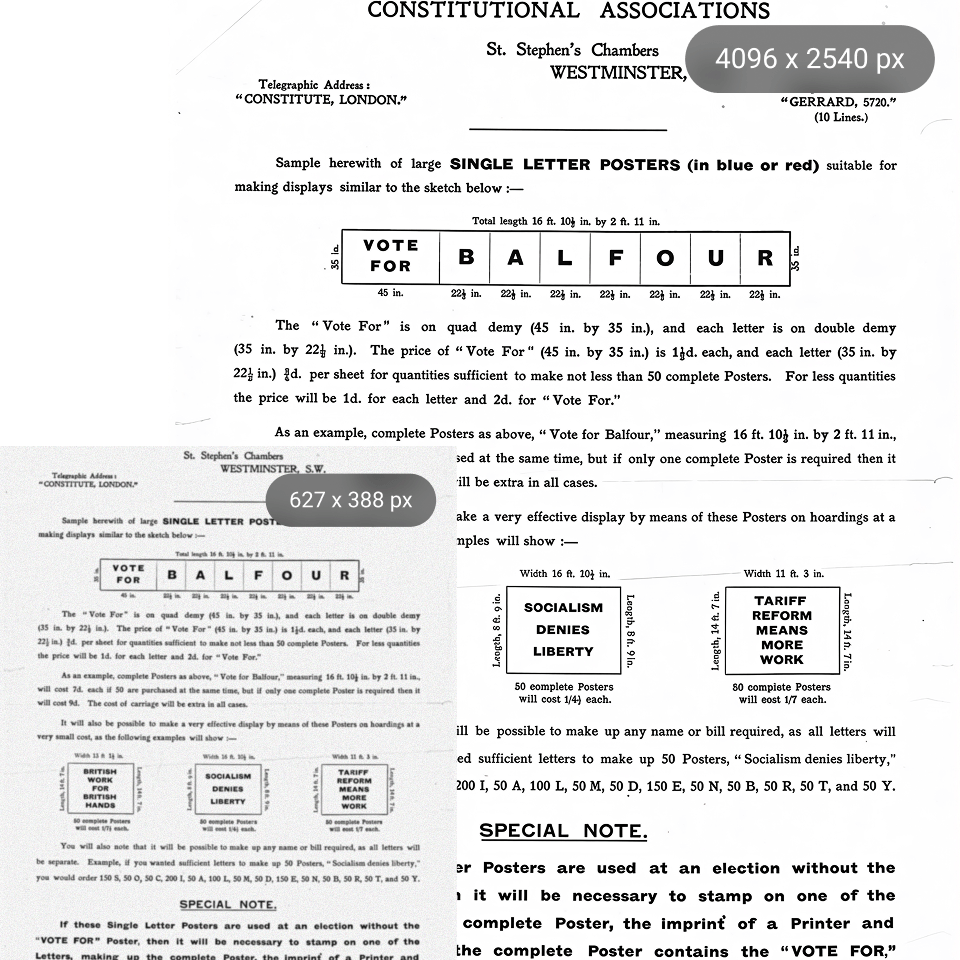
Instantly enhance screenshots to HD/4K in one click
In the scenario that your screenshot looked If your screenshot looks pixelated after sharing or lacks detail, you can also get a quick quality boost. With Artguru, you can use a screenshot enhancer to unblur images and upscale them to HD or 4K. It’s also the natural choice for enhancement, so unlike some tools you see, it never changes your colors, layout or lighting. You download a cleaner and more readable image. Whether it’s UI captures or text-heavy images, it helps you make screenshot clearer online while keeping everything authentic.
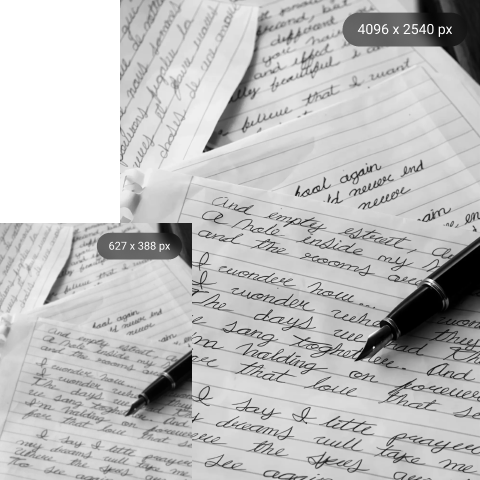
Make screenshots clearer online for social media sharing
When you send screenshots on WhatsApp or Instagram, they tend to be low quality and the text is not easily readable. When using Artguru, you can enhance screenshots so they appear clean and not pixelated.
Just to make a screenshot clearer, post your photo. The details enhance rather than distract from the original design. Enrich the quality of screenshots using web, iOS or Android anywhere, no time limit. You can even preview the result before downloading.
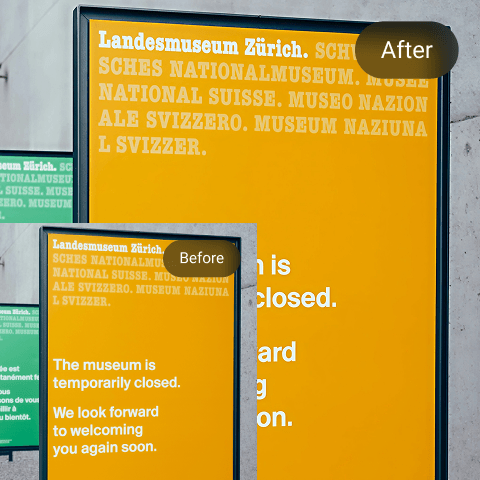
Create better memes with high-quality screenshots
A good meme comes from brevity. If the text is fuzzy, or if the picture appears to be squeezed down, then for all intents and purposes the message gets lost. You can sharpen your screenshots with Artguru screenshot enhancer, so you can keep captions sharp on social platforms.
It does not modify the output style, only makes more details, so the gestures or layout will stay normal. You can make screenshot clearer online by sharpening edges, reducing noise and keeping text readable.
What users say about Artguru screenshot enhancer

Maya Thompson
My images often became distorted after compression, especially when I shared screenshots online. I used Artguru to clean them up, and the difference was noticeable. The text became crisp and readable again, and I didn’t need to do any manual editing.
Daniel Weber
I needed to make a screenshot clearer for documentation purposes. I tried Artguru, and it noticeably improved the readability without changing the layout or colors. It saved me time since I didn’t have to manually edit anything. Really useful for sharing clean and professional screenshots.
Emily Carter
I post a lot of screenshots on social media and for work, and the quality often drops after sharing. This screenshot enhancer helped fix those low-quality images and made them look much cleaner and more professional. It’s quick to use and doesn’t change the original layout, which I really like.
FAQs about Artguru screenshot enhancer
What exactly does a screenshot enhancer do?
A screenshot enhancer, especially our Artguru, improves the clarity of your image by sharpening details, reducing noise, and making text more readable. It helps turn blurry or compressed screenshots into cleaner, higher-quality images without changing the original layout.
Yes. With Artguru, you can sharpen the screenshot online, without leaving your browser. Simply upload your image, and it will be processed automatically. There’s nothing to download or perhaps even configured.
No. We need to add quality, which is the role of our Artguru tool. We have designed it to boost the quality while keeping the original looks. It enhances and highlights without changing colors, contrast and overall structuring of your screenshot.
Yes. Artguru works wonders on photos taken long time ago or compressed screenshots. It aids in recovering lost detail and makes reading easier where there is a high amount of text displayed.
Artguru isn’t fussy about common formats like PNG, JPG, and WebP. Most of the standard screenshots can be uploaded without before files conversion.
Yes. Your information is stored on the cloud and securely processed. Moreover, images you upload and enhanced are only accessible to you, thus it’s ideal for both personal and occupational usage.


