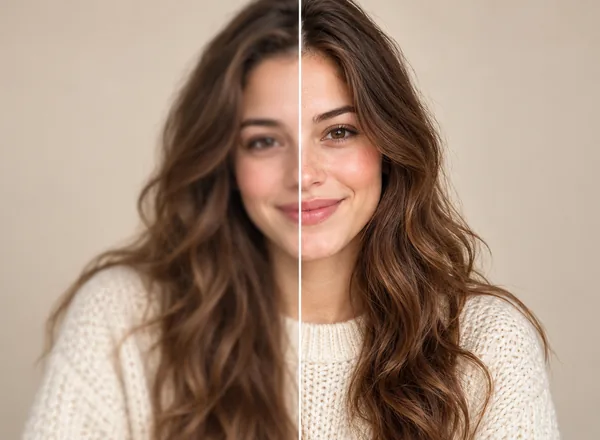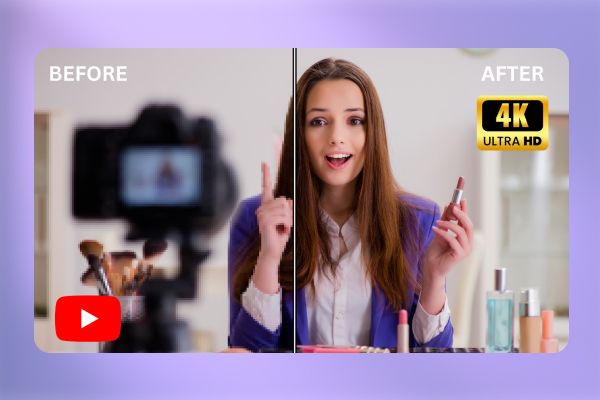
Your video looks really good on your device but right after you upload it to YouTube, everything looks blurry and pixelated. You have waited for some time and it is still stuck at low resolution. If you find yourself in this situation, don’t worry because you’re not alone.
Although there are so many ways on how to improve quality of YouTube video, the most effective one is to get your video enhanced before sharing it on YouTube. In this guide, we’ll focus on two practical methods, with video enhancers as the main tool for making your video clearer before it reaches YouTube.
Why Does Your YouTube Video Look Blurry?
A YouTube video can lose quality for several reasons:
- Your video was recorded at low resolution.
- Poor conditions while recording.
- The video was compressed through apps before editing.
- The export settings were too low.
These are also problems that you should fix when it comes to enhancing Youtube video quality. For example, before recording a video, you should set up better lighting conditions. While recording, holding your camera steadily is advisable. Lastly, export your video at the highest option available for better results.

1. Artguru Video Enhancer
The fastest way to improve YouTube video quality before uploading is to enhance the video file itself. This is where a one-click Video Enhancer fits naturally.
Artguru Video Enhancer is particularly created to enhance video quality online without installing any software or manually editing every single frame. The enhancing process starts automatically after you upload your video. After that, you can preview the output with a before-and-after comparison tool before downloading it for later use. Artguru is well-known for its convenience and quality.
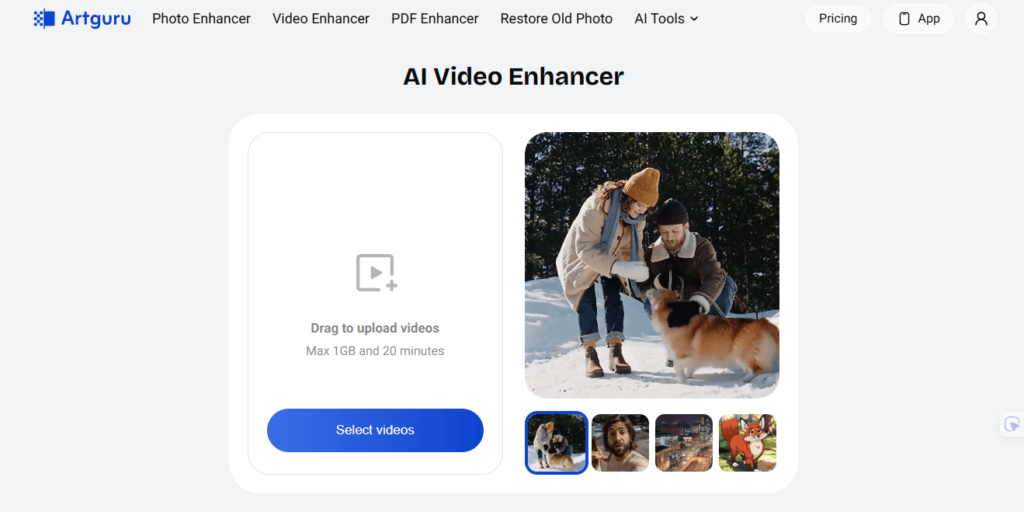
Step 1. Upload your blurry video
Go to Artguru Video Enhancer and upload your video file. Remember that the better the original video is, the better the result will become.
Step 2. Let Artguru enhance the video
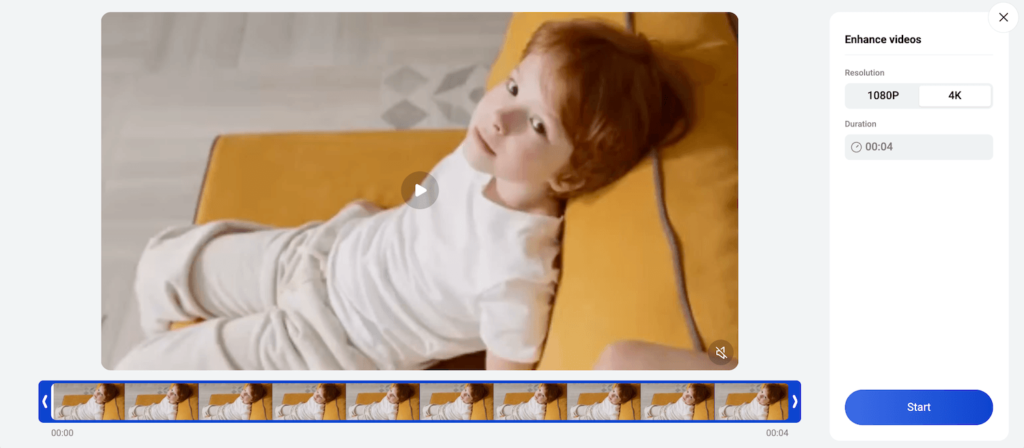
Artguru handles the enhancement automatically, so you do not need to adjust complicated editing controls. This is helpful if you are a beginner creator, teacher, small business owner, or social media editor who wants a clearer video without learning professional editing software.
Step 3. Preview and download the enhanced video
Before uploading to YouTube, preview the result carefully.
Check:
- Are faces clearer?
- Is the text easier to read?
- Is the video less noisy?
- Do edges look sharper but still natural?
- Does the video still look like the original scene?
Artguru’s AI video enhancement works best when the original video still contains usable detail. It can help improve clarity, but it cannot perfectly recreate details that were never captured.
Beyond video, Artguru also offers a powerful AI image enhancer that brings the same intelligent upscaling technology to your photos. Whether you are working with blurry portraits, low-resolution product images, or old scanned pictures, the tool automatically sharpens details, reduces noise, and upscales images up to 8K in seconds. No editing experience is needed, and the results are clean, professional, and ready to use across any platform.
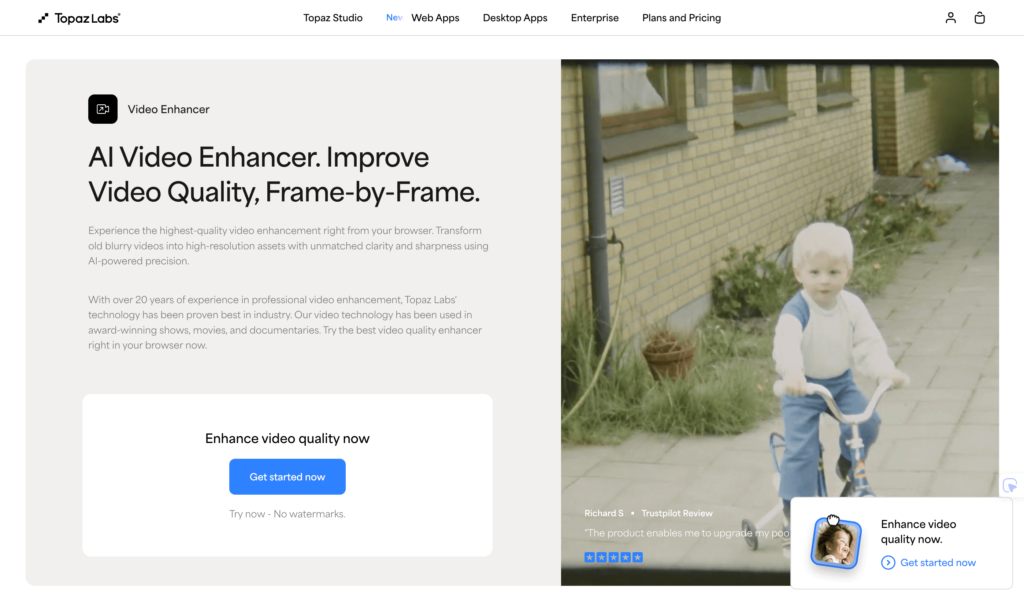
2. Topaz Video AI
Topaz Video AI is a strong option for creators who need video enhancement. It is well-known for its features like sharpening motion and recreating fine details. Topaz’s output can be up to 4K. If you are working with an important client or YouTube video that needs more powerful restoration, Topaz Video AI should be checked out.
The only weakness is that it may be overwhelming to beginners or someone who only needs a simple workflow and saves their time. Besides, pricing is another thing that you should consider. Because of all the advanced and powerful tools, Topaz cost more than the average in the market.
3. Media.io AI Video Enhancer
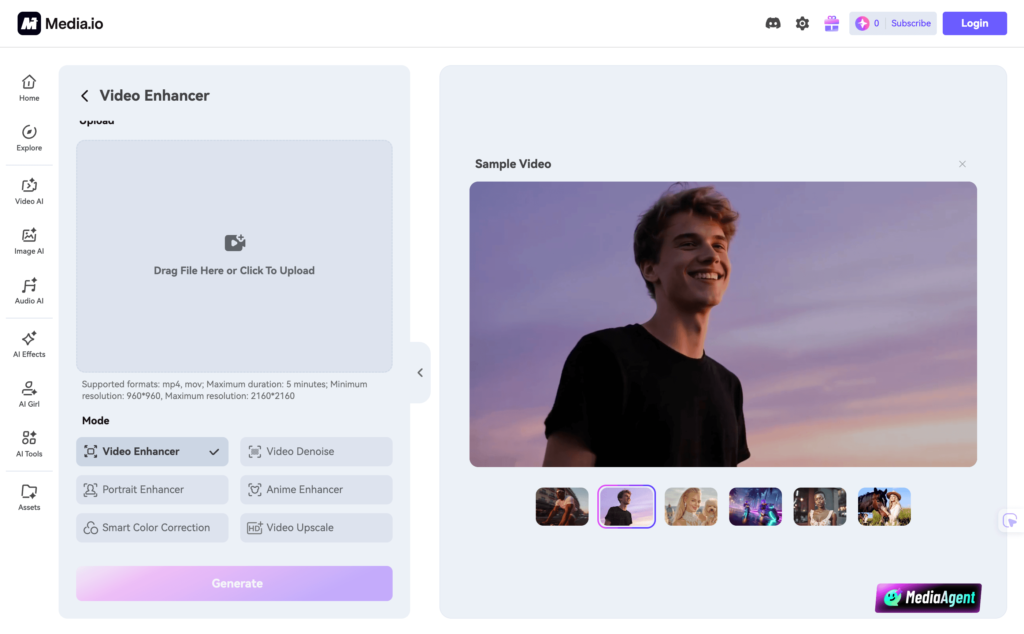
Media.io AI Video Enhancer is another online option for someone who wants to enhance video quality without installing heavy software. Basically, Media.io and Artguru both share similar features with a super straightforward workflow. It only takes you 3 steps (uploading, previewing and downloading) to get your video enhanced.
This tool is useful if you want a workflow similar to Artguru. Upload your video, let the AI process it right in your browser before publishing it on YouTube. The output quality is promising and good enough to make your video outstanding.
4. CapCut AI Video Upscaler
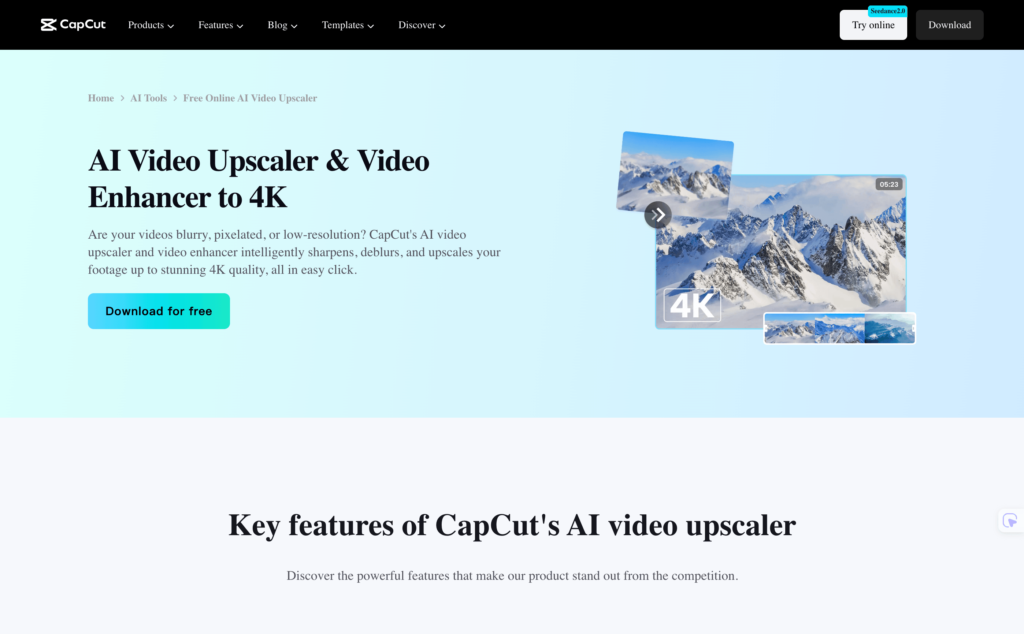
CapCut is popular among TikTok, Shorts, and social media creators, but it also offers an AI video upscaler. You can make use of the “Enhance quality” option inside the editor. The quality of the output is quite good, which you can easily compare with your original video.
However, remember that in order to use this feature, you have to be one of the CapCut members who subscribe to a monthly or yearly plan. Besides, CapCut is not for someone who is new to video editing. It has tons of different sliders, requiring you more time on experimenting and finding the best options for your video.
Best Tools to Improve YouTube Video Quality
| Tool | Best For | Why It Stands Out | Drawback |
| Artguru | Users who want the simplest way to improve YouTube video quality | Offers both AI video enhancement and video upscaling in a beginner-friendly workflow. It is especially useful for sharpening blurry videos, reducing noise, and preparing cleaner videos before YouTube upload. | Not built for advanced manual editing |
| Topaz Video AI | Professional enhancement and restoration | Strong AI models for upscaling, motion enhancement, and recovering details in difficult footage | Better suited to advanced users or professional teams |
| Media.io | Fast online video enhancement | Easy browser-based tool for quick sharpening, denoising, and upscaling | Less powerful than some desktop-focused tools |
| CapCut | Social and short-form creators | Useful if you want to edit and enhance video in the same app | More focused on editing than deep AI restoration |
Conclusion
If you want to improve the quality of your YouTube videos, the focus should always start with the video file itself. Uploading in high resolution is the single most effective step you can take. Even after YouTube’s compression, a higher-quality source file will consistently deliver a cleaner, more professional result on screen.
For videos that appear soft, blurry, or noisy, a dedicated enhancement tool makes a significant difference. Artguru Video Enhancer is a great option for this, as it uses AI to sharpen details, reduce noise, and restore clarity in just one click, without requiring any technical editing skills. Whether you’re improving old footage or polishing a new upload, it’s one of the fastest ways to get professional-looking results.