Increase DPI of Image Online with Artguru’s AI Upscaler
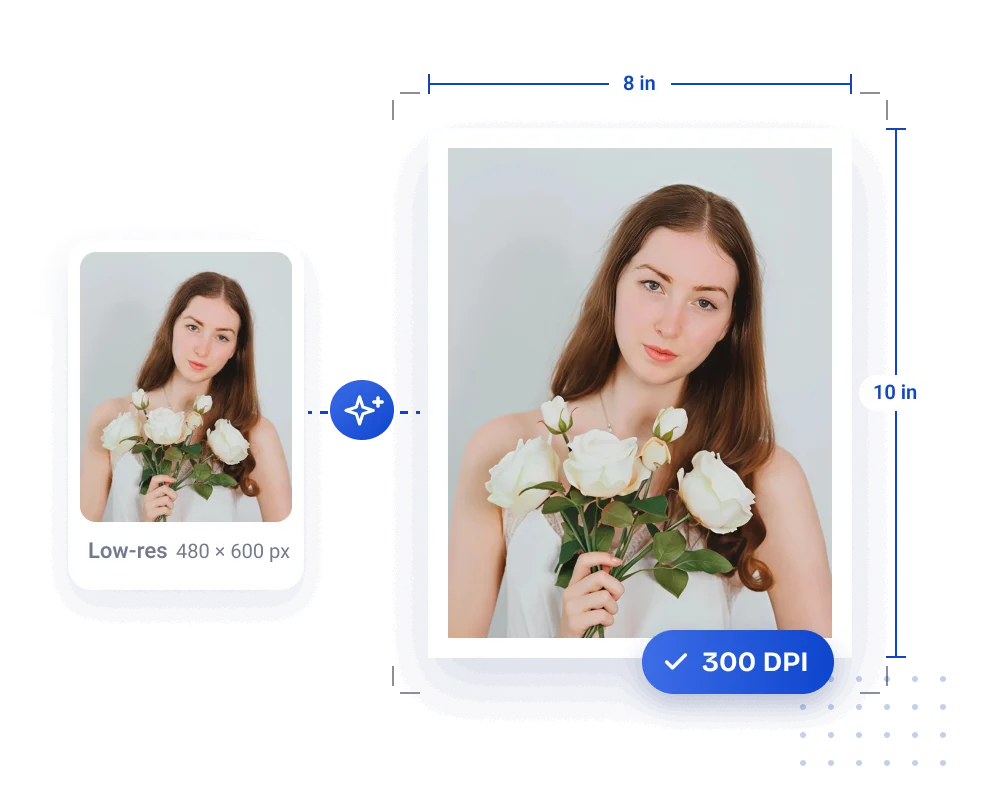
Easily convert your images to 300 DPI for printing. Improve image clarity with AI and automatically get the pixels needed for your print size. Get your images ready for print in seconds.
 Easy DPI Conversion
Increase image DPI online without complicated editing skills.
 Flexible print sizes
Use a preset or custom print size for your photos, posters, and other print projects.
 Improve low-resolution images
AI increases image resolution and enhances details for clearer prints.
 300 DPI output
Download your image at 300 DPI, ready for your next print project.
How to convert an image to 300 DPI
Upload your image, enhance it with AI, then set your print size and export.

Step 1. Upload and upscale
Upload a JPG, PNG, or WebP image to Artguru’s image enhancer. Select the 4K enhancement option to upscale your image with AI.

Step 2. Set your print dimensions
On the results page, select Export for print. Choose a preset, or use Customize to enter the width, height, and unit you need.

Step 3. Export at 300 DPI
Click Export to create a 300 DPI image with the pixel dimensions matched to your selected print size.
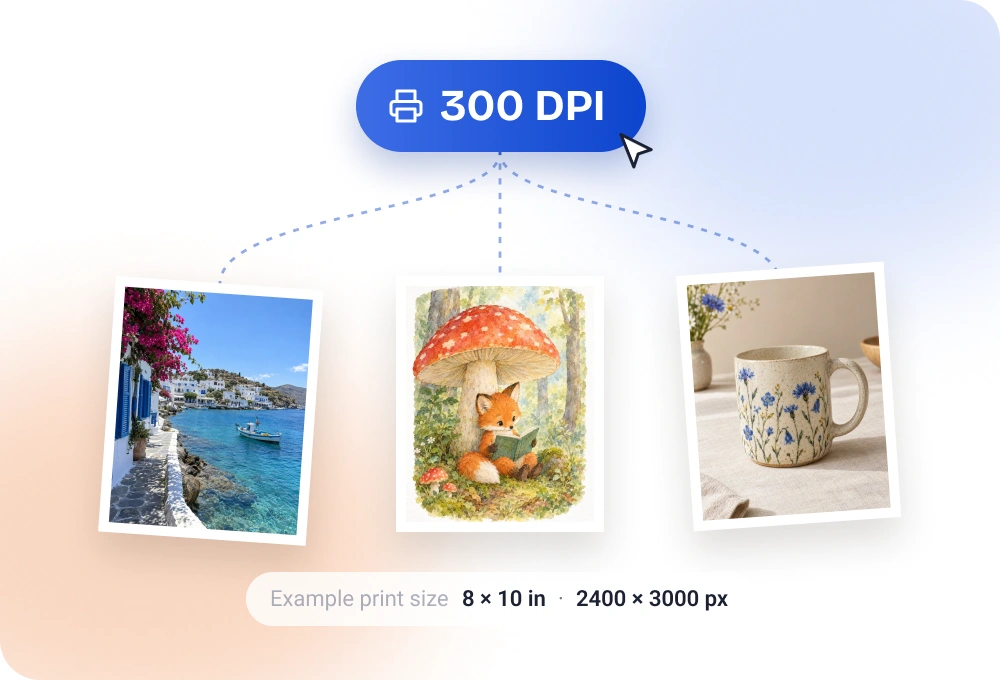
A 300 DPI converter for your printing needs
Get a 300 DPI image at the size your print project needs. Artguru’s image DPI converter automatically matches the pixels to your print dimensions and exports at 300 DPI. No manual pixel calculations needed.
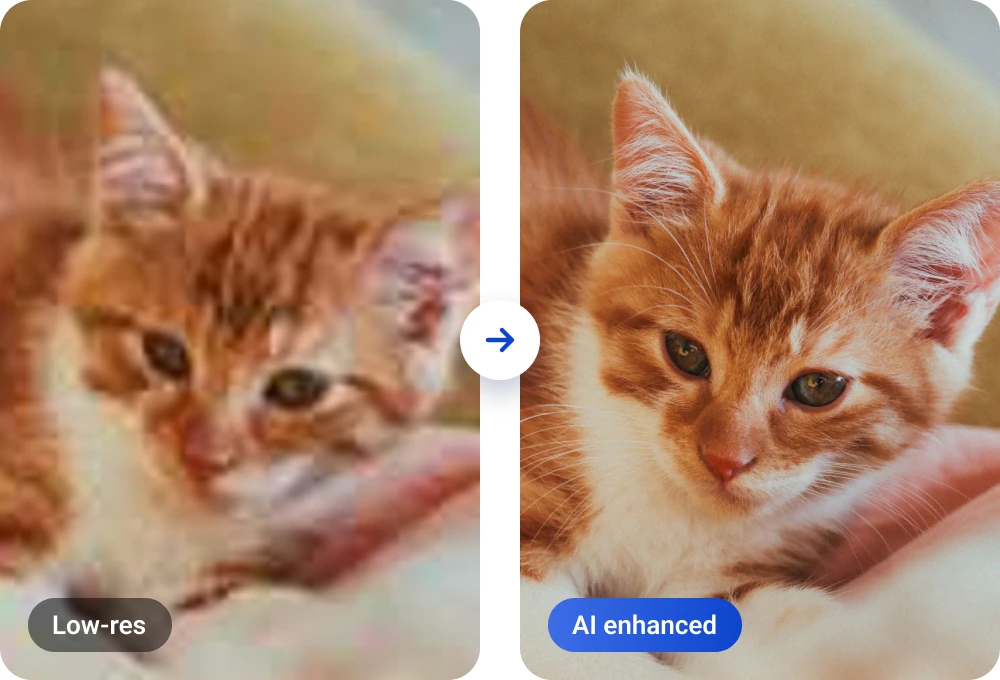
Improve low-resolution images for clearer prints
If your image looks blurry or pixelated, changing its DPI number alone won’t make it clearer. Artguru’s AI upscaling adds pixels and improves edges, textures, and fine details. When you convert from 72 DPI to 300 DPI, the AI enhancement helps improve the picture you print, too.
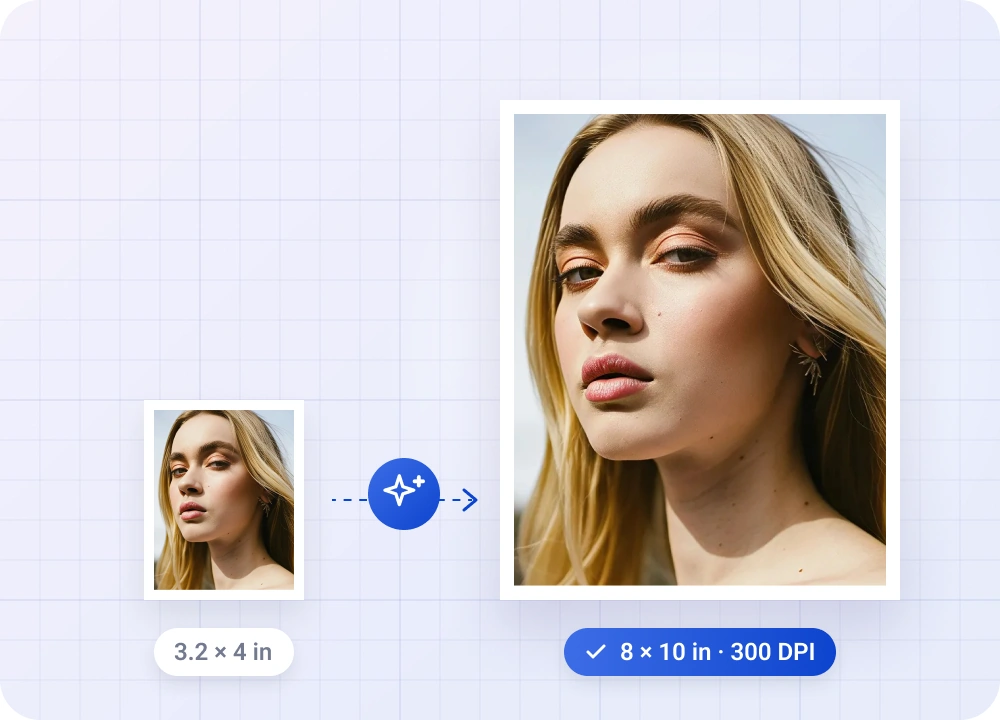
Resize images for printing at 300 DPI
Keep your print project at the size you planned while meeting its 300 DPI requirement. Artguru offers presets and custom dimensions in inches, centimeters, or millimeters, automatically adding the pixels needed for your target print size. Whether you’re preparing a framed photo, a poster, or a personalized gift, you can match your project’s dimensions without settling for a smaller print.
Print your photos, artwork, and designs
Turn digital images into prints you can display, give, or sell.
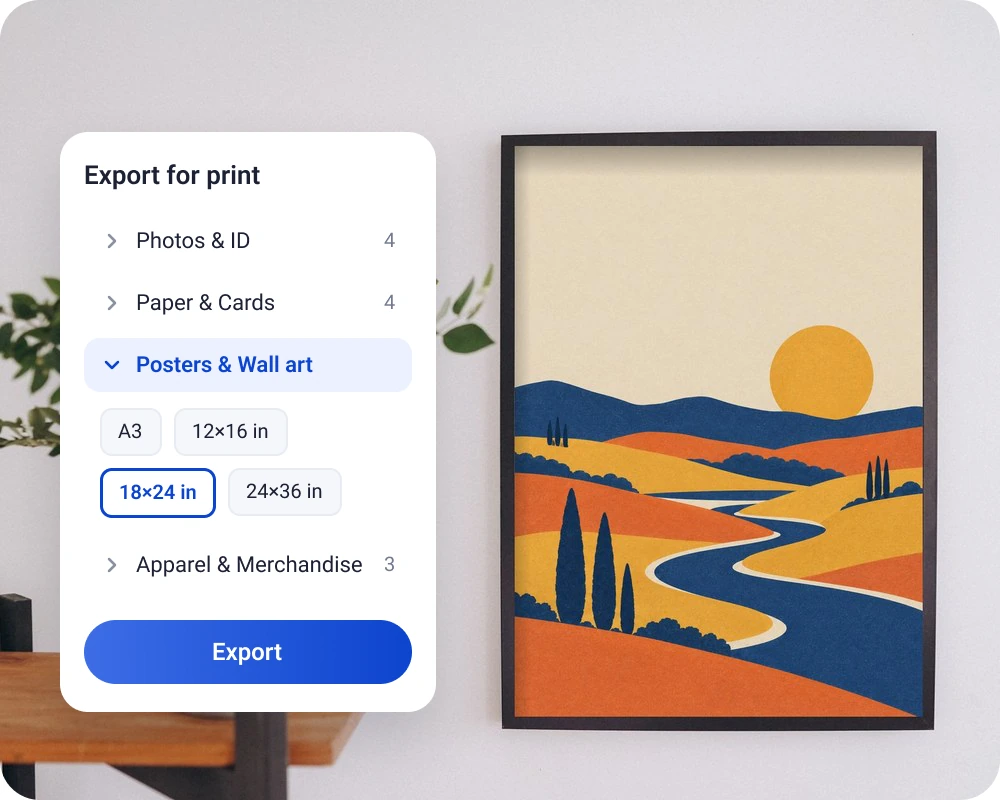
AI-generated art prints
Turn AI-generated images into posters or canvas prints. Enlarge your artwork with clearer edges and textures, then export at 300 DPI for the size you want to display.
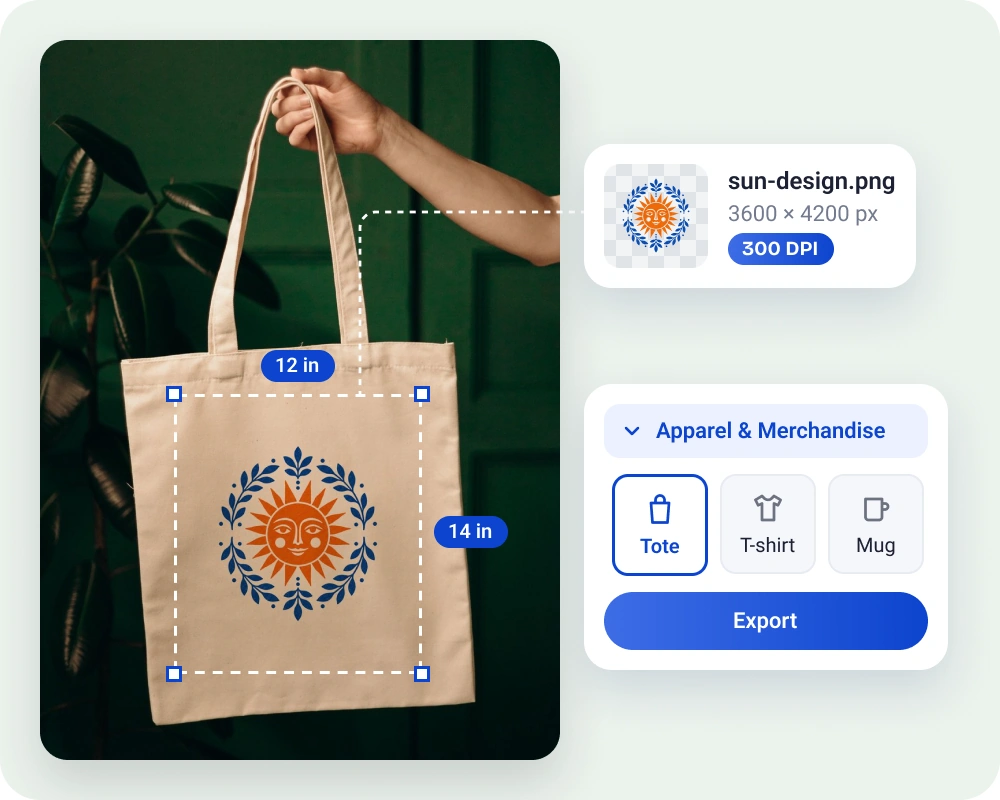
Custom prints from customer images
Prepare customer-supplied images for personalized gifts or merchandise. Improve low-resolution images with AI, set the print dimensions you need, and export a 300 DPI file for your print provider.
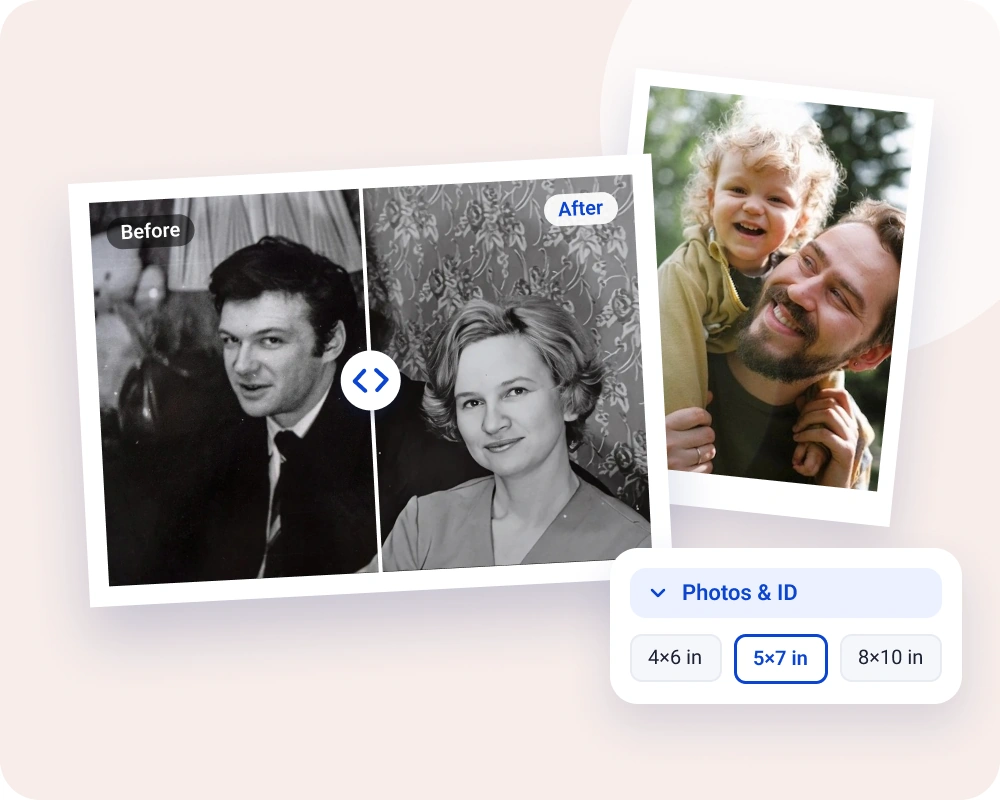
Photos and gifts
Bring favorite family or travel photos off your phone and into a frame or photo gift. Enhance the image for a clearer print at the size you choose.
Questions about image DPI and printing
Some basic DPI converters only change the DPI setting without adding pixels or improving image clarity. Artguru combines AI upscaling with 300 DPI export and processes the pixels needed for your chosen print size. This helps when you need both a 300 DPI file and a clearer image for printing.
Yes. A 72 or 96 DPI setting does not prevent you from exporting at 300 DPI. Choose your target size in Export for print, and Artguru processes the pixels needed for that size before exporting the 300 DPI file.
Yes. Enter the image’s existing print width and height in Export for print. Artguru processes the pixels needed to export at those dimensions at 300 DPI. The pixel count and file size may change.
Open the exported image in an editor that displays print resolution. For example, in Photoshop, go to Image > Image Size and check that Resolution is 300 pixels per inch (PPI). Print services commonly call this 300 DPI. Before printing, also review fine details and your provider’s file requirements.
Yes. Artguru supports image output up to 8K resolution. At 300 DPI, the physical print size depends on both the pixel width and height, so the maximum varies with the image’s proportions. Oversized prints may need more pixels than Artguru can output.