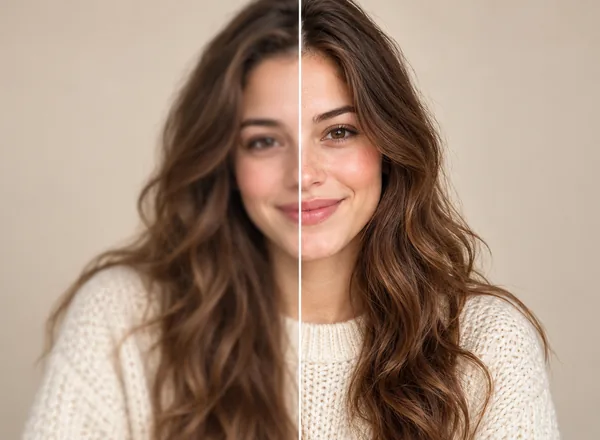
People possess at least one photograph which almost succeeded as a complete image. The photograph captured the scene well because the moment held significant importance to the photographer. The viewer discovers through zooming that the entire picture appears to have a foggy quality because the camera lens lost focus during the filming. The present-day situation creates particular annoyance because people now carry cameras everywhere and they expect immediate results with their high demands.
Learning how to make a photo clearer is now accessible to anyone who wants to learn it. People need sharper images for online stores and social posts and resumes and marketing graphics and family archives and profile pictures and blog headers and their serious hobby projects. The good news is that fixing unclear photos no longer means mastering complicated editing software or watching twelve tutorials at midnight. Manual tools still matter, sure, but AI enhancement has changed what’s realistically fixable when the original file wasn’t ideal.
The guide examines three main topics which include the reasons behind photo clarity loss and the basic editing methods that improve image quality and the use of contemporary AI technology which includes Artguru’s image-based tools for improving image sharpness and resolution and restoration of common visual content.
Most blurry pictures aren’t the result of some dramatic failure. They’re usually caused by boring, everyday things stacking together.
Common reasons include:
- Hand movement during the shot
- Low light forcing slower shutter speeds
- Digital zoom softening everything
- Heavy cropping after the fact
- Noise from night photos
- Compression from social platforms
- Old cameras or tiny original files
Sometimes you only notice the problem later, when the image gets reused for something more important than its original purpose. That casual snapshot suddenly becomes a banner or a listing image, and suddenly the softness feels… louder.
Basic Ways to Make an Image Clearer (Manual Methods)
The process of manual editing becomes useful when the image shows only minor blur or dullness. The techniques do not create new details instead they show existing information.
Adjust Exposure and Contrast
Slightly brightening shadows and increasing contrast can make edges more visible. Go slow though. Push too far and everything looks crunchy or washed out, which is a different problem entirely.
Use Sharpening Gently
Sharpening tools enhance edges. Used lightly, they improve clarity. Used heavily, they create glowing outlines and weird textures that make photos feel synthetic. The trick is stopping earlier than you think.
Reduce Noise
Noise reduction smooths grain from low-light images. Helpful, yes, but too much erases fine detail like hair or fabric weave. Balance is boring but necessary.
Crop for Impact
The process of eliminating distractions from a situation helps people understand it better. The subject becomes more visible through a narrower frame even though the resolution remains unchanged.
The methods provide useful functionality to users yet the system fails to perform properly when handling extremely small files or files with advanced blurring. That’s where AI image enhancement steps in.
Advanced Methods: How AI Makes a Photo Clearer
AI photo enhancement works differently than traditional editing. Instead of only adjusting existing pixels, it analyses patterns in the image and predicts what missing detail should look like based on trained models. Faces get treated differently than landscapes. Textures differently than skies. Edges differently than skin.
When people search how can I make a picture clearer today, the most effective answer is usually to try AI first, then fine-tune manually if needed.
AI tools typically handle:
- Intelligent sharpening
- Noise reduction with texture preserved
- Resolution upscaling
- Repairing scratches in old photos
The biggest difference is consistency. You’re not guessing which slider to move. The system does the heavy lifting, then hands you a version that already looks usable.
How Artguru Approaches Photo Clarity
Artguru is built as a multi-purpose AI enhancer, with a strong focus on the enhancement of photos, documents and videos.
Photo Enhancer
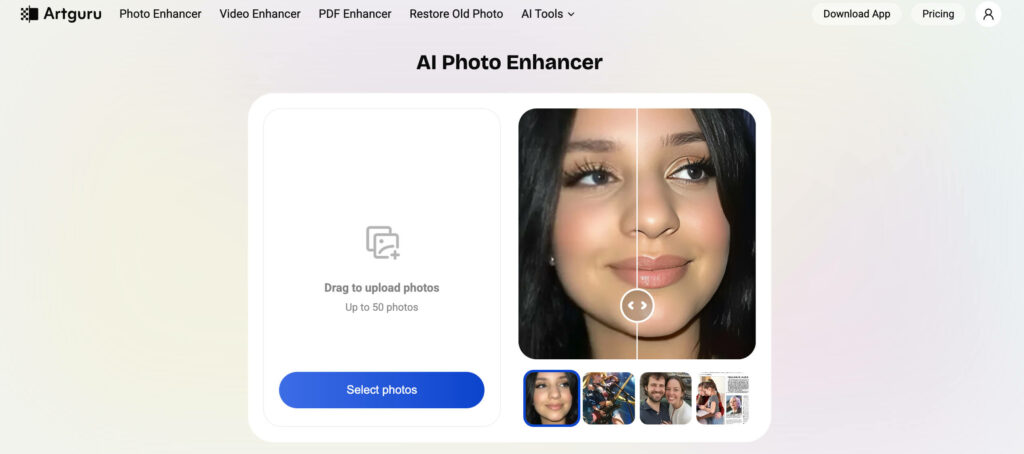
Artguru’s Photo Enhancer boosts quality up to 4K resolution and automatically recognises what kind of image it’s working with. Portraits, products, scenery, digital art, each gets handled slightly differently. This saves users from trial-and-error sessions that usually end with, “why does this look worse than before.”
The goal isn’t dramatic stylisation, but realistic clarity. Skin texture stays human. Surfaces keep grain. Edges sharpen without screaming about it.
Image Upscaler
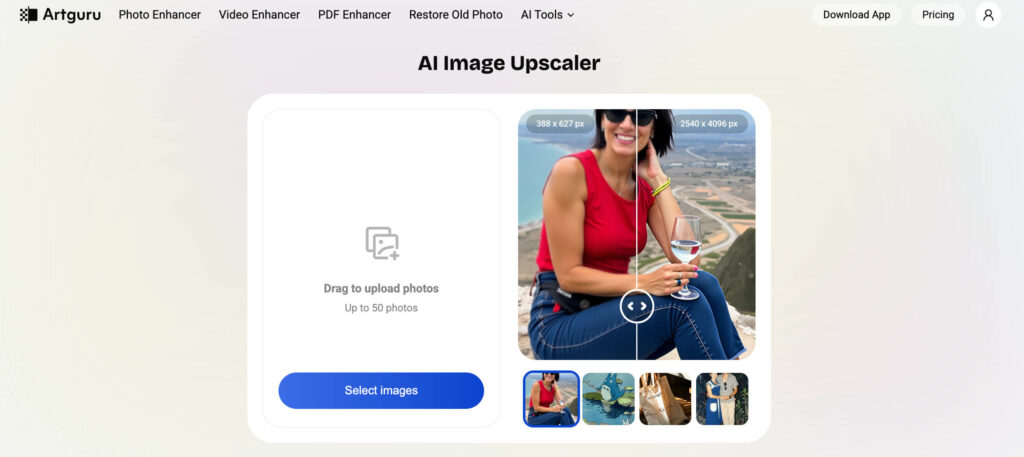
Artguru’s Image Upscaler can even push resolution up to 8K. That’s especially useful when a small image suddenly needs to become a website hero, printed poster, or zoom-friendly ecommerce photo.
Upscaling doesn’t just stretch pixels here. The AI reconstructs detail so the enlarged image doesn’t collapse into blurry blocks, which is kind of the whole point.
Old Photo Restoration
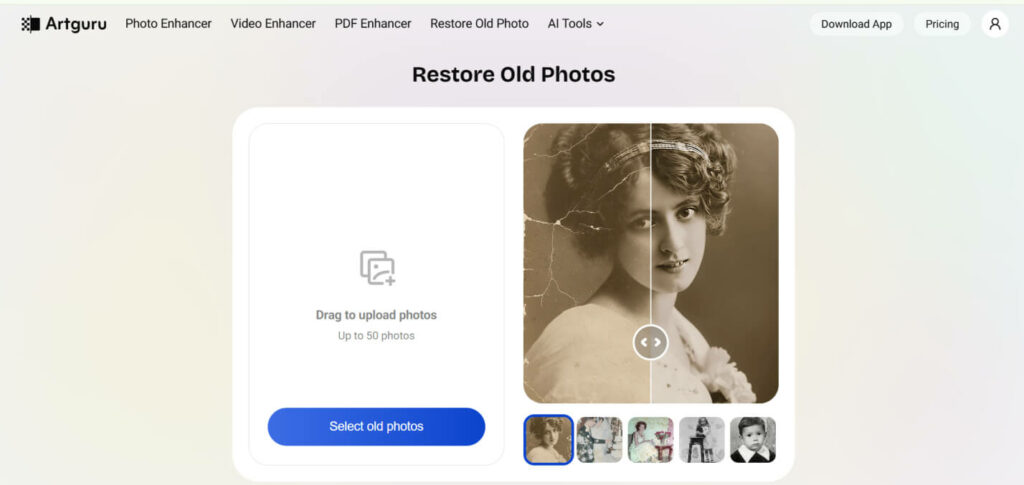
Older photographs often arrive with scratches, stains, and mysterious marks no one remembers adding. Artguru offers old photo restoration tools which eliminate physical damage while enhancing image sharpness. This functionality enables users to convert their family photos into digital archives which require no manual crack restoration work.
All of these features work across web, iOS, and Android, which matters because not everyone edits on a desktop anymore. A lot of clarity problems get solved on phones while sitting on couches, apparently.
Step-by-Step: How to Make Blurry Photos Clearer with Artguru
If you’re trying to figure out how to make blurry photos clearer using Artguru, the process stays refreshingly straightforward:
Open Artguru on web or mobile

Choose Photo Enhancer or Image Upscaler
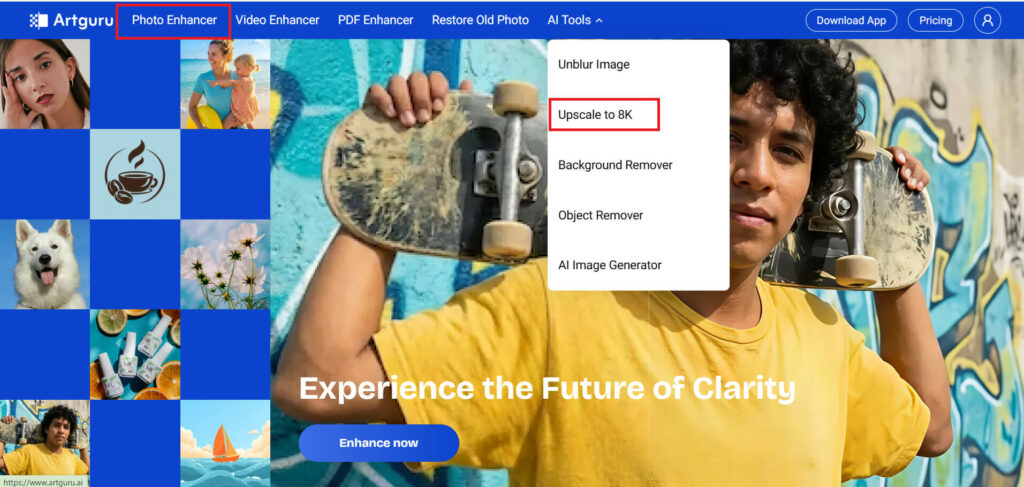
Select your photo in Photo Enhancer
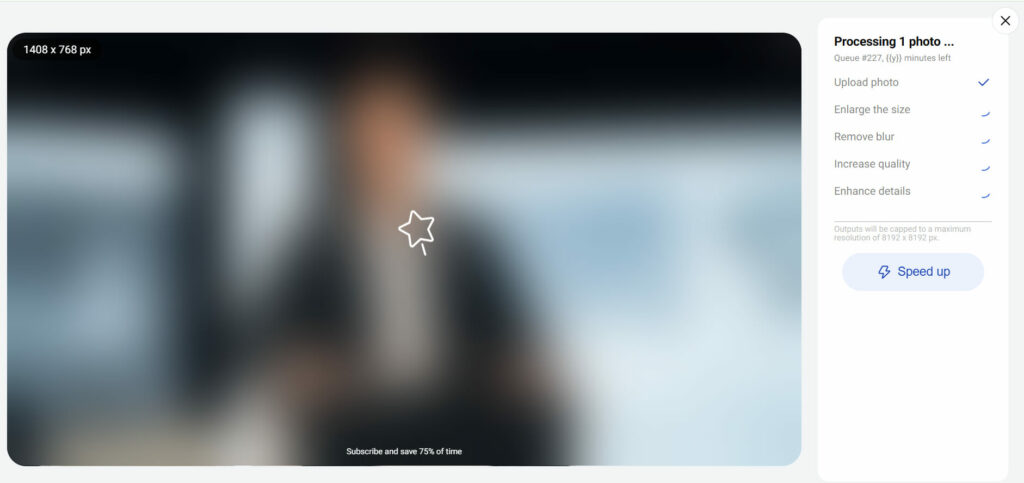
Let the AI process the image
Download the improved version
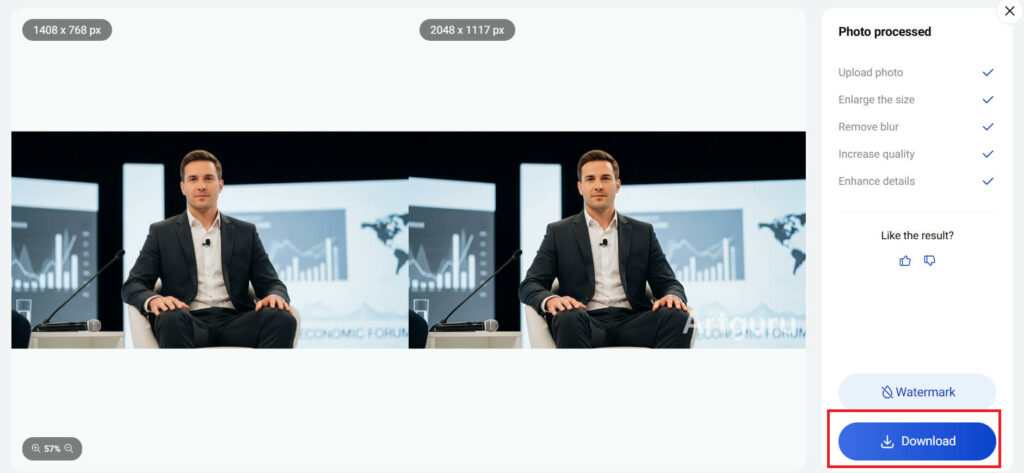
Artguru’s free plans include daily credits and standard-resolution downloads which allow users to test results before making their final decision. The paid plans provide users with increased output capacity and quicker processing speeds together with the ability to process multiple images at once and obtain files without watermarks.
When You Really Need to Make a Photo Clearer
Some situations benefit from enhancement more than others.
- Product photos for online stores
- Marketing banners pulled from old campaigns
- Website headers
- Profile images
- Logos in low resolution
- Family photo archives
- Hobby projects moving toward print
In these cases, clarity isn’t cosmetic. It directly affects trust, readability, and whether the image can actually be reused.
Tips to Keep Your Photos Clear in the Future
AI is powerful, but better capture habits still help.
- Clean your camera lens more often than feels necessary
- Use natural light whenever possible
- Avoid digital zoom
- Hold steady or brace against something
- Save originals before sharing
- Don’t repeatedly resave compressed copies
Think of enhancement as a rescue rope, not a license to photograph everything mid-sprint.
Final Thoughts
Learning how to make a photo clearer today isn’t about becoming an editing expert overnight. The process requires understanding which editing methods need basic adjustments and which advanced tools will provide better results. AI image enhancement has pushed the boundary of what researchers can retrieve from low-resolution photos which have noise and aged appearance.
With platforms like Artguru offering photo enhancement, 8K upscaling, and restoration in one place, unclear images don’t automatically feel like lost causes anymore. Sometimes they’re just unfinished, waiting for the version where everything finally snaps into focus, which feels oddly satisfying when it happens.
FAQs
How can I make a photo clearer without Photoshop?
You can enhance photos through online AI photo enhancers, such as Artguru Image Enhancer, which provides automatic sharpening, upscaling and noise reduction without any editing experience.
How to make blurry photos clearer on iPhone?
Use an image enhancer in the browser on your iPhone or download an app from the App Store. Artguru offers both versions for iOS and Android users, and it’s as easy to use as the online platform to make blurry photos clearer on iPhone — upload, enhance, and save clearer photos.
Is it possible to depixelate an image?
Yes, AI unpixelating tools like Artguru can reduce visible pixelation and reconstruct detail, especially when enlarging small images for print or display.
How can you make a picture clearer for printing?
Use Artguru image upscaler to increase resolution to 4K or 8K, then review sharpness before exporting a print-ready file.
Can AI fix old damaged photos?
Yes, Artguru’s AI old photo restoration tools can remove scratches and improve clarity in scanned vintage images.
What’s the difference between sharpening and upscaling?
The process of sharpening creates better defined edges which already exist in the image, while upscaling actually enhances image resolution through the detailed reconstruction process which enables images to maintain quality at larger display sizes.