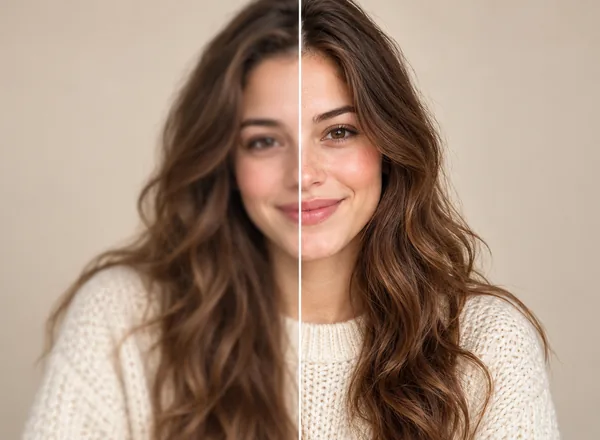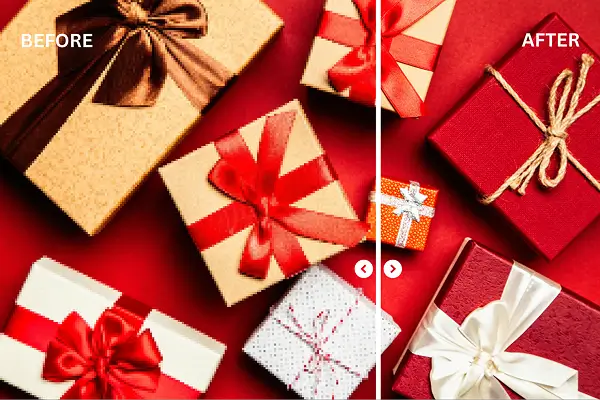
You’ve probably felt frustrated when the photos and videos you spent so much time and effort shooting look blurry and soft, or even pixelated. There are many reasons why your visuals look bad when uploaded online. Fortunately, thanks to the development of modern technology in general and AI in particular, AI upscaler tools have become a powerful tool, helping you regain confidence in your work.
In this article, we will explore the best AI upscaler for both images and videos based on a comparison of the most suitable and effective criteria for 2026.
What Is an AI Upscaler (Image vs Video)
There are many different ways to define an AI upscaler. However, for most (non-tech users), simply put, an AI upscaler increases the resolution of an image or video based on general data trained by an AI model. Unlike traditional tools that simply search around empty pixels to fill in similar colors, AI upscalers analyze and predict missing details, search through datasets, and fill in those missing details with the most suitable ones.
Image upscaling focuses on:
- Edge refinement (hair, text, product outlines)
- Noise and compression artifact reduction
- Texture recovery (fabric, skin detail, materials)
Video upscaling is more challenging because the upscalers must fine-tune every single frame:
- Consistency and Stability (avoiding flicker)
- Sharpening (reducing halos on moving objects)
- Noise reduction without smearing fast action
That is why the best ai video upscaler tools usually take longer and offer fewer “instant” results than image-only tools.
5 Best AI Image Upscalers
1. Artguru Image Upscaler (up to 8K)
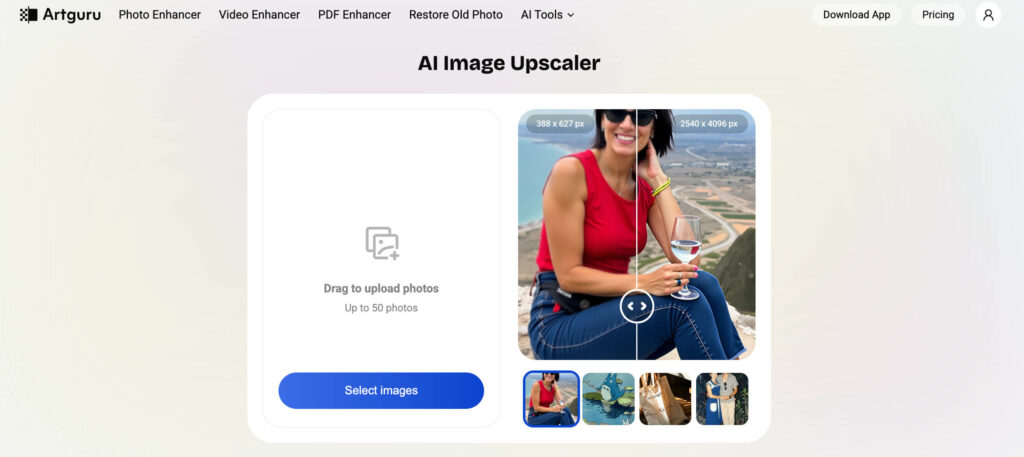
Artguru can upscale images to 8K resolution, delivering sharp images that are perfectly viewable on large screens with high resolutions. You can also process multiple images simultaneously to save time. Besides, API access is available via its developer docs, helpful for teams that want automation, but now it only supports 4K upscaling. Artguru also has mobile apps (both iOS and Android), which gives users a seamless and smooth workflow at your fingertips.
Use case
- Creators who want social-ready images fast (thumbnails, banners, portfolio shots) with high resolution.
- Businesses polishing product photos before publishing catalogs
- Anyone who wants “one-click” output without complex editing and upscaling.
Pricing
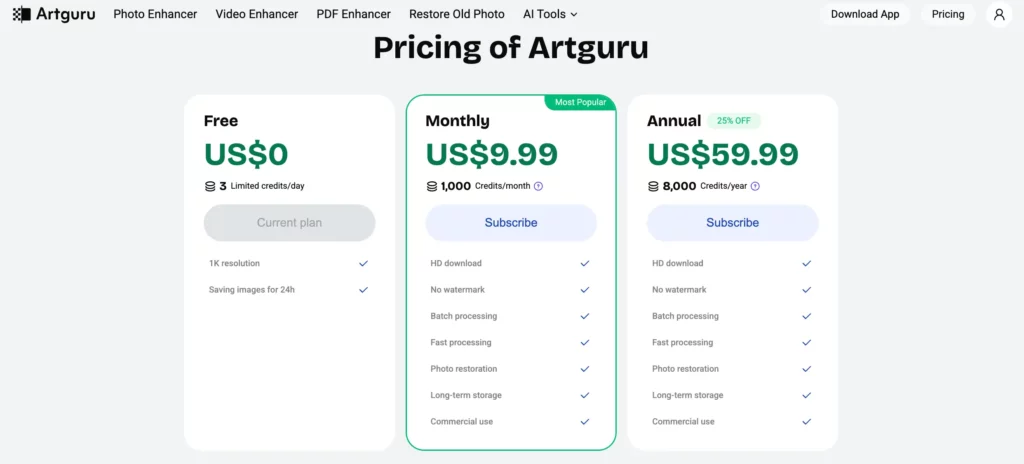
Artguru offers simple, accessible pricing packages for all your image enhancement and upscaling needs. Users can start with the Free Plan to experience basic features for everyday use. The Monthly Plan is suitable for frequent use with fast processing speeds, no watermarks, and batch support. With the Annual Plan, you save more money, get a large credit limit, and can use it for commercial purposes and long-term storage.
Pros
- One-click enhancement in seconds.
- Very high output targets (8K) with a simple workflow.
- Solid batch support for repetitive jobs.
- Long-term storage
Cons
- As a cloud workflow, speed depends on queue, file size, your connection and your plan.
- If you need strict manual control (masking, selective processing), a desktop editor is recommended.
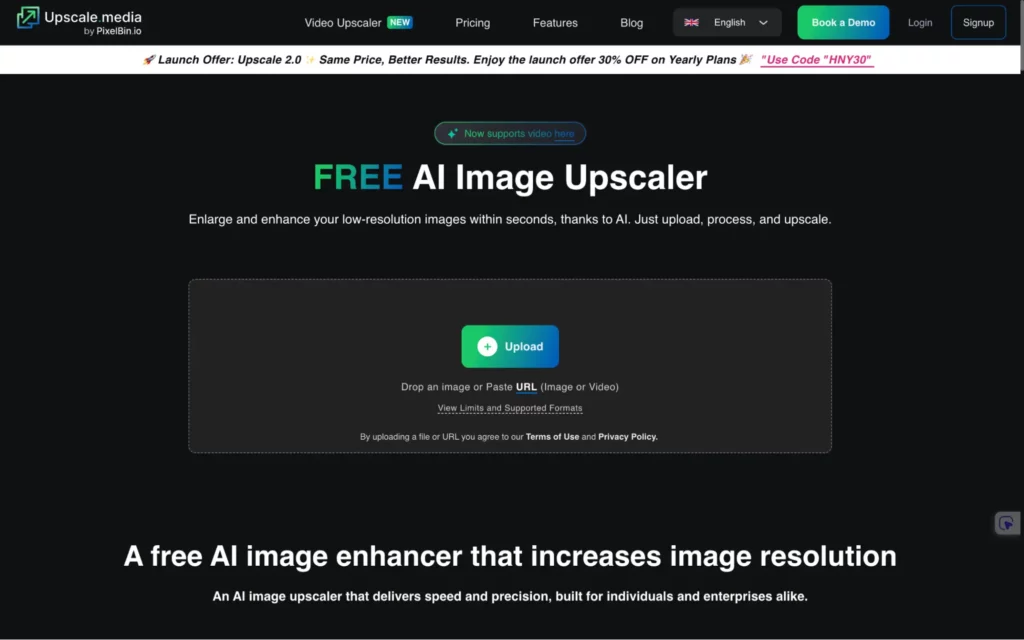
2. Upscale.media
Similar to other AI upscaler tools, Upscale.media can also increase the resolution of your images with options up to 8x the original size. It can also process multiple images at once. Additionally, mobile apps are available for download.
Use case
- E-commerce teams scaling lots of product photos quickly
- Individuals who want fast upscales without learning pro tools
Pricing
You can start with the Free Plan for a free trial, or choose a Subscription Plan at a lower cost, optimized for frequent use. For short-term use, the One-time payment option allows you to proactively pay by credit.
Pros
- Strong “speed plus simplicity” balance
- API and batch options are practical for real workflows
Cons
- Credit costs can add up for heavy users
- Best results usually come from clean inputs (not extreme blur)
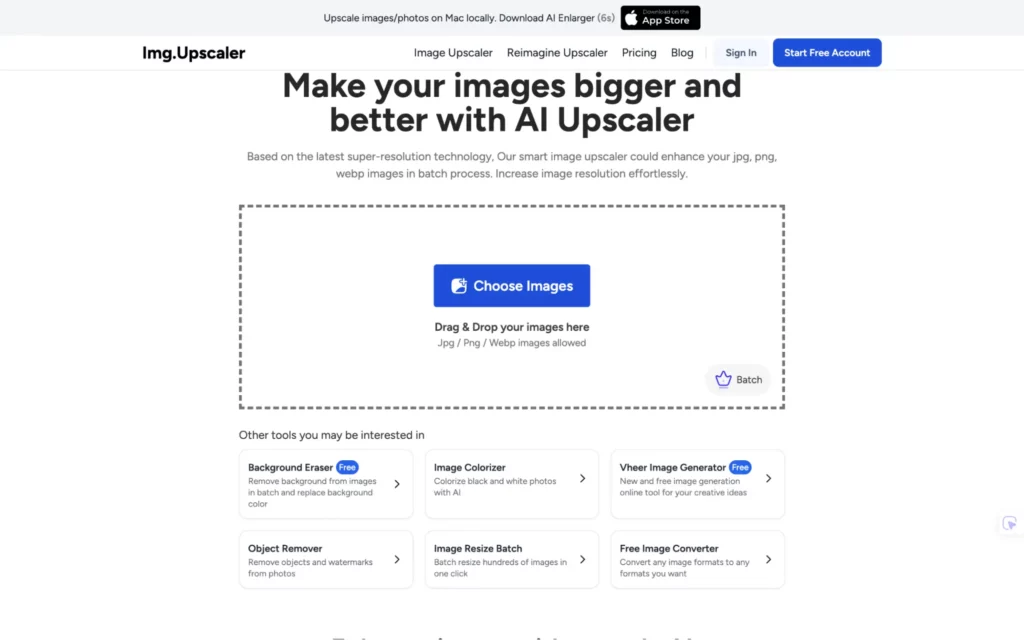
3. Img.Upscaler
If you need to process large images, this is the tool for you. Of course, if you are holding a higher subscription plan, you’ll get better service. You can also process up to 8 images simultaneously.
Use case
- Designers and marketers who upscale assets in small batches
- Users who want a straightforward web tool with predictable bulk limits
Pricing
You can start with the Free Plan, free for life, for a basic experience. The Starter and Premium Plans cater to the needs of frequent image upgrades with flexible credits, batch processing support, and no ads. For professional needs, the Business Plan offers nearly unlimited usage, including email support, ideal for work and commercial projects.
Pros
- Clear pricing tiers and bulk caps
- Good for routine upscaling tasks
Cons
- Bulk is capped (8 at a time), which may be limiting for big teams
- API integration is not prominently advertised in the pricing details
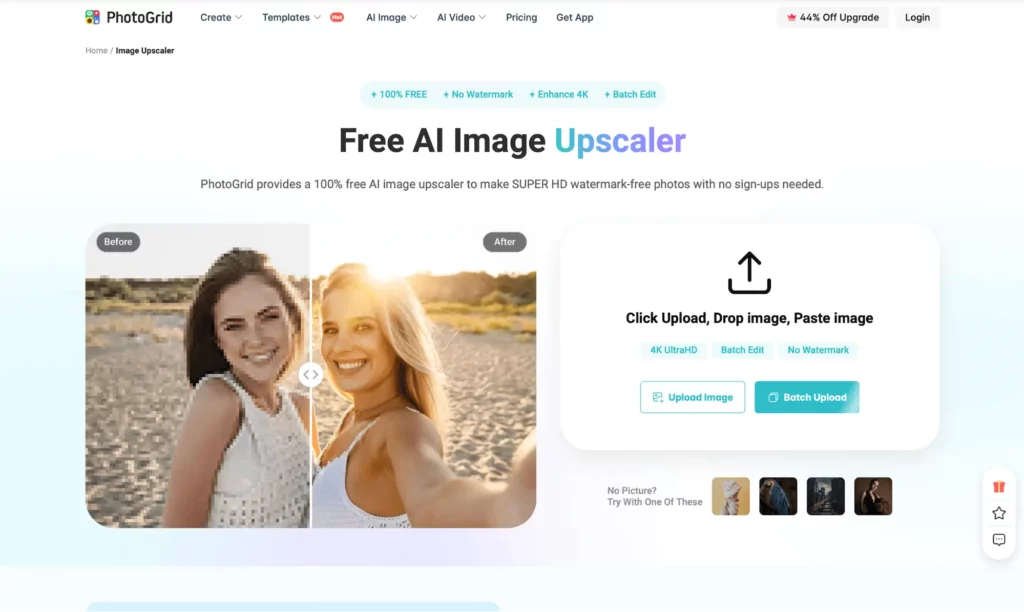
4. PhotoGrid Image Upscaler
PhotoGrid can upscale your images up to 4K with no watermark without signing up. It has a super simple workflow: Upload – Upscale – Download. All you need to do is find the best version of the picture you want for upscaling. By using PhotoGrid, you can restore your old family images, sharpen your portrait and landscape pictures or professional ones.
Use case
- Quick enhancement on phone for social posting
- Casual users who want convenience over deep control
Pricing
The Free Plan is suitable for basic photo editing and limited access to AI tools. Pro-Monthly is for frequent users with unlimited access to AI tools and premium resources. Pro-Yearly is the most cost-effective option for long-term needs..
Pros
- User-friendly interface
- Good “quick fix” option for everyday photos
- Simple workflow
Cons
- Not built for enterprise automation (no clear API focus)
- Fine detail control is limited compared to desktop tools
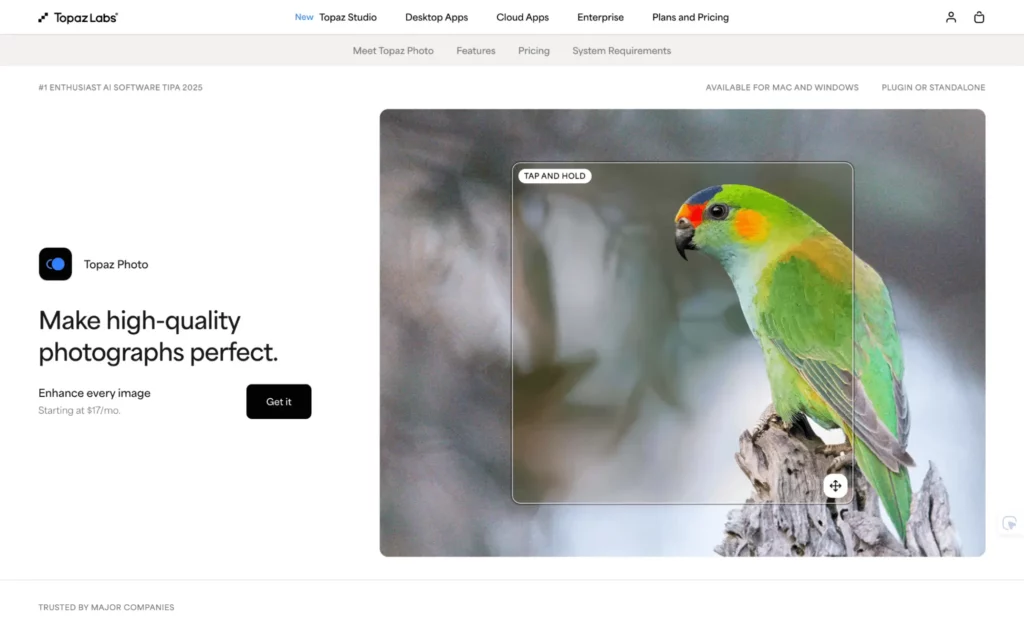
5. Topaz Photo AI
You can enjoy Topaz’s desktop workflow with strong enhancement models and offline processing. Besides, the upscale limits in Topaz tooling are commonly capped around 6x for stability in current versions. Beside upscaling, Topaz can denoise, sharpen, recover details and correct lighting. Topaz comes with 12 AI tools and regular updates.
Use case
- Professionals who want maximum control and consistent output quality
- Users handling sensitive images who prefer local processing
Pricing
Topaz Studio is suitable for individuals and content creators with a fee of $37/month, including the entire application and rendering capabilities both locally and in the cloud. Topaz Studio Pro is aimed at professional users and listed by the price of $75/month.
Pros
- Strong pro-grade output and offline workflow.
- Reliable for repeatable, high-stakes work (print, client delivery).
Cons
- Costs more upfront than many web tools.
- Requires a capable machine for fast processing.
- Not suitable for beginners.
Comparison Table of the Best AI Image Upscalers
| Tool | Max Upscale | Output Quality | Processing Speed | Batch Processing | API Integration | Mobile Support |
| Artguru Image Upscaler | Up to 8K | Excellent | Fast | Yes | Up to 4K | iOS/Android |
| Upscale.media | Up to 8x | Very good | Fast | Yes | Yes | iOS/Android |
| Img.Upscaler | High max dimensions | Good | Medium | Up to 8 images | Not emphasized | Web (mobile browser) |
| PhotoGrid | Varies (mobile-focused) | Good | Medium | Limited | No clear API focus | iOS/Android |
| Topaz Photo AI | Commonly up to ~6x in Topaz tools | Excellent | Hardware-dependent | Yes | No | Desktop only |
5 Best AI Video Upscalers
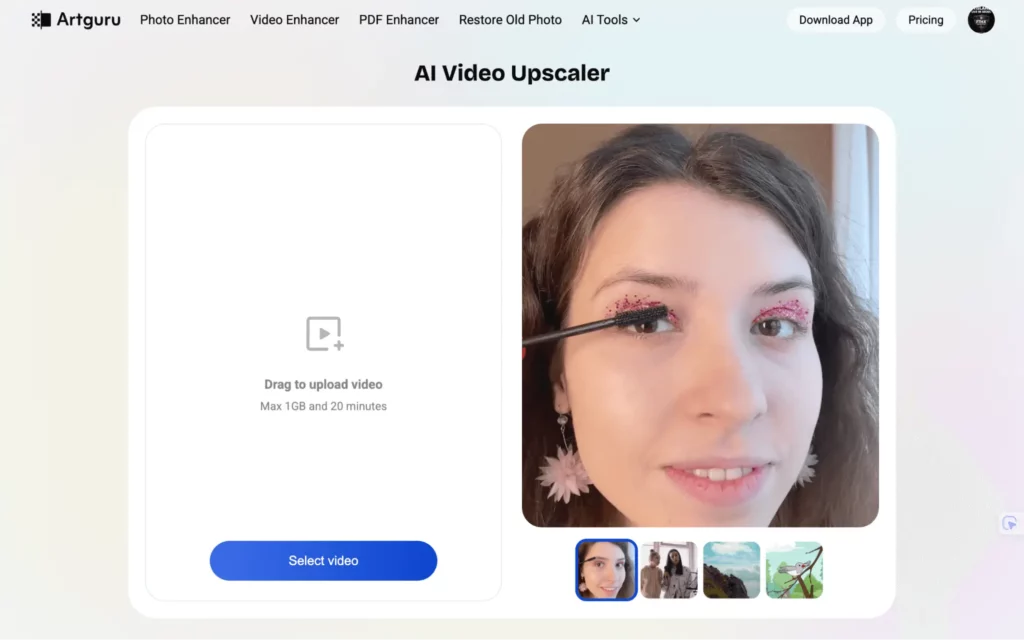
1. Artguru Video Upscaler (up to 4K)
Artguru brings the best video upscaler to the market. With Artguru, you can easily upscale low-quality videos to 1080p or even 4K. It has high upload limits, up to a maximum of 1GB and 20 minutes. You can do other work and let Artguru handle everything automatically in the background. Additionally, time expectations can be significant (about 1 hour per 1 minute of video, according to its FAQ).
Best for
- Old family clips, compressed social videos, and footage you need to make watchable on modern screens
Pricing
Artguru operates on a credit or subscription model. You can use Artguru completely free with 4 credits/day. With the Monthly Plan, you’ll get 1,000 credits/month for just $9.99. And if you want a 25% discount, choose the Annual Plan for $59.99 to receive 8,000 credits/month.
Pros
- Clear 4K target and simple steps
- Strong “upload and come back later” flow
Cons
- Can be slow for longer videos
- Cloud limits apply (size and duration)
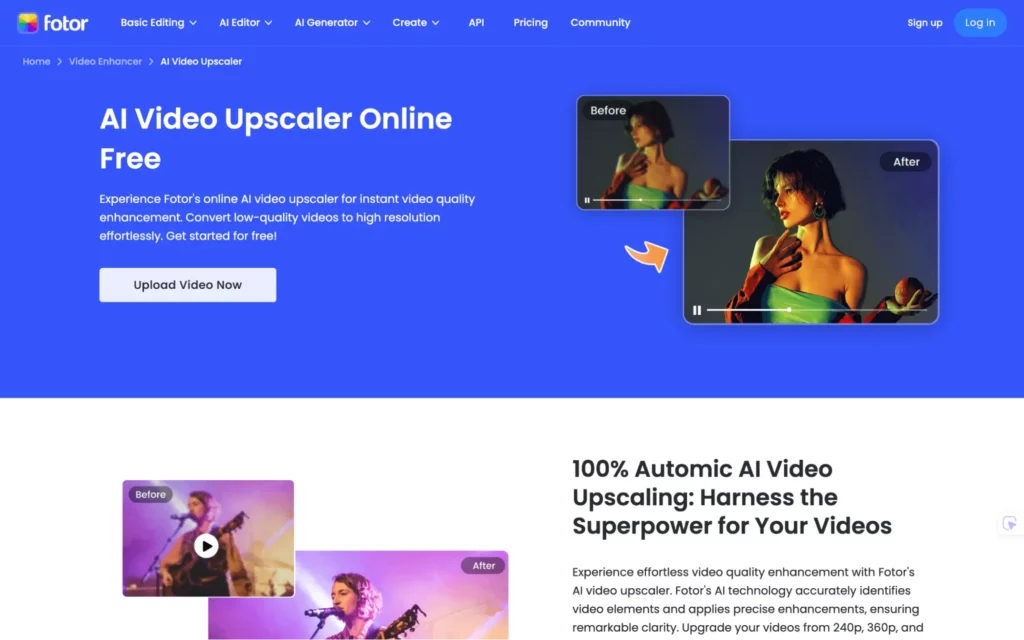
2. Fotor Video Upscaler
Fotor offers the ability to upscale low-quality videos to HD or 4K with just one click. Output quality ranges from fairly good to good. Upload limits are up to 4K, 5 minutes, and 1GB.
Best for
- Short clips, social content, quick improvements without technical tuning
Pricing
Fotor offers four subscription plans: Fotor Basic, Pro, Pro+, and Max. The Basic plan is completely free but has several limitations. The Pro ($8.99/month) and Pro+ ($19.99/month) plans offer 100 and 300 credits respectively. The Max plan allows you to purchase credits, with a minimum of 1000 credits at $39.99 and a maximum of 10,000 credits at $399.99/month.
Pros
- Very beginner-friendly
- Fast results for short content
Cons
- Less control for professional finishing
- Limits can be restrictive on free tiers
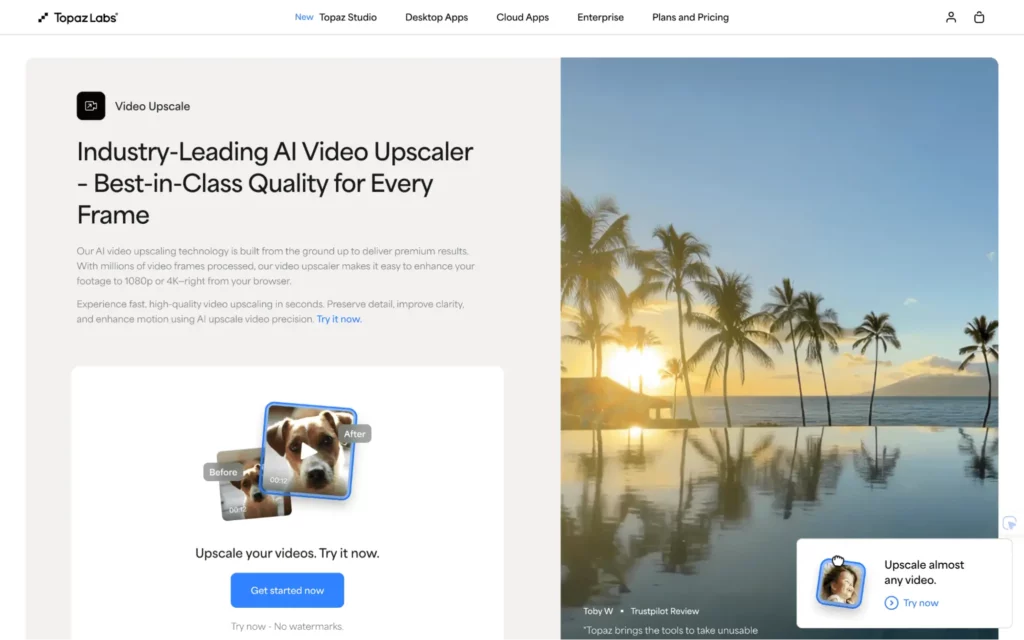
3. Topaz Video Upscaler
The operating process of Topaz Video AI is quite simple. You just upload the video, adjust it to your liking, and download the high-quality video. It is designed to rebuild detail frame by frame, not just resize.
Best for
- Professional creators who need maximum quality and repeatable results
- Projects where you need careful control and do not want cloud uploads
Pricing
Topaz offers two pricing plans. The Topaz Studio plan, priced at $37/month, gives you 300 video credits to upscale your current video quality, while the higher-priced Studio Pro plan ($75/month) provides 600 credits.
Pros
- Pro-grade output and offline processing
- Better control for demanding footage
Cons
- Heavier learning curve than web tools
- Processing speed depends a lot on your GPU
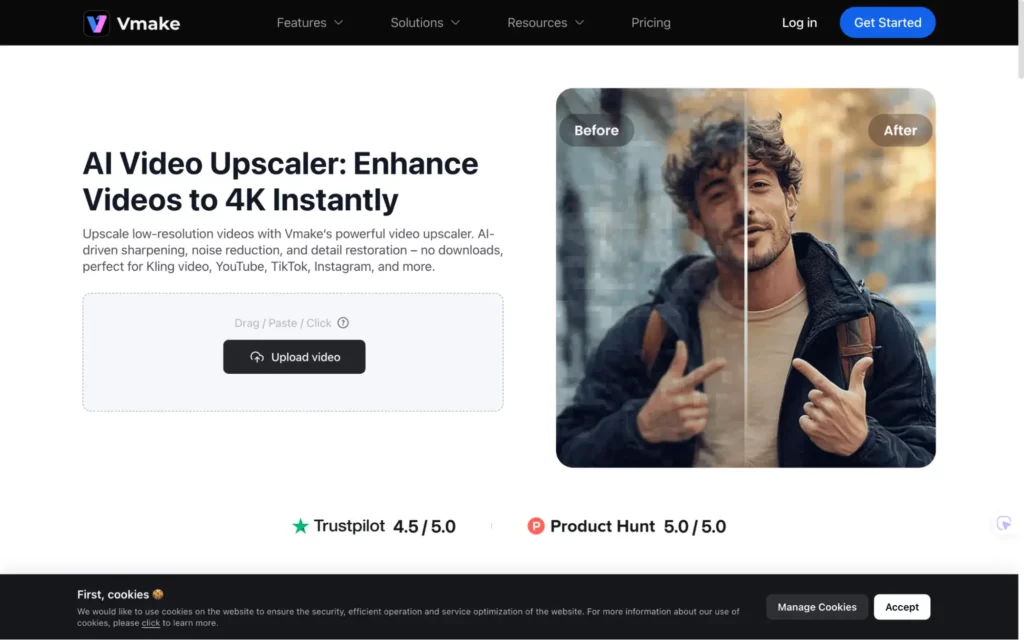
4. Vmake Video Upscaler
Vmake can upscale to high quality up to 4K, and upload guidance includes up to 200MB, with batch limits listed (the site shows batches up to multiple files depending on the page/plan).
Best for
- Many marketers and content creators look for a single web-based platform that can handle multiple tasks. It allows them to write captions, edit content, and improve overall quality without switching between tools.
Pricing
You can use Vmake for free with 20 credits/day. However, the features are limited to acceptable levels. For the Plus plan, you pay $9.99/month and receive 1,000 credits. Alternatively, if you need more, you can consider the Pro plan ($29.99/month) for 4,500 credits.
Pros
- Broad feature set beyond upscaling
- Simple workflow for social content
Cons
- Export tiers and limits vary by plan
- Not the best choice when you need deep, technical control per frame
5. Free AI Video Upscaler
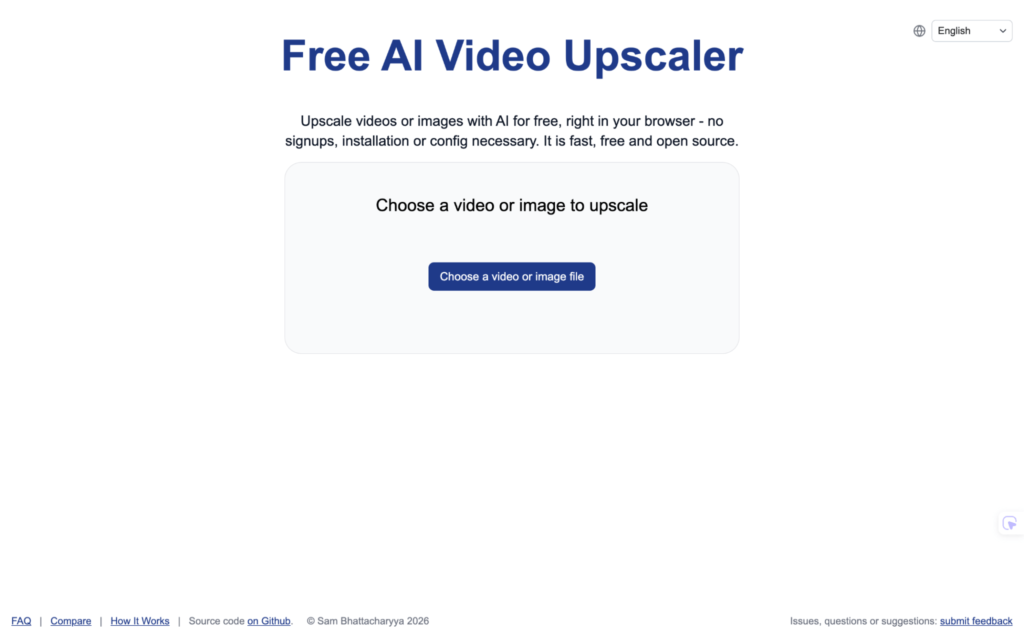
Free AI Video Upscaler runs entirely in the browser with no sign-up required, positioned as client-side processing. It can upscale up to 4K and has no time limit. It is completely free and open source. However, it has slow processing speeds (device-based).
Best for
- Quick tests, casual upscales, and users who want zero setup
Pricing
- Totally free and open source
Pros
- No account friction
- Great for experimentation
Cons
- Feature depth is limited versus pro tools
- Output control and advanced options are typically minimal
- Processing speed is slow and depends on the device being used.
Comparison Table of the Best AI Video Upscalers
| Tool | Upload Limits | Max Output | Frame Consistency | Noise Reduction | Frame Handling | Best For |
| Artguru Video Upscaler | Max 1GB and 20 minutes | 4K | Excellent | Yes | Simple controls | Old clips, social content, family videos |
| Fotor | Up to 4K, 5 min, 60 FPS, 1GB (shown on video enhancer limits) | 4K | Good | Yes | Minimal | Quick fixes for short clips |
| Topaz Video AI | No upload limits (local processing) | 4K in guided tool flow | Excellent | Yes | Advanced, pro workflow | Professional post-production |
| Vmake | Up to 200MB noted, batch varies by tier | 4K | Good | Yes | Basic | All-in-one web enhancement |
| Free AI Video Upscaler | Browser-based, no sign-up | Varies by model/settings | Fair to good | Limited | Basic | Fast, casual tests |
How to Choose the Best AI Upscaler in 2026
Choosing the best image upscaler and best AI video upscaler will depend on many different factors and your specific needs.
- Output target (4K, 8K or print size)
If you need large displays or printing, prioritize tools that clearly support 8K or high multipliers. - Batch vs one-off work
If you handle many files, batch processing matters more than “perfect” single-image quality. - Cloud convenience vs local privacy
Cloud tools are convenient, local tools can be better for confidential client work. - Speed and limits
Video upscaling can be slow and limited by file size and duration, so always check limits first. - API and automation needs
Using APIs will provide you with maximum support and save you hours of time. You’ll only need to build the most optimal workflow and include the API Key for easy automation and synchronization.
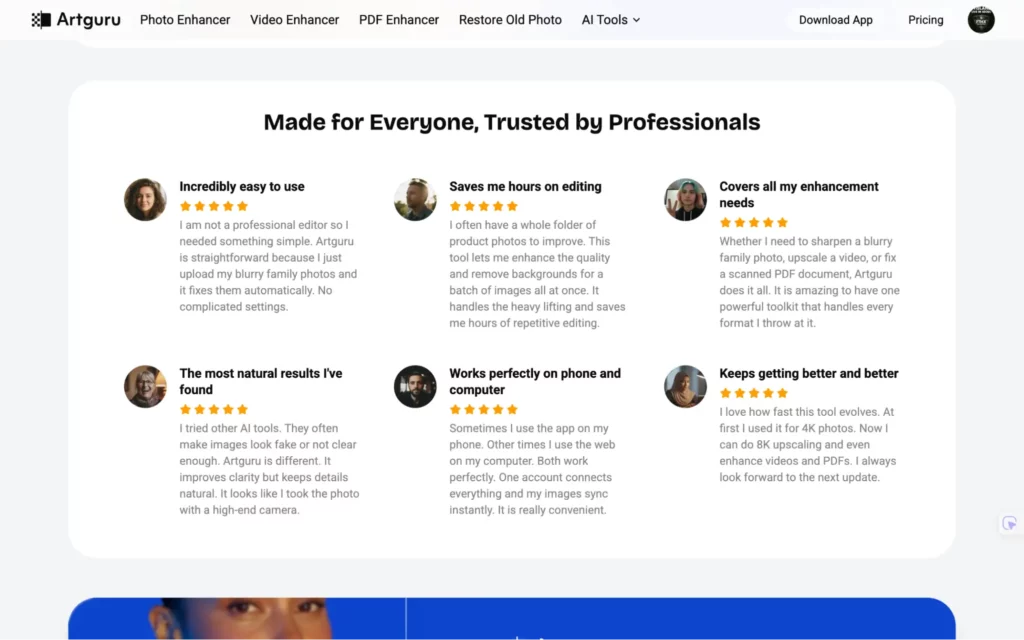
Check out the review of Artguru for image and video upscaling:
Frequently Asked Questions About AI Upscalers
1. Is it easy to use AI Upscalers?
Yes. AI upscalers like Artguru have a very user-friendly interface. Moreover, all you need to do is upload your file, and Artguru will handle the rest automatically in a moment.
2. Can I use them for free?
Most of the tools mentioned in this article have a free plan. You may not need to spend a single penny if your usage is minimal. Additionally, services like Artguru offer free credits daily. If you need more credits, considering purchasing a monthly or annual subscription is recommended.
3. Can I use it for professional work?
Yes. Many marketing professionals have turned to AI upscalers like Artguru to deliver the best possible visual experience to their clients.