



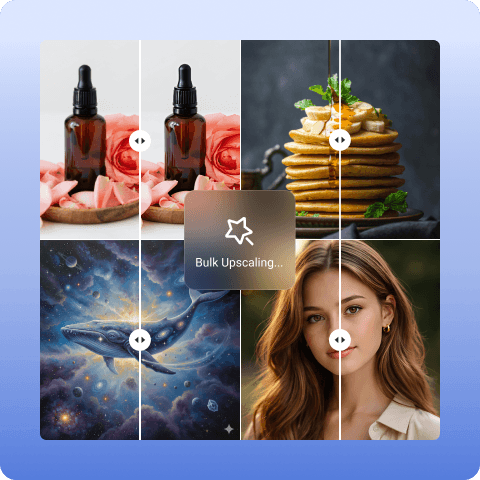
Bulk Image Upscaler
Upscale multiple images with AI bulk image upscaler at once, up to 50 images. Our batch upscaler enhances multiple images automatically, turning blurry photos into HD, 4K, and even 8K in minutes, depending on your needs.
How to Bulk Upscale Images with Artguru?

Step 1. Upload Your Images
Select and upload up to 50 images at once in any format like PNG, JPG, WebP, etc.

Step 2. Batch Enhancement
After uploading, let our image upscaler automatically process all your images, increase their resolution, and refine details.

Step 3. Preview and Download
Preview the results, then download all your upscaled images with one click in JPG or PNG format.
Why Choose Artguru’s Bulk Image Upscaler?
 Increase Image Resolution
Upscale your images in bulk to HD or higher resolutions, up to 4K or 8K. Artguru keeps your original details intact while improving overall clarity.
 Original File Names Preserved
Artguru keeps the file names original after upscaling, making it easy for you when you are dealing with large batches and cannot go back and forth to change each file name.
 AI-powered Enhancement
Our batch image upscaler uses powerful AI to analyze your images and naturally add details at the same time, so you can get high-quality results in the shortest time possible.
 Privacy and Security
Your uploaded files are processed securely and protected from unauthorized access. Only you can access your files, ensuring a safe and private enhancement process.
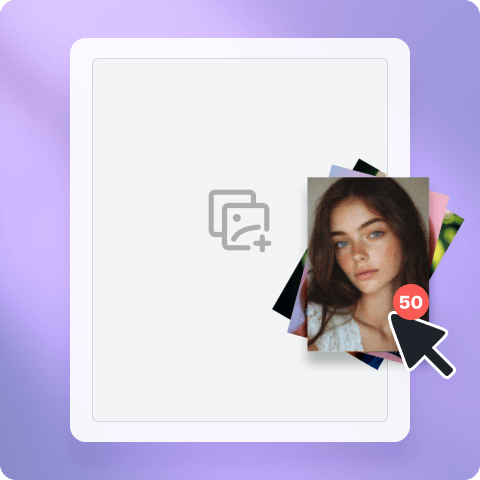
Bulk Upscale Up to 50 Images at Once
Upscaling multiple images one by one is a time-consuming and frustrating process, especially when you need to maintain consistent quality across all files. When working with dozens of product photos, portraits, or large image sets, this process can quickly become inefficient. Artguru solves this by allowing you to upload and process up to 50 images in a single batch. Instead of simply enlarging images, the batch upscaler improves clarity and refines details across each file, ensuring high output quality.
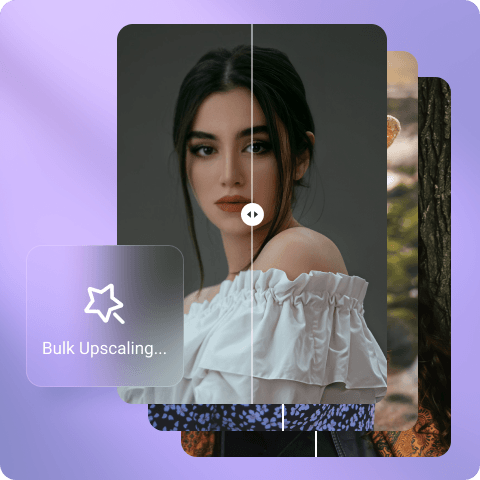
Bulk Image Upscaler Saves Your Time and Effort
Whether you are a photographer delivering a full shoot, an e-commerce seller updating hundreds of product images, or a designer preparing assets for a campaign, you would often deal with low-resolution or compressed files that need upscaling. Doing this one by one is not just slow, it disrupts your entire workflow. Artguru addresses this problem by its batch enhancement feature. It reduces the time spent on repetitive tasks and helps you stay focused on your actual work. It runs on web, iOS, and Android, so you can start your projects anytime, anywhere—just upload, wait, and download. That’s the entire process.
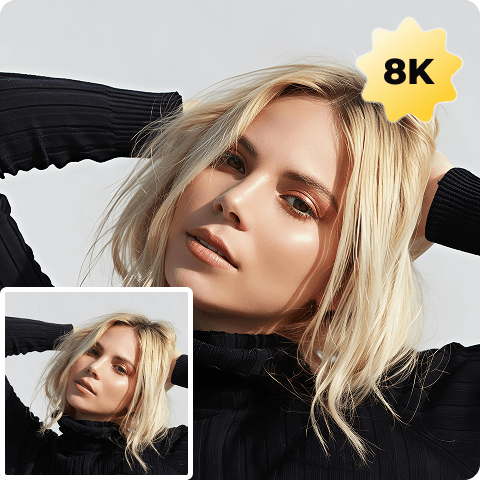
Upscale Your Images to 4K or 8K in Batch
Most of the time, if you download, scan, or generate an image, it comes out at a lower resolution, which is fine for a phone, but when you want to print it, display it, or use it in professional projects, that standard resolution does not work. When you try to resize these images, it can lead to blur, pixelation, and loss of detail. With Artguru, you can upscale your images 2×, 4×, or up to 8× according to your needs. Our bulk image upscaler carefully rebuilds details instead of stretching pixels. If your image has very low resolution, say 360p, jumping straight to 8K may not give you the best result. In those cases, a more moderate upscale, like 2× or 4×, will work better.
What Our Happy Customers Say?

Rachel Thompson
I run an online store and often add new product images. Before posting them, every photo needs upscaling, and managing time for individual upscaling was getting really difficult. I tried different tools but was not satisfied with any of them. Some ruined my images, some asked for a subscription before letting me download anything. Artguru solved that problem and gave me a much smoother image upscaling experience.
Sophie Laurent
I am a photographer, and after every shoot, I end up with 60–80 images. All of these images need upscaling before I can deliver them to my clients. Before Artguru, I used to upscale them one by one, which took hours and made it difficult to maintain consistent detail across the set. With Artguru’s bulk image upscaler, I can process everything at once, which saves a lot of time. It has now become a regular part of my workflow.
Priya Sharma
I work on marketing campaigns and often get low-resolution images that need upscaling before they can be used. Before Artguru, I used two different tools, it was a mess. With Artguru, I just drop all my images in, pick a resolution, and it processes the whole set. No distortion, no color shifts, just clean upscaled files ready to use.
FAQs About Our Bulk Image Upscaler
What is Artguru’s AI bulk image enhancer, and how does it work?
Artguru’s bulk image upscaler allows you to upscale up to 50 images to higher resolution at once while keeping the original details intact.
Our AI batch image upscaler supports all common file formats such as PNG, JPG, JPEG, and WebP. Simply upload or drag & drop your images into our image upscaler.
Artguru’s image upscaler reads carefully all the image details and then add the pixels according to need. It does not make your image look fake or over-sharpened.
Upload all your images into our bulk image upscaler and let our tool upscale them. Preview them to check the quality and click the download button to save them to your device.
We do not require any sign-up or login before upscaling your images. Upload your files and get the job done in seconds. However, batch upscaling is under a premium plan which requires account creation.
Yes, Artguru allows you to enhance images using your mobile phone, either in your browser or through our app.


