



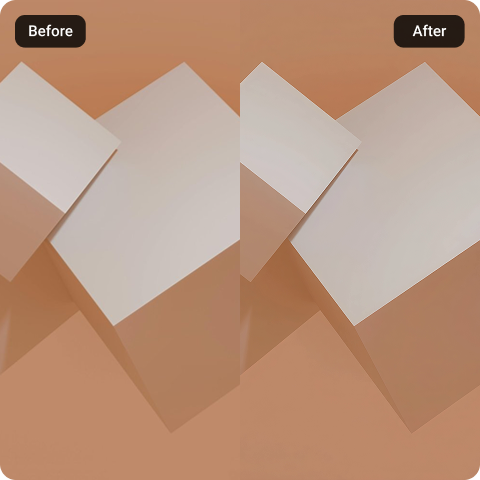
AI Texture Upscaler
Low-resolution assets can ruin the immersion of a modern digital project. Whether you are remastering a classic game mod or refining 3D environment assets, Artguru provides a dedicated engine to AI upscale texture maps seamlessly. Expand your source images up to 8K resolution, capturing crisp surface detail and grain patterns without installing any additional software.
How to use Artguru’s AI Texture Upscaler

Step 1. Upload Your Files
Drag and drop your texture files into Artguru. Batch uploading is well supported. You can upload up to 200 files at once to save time.

Step 2. Let Artguru Do the Work
Our advanced AI texture upscaler will transform your images into high-quality, realistic textures to 4K/8K resolution. The process is fast and automatic, so there is no need to configure anything.

Step 3. Preview and Download
Use our before and after comparision tool to check the micro-details before exporting. Download your enhanced texture as a high-quality image for later use.
What Our AI Texture Upscaler Offers
 More Natural Results
While other tools turn complex surfaces into plastic, Artguru is trained to look at the smallest details and sharpen the fine grain structure. Our technology will find the missing details and learning from the surrounding pixels to create a more realistic look.
 Clean Transparent Textures
Textures for foliage, decals, and UI require flawless transparency data. When you use Artguru to AI upscale texture sheets, our system retains alpha channels perfectly, exporting your work as transparent PNGs without edge bleeding.
 Efficient Batch Upscaling
Upscaling texture file one by one is highly inefficient and time-consuming. Artguru supports batch processing for up to 200 texture files simultaneously. This allows you to upscale multiple images in the cloud without crashing your system memory.
 100% Secure & Private
At Artguru, your data is strictly confidential. Our AI texture upscaler is one of the most trusted tools, which always put your privacy at the highest priority. All uploaded files pass through our secure channels. Your data is always safe with us.
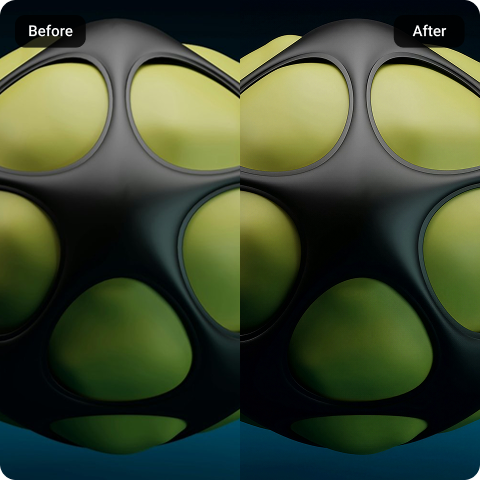
AI Texture Upscaler for 3D Assets
Low-resolution 3D textures can make even well-built models look outdated or unfinished. With Artguru’s AI Texture Upscaler, designers can enhance surface details, sharpen material edges, and restore clarity without manually repainting every texture. It helps turn blurry game assets, props, and environment materials into cleaner visuals ready for modern production.
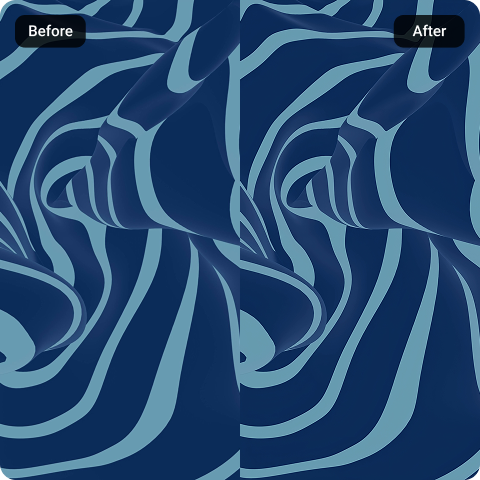
Maintain Accuracy When You AI Upscale Texture Sets
Capturing a quick selfie or an action When working with texture sets, consistency matters as much as sharpness. Artguru helps you AI upscale texture files while keeping the original tone, lighting, and material balance intact. This makes it useful for improving diffuse maps, normal maps, and specular textures without creating mismatched surfaces or broken visual details.
What Our Customers Say

Kenzie Dyer
I am currently working on a remaster mod for an older RPG title and needed to upscale thousands of environment files. Artguru’s batch option handled many assets at a time without breaking a sweat.
Kirsty Blankenship
The transparency preservation is incredible. I had a huge pack of pixelated UI icons and foliage decals that needed to be upscaled to 4K. Being able to AI upscale texture sets without alpha channels breaking or getting edge artifacts saved me days of tedious masking work.
Tate Dodd
I love how much time Artguru saves compared to traditional workflows. The textures come back noticeably sharper and can even be upscaled to 8K resolution without losing important details.
FAQs About Artguru’s AI Texture Upscaler
Artguru can enhance images and upscale them to higher resolutions, preserving the original image’s quality and style. Instead of stretching existing pixels, Artguru learns to predict and generate clean, sharp micro-details up to 4K/8K resolution.
No. Artguru always maintains a professional tone in its content. We try to keep the color or lighting values consistent compared to the original image while upscaling the resolution to your desired size.
Yes. If you upload a texture file with an alpha channel (such as grass, decals, or transparent clothes), the system will keep the transparent structure completely intact, exporting the final result as a clean PNG.
While our engine handles a broad range of files, we do not recommend using heavily compressed, tiny thumbnail-sized images for high-tier 8K outputs. Starting with a reasonably clean 2K/4K map yields the best texture fidelity.
No. You can instantly access the web interface from any desktop browser, or even on mobile browsers across iOS and Android systems. We also have a mobile app available for both iOS and Android.


