



Sharpen PDF online
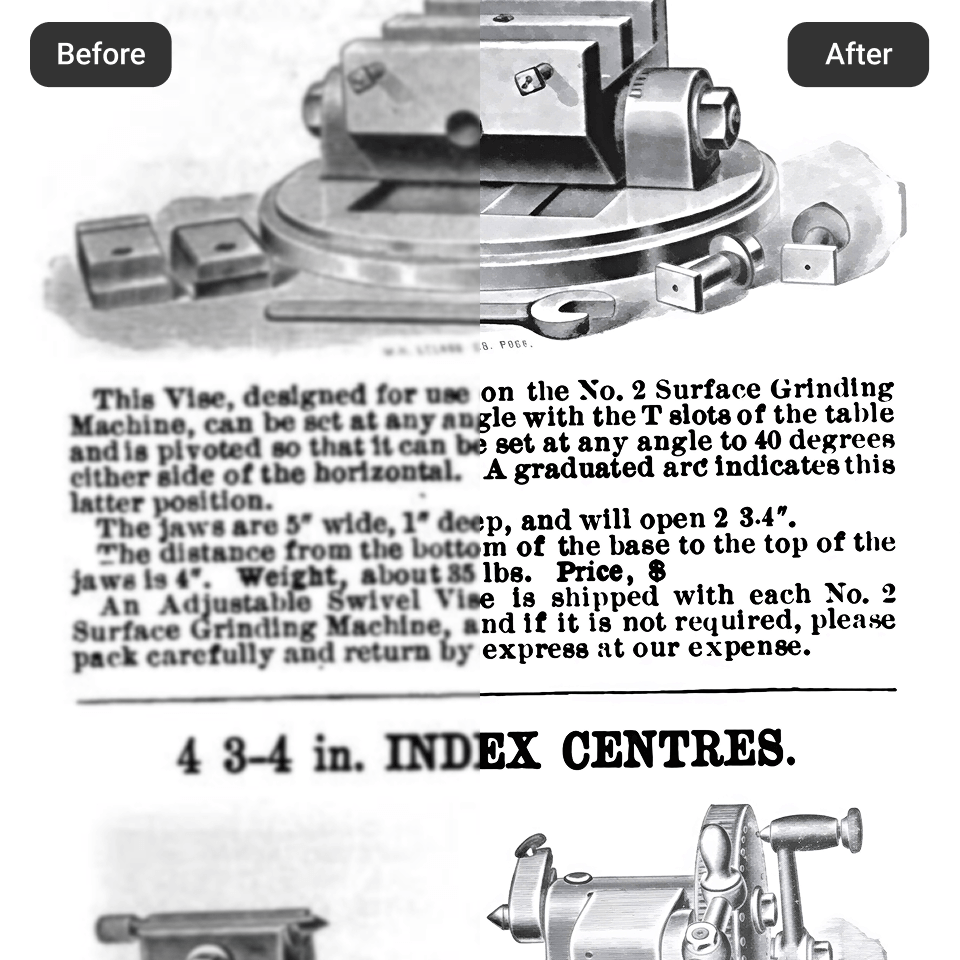
Turn your faded and low-resolution scanned documents into sharp and legible ones. Artguru’s intelligent enhancer allows you to instantly sharpen PDF images and text elements. Whether your PDF file is a study document, a contract, or an invoice, Artguru provides the best reading experience with clear, high-quality results on every page.
How to increase sharpness of PDF files?

Step 1. Upload your PDF
Drag and drop your blurry or scanned file into Artguru. Our platform supports PDF files up to 30MB with no page limits.

Step 2. AI enhancing
The engine automatically scans the pages to differentiate between words and graphics. It works to sharpen PDF text by boosting contrast and clearing up background noise from physical paper scans.

Step 3. Preview and download
Review the restored document to ensure maximum legibility. Once you are satisfied with the visual upgrade, download the finalized file directly to your device.
Why sharpen PDF quality with us?
 Advanced Text Clarification
Reading pixelated or faint fonts strains the eyes. Our technology reconstructs weak characters, darkening and refining the strokes so you can sharpen PDF text for effortless reading and physical printing.
 Image Resolution Boosting
Documents often contain charts, graphs, or photographs that lose their crispness during compression. Our system intelligently identifies these visual elements to sharpen PDF image data, restoring lost details without changing the original content.
 Background Noise Removal
Scanning physical paper often leaves behind a grayish tint, shadows, or scanner dust. We clean the background area, partially whitening the base so that the foreground content stands out more clearly.
 Secure and Private Processing
We understand that PDF files normally contain highly sensitive information. That’s why your files are processed securely over encrypted connections and are never stored on our servers. We commit to protecting your data and ensuring your privacy at all times.
Sharpen PDF image and text in seconds
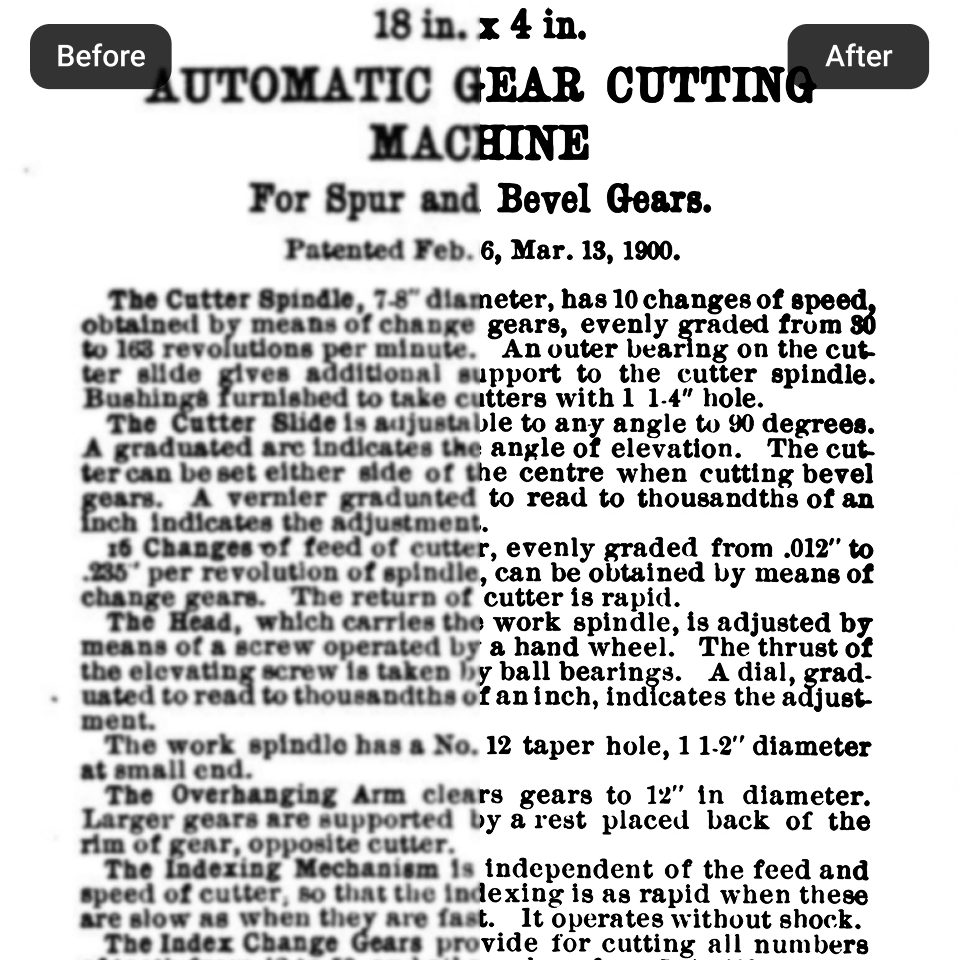
Viewing a poor-quality or highly compressed PDF file can slow down your workflow. Whether you are reviewing legal contracts, studying academic papers, or preparing documents for presentations or projection, poor legibility can easily lead to misunderstandings. There is no need to purchase and install expensive and complicated software to fix this issue. When using Artguru to sharpen PDF documents, our intelligent technology will analyze and evaluate each page you upload to correct any problems. By utilizing smart algorithms to increase sharpness of PDF content, Artguru gives you a perfect digital version of your document instantly.
Unblur and improve PDF quality before printing
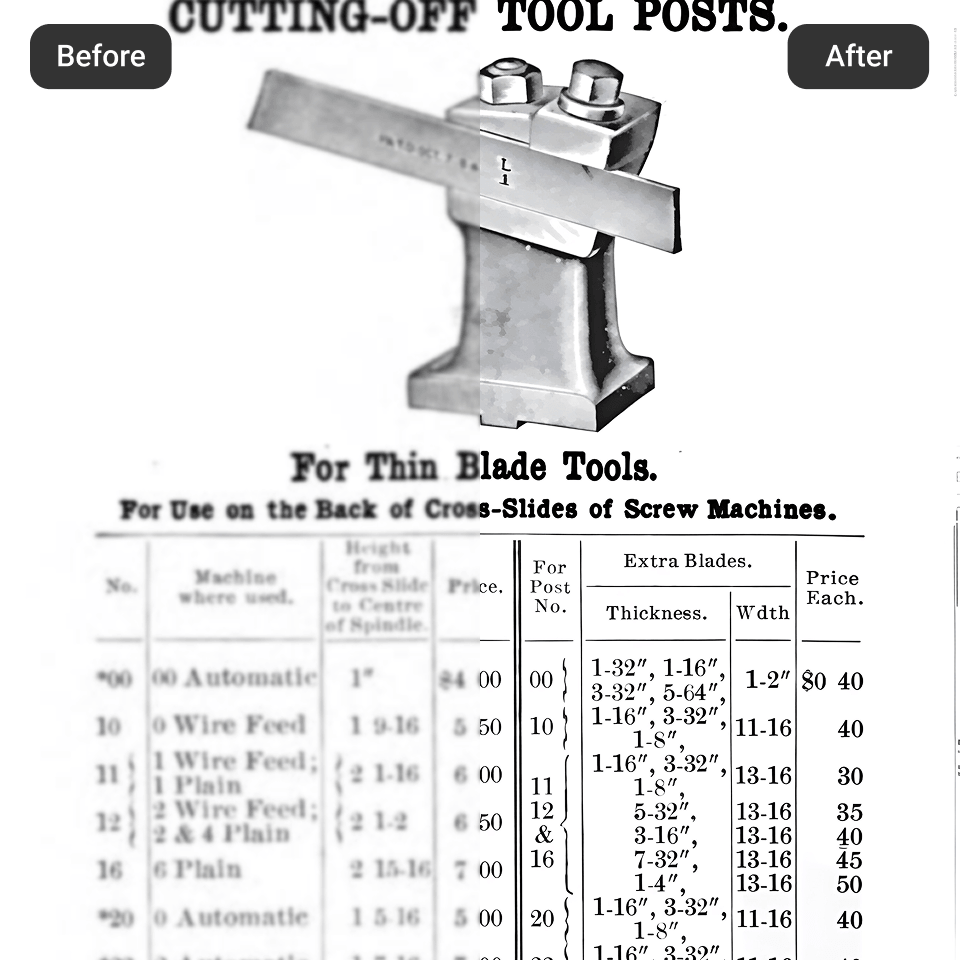
Sometimes your PDF file looks good and sharp on your smartphone, but it may appear low-resolution with blurry text and images on a desktop. Before you waste ink and paper, it is crucial to sharpen PDF text and graphics to guarantee a professional physical copy. Our PDF enhancer acts as an all-in-one quality booster for your paperwork. By allowing you to sharpen PDF image elements, charts, and typography simultaneously, you ensure that every printed page reflects the high standards of your business or academic institution.
What our happy users are saying?

Leslie Chang
We receive so many faxed and scanned contracts that are incredibly blurry. Artguru helps me increase sharpness of PDF files quickly so the attorneys can actually read the fine print without straining their eyes.
Claudia Hurst
Sometimes professors upload scanned book chapters that are gray and fuzzy. I use Artguru to sharpen PDF text before my exams.
Walter Simpson
I didn’t know how to sharpen PDF image charts that got ruined during compression. This tool fixed the blurry graphs in our quarterly report in seconds. Highly recommended.
FAQs about our PDF Sharpener
Can I sharpen PDF files for free?
No, PDF Sharpener is an advanced feature providing you with the best quality PDF files. You can subscribe to one of our plans before enjoying all the benefits.
Our PDF enhancer uses advanced algorithms to sharpen images and text in your PDF files. It darkens faint typography, smooths jagged lines, and removes the background noise typically found in scanned papers.
Absolutely. Artguru not only sharpens text in your PDF files, but it also offers features to enhance your PDF images like photos or charts.
No installation is required. All you need is a web browser with an internet connection. You can upload your PDF files directly to Artguru for further automatic processing.
Not at all. Artguru only sharpens the texts and images of your document, and leaves the original formatting and layout intact. The output is also preserved as a PDF.
We prioritize your data privacy. All uploaded files are processed through a secure, encrypted connection.


