



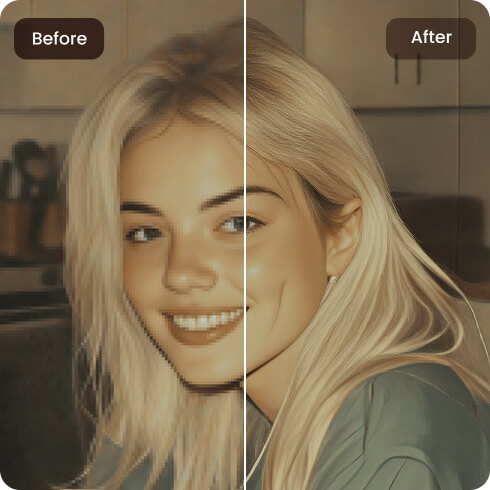
Z-Image Upscaler
Enhance your Z-Image creations up to 8K resolution in one click. Our Z-Image enhancer sharpens details, improves clarity, and preserves the original look of your images.
How to Upscale Z-Images?

Step 1. Upload Z-Images
Upload your Z-Images directly from your browser into our Z-Image Enhancer. No sign-up is required.

Step 2. Automatic AI Upscaling
After uploading, all you need to do is wait a few seconds while your Z-Image is automatically upscaled.

Step 3. Preview and Download
Preview the image, check the enhanced quality, and download the upscaled Z-Image.
What is Z-Image?
Z-Image is a 6 billion-parameter, open-source image generation model known for high-efficiency, fast, and high-quality image creation. As an AI image generation platform, Z-Image provides 2 free credits per day to generate images. Usually, this is only enough to create one image. If you don’t want to subscribe, you’ll need to wait until the next day for your credits to refresh.
People use it to generate images with speed. It generates images up to 4k resolution, which is of great quality. While the base model is fast (6B parameters), it can generate lower-resolution images. When users try to enlarge it directly, it loses its original quality. Pixeletion becomes visible. So, demand for Z-Image Upscaler is increasing as everybody wants to share their creations in high quality.
Why Artguru’s Z-Image Upscaler Stands Out?
 Fast Processing
Upscale Z-Image in seconds with no complex steps. Just upload your Z-Image and leave the rest to our image enhancer.
 Batch Support
Upload 50 Z-Images at once and enhance these images together with Artguru’s Upscaler. Saving time and effort when working with multiple AI images.
 High Quality Output
Artguru enhances Z-Images by improving resolution and add pixeles to unblur images when upscaled up to 4K or 8K. Upscale images while keeping the original details.
 Secure Image Upscaling
Your uploaded images are processed securely. Artguru cares about your personal data security and does not share your data with third parties.
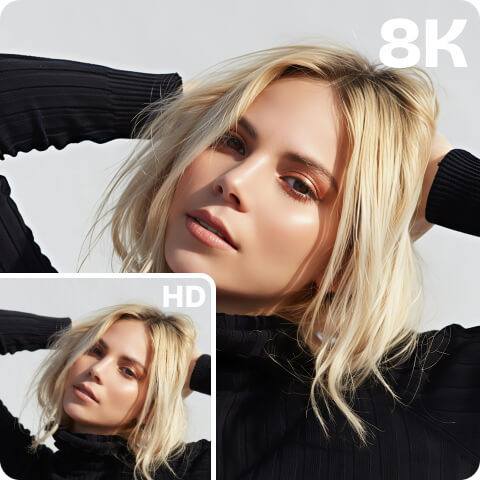
Easy and Instant Z-Image Upscaler up to 8K
Our Z-Image Upscaler features powerful proprietary upscaling technology to enhance images. Allowing users to upscale images by 2x, 4x, and 8x, up to 8K resolution while keeping details sharp and natural. Artguru ensures images look professional at a bigger size, whether you are doing art or social media visuals.
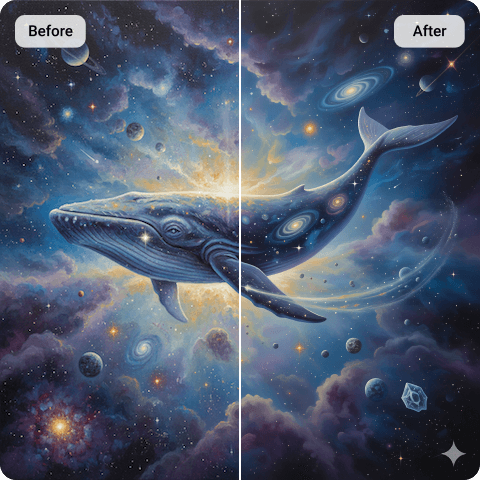
Upscale Your Z-Images Without Quality Loss
When upscaling with Artguru’s Z-Image enhancer, don’t worry about the quality loss of your artwork. We upscale images without losing quality, naturally sharpen and reduce noise, and preserve the original image’s style, colors, and brightness. Artguru only upscale your image, retaining its original version after enhancing.
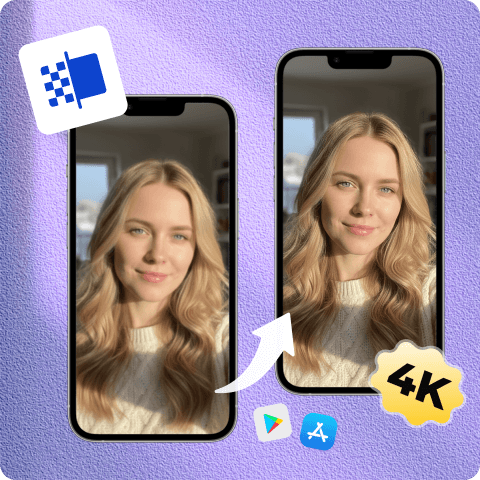
Upscale Z-Images on Mobile Phone Anywhere or Anytime
Artguru allows you to upscale your AI artwork online anywhere or any time without installing any heavy software and relying on expensive hardware. Some users generate AI artwork on their phones and want to enhance their work, so Artguru also comes with a mobile app for such users, making it easy to upscale images on the go whenever you need it. It is ad-free. Simply enhance your Z-Images with our Z-Image enhancer directly into your mobile browser.
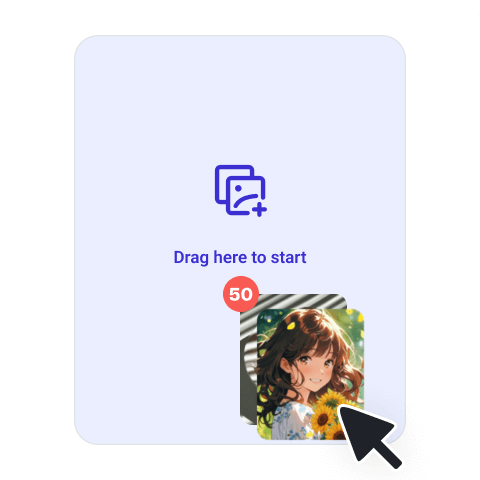
Batch Upscale Your Z-Images
Our Z-Image Upscaler allows its users to upscale 50 images at once. Whether you are a creator, designer or a content producer who generates images in sets and wants to streamline their workflow while saving time and effort. Just upload all of your Z-Images at once and let AI process them simultaneously, instead of enhancing images one by one.
What Our Happy Customers Say

Luca M.
I have tried many upscalers, but they changed my image too much. When I tried Artguru image upscaler, this one kept the original look surprisingly well. I converted my image from 1024 to a higher resolution, and the details were still intact as in my original image.
Sara K.
As a content creator, I need to generate and upscale images often. I was looking for a sharp upscaler. I found Artguru’s image enhancer. Its batch scaling feature helped me a lot. Very easy to use and speedy. It processes my creations simultaneously in no time.
Jason T.
I often use Z-Image to generate images; at first, they look great, but their resolution is too low for any presentation or design work. Artguru’s upscaler helped me a lot in upscaling these images without ruining their original style. Now I don’t need to generate images again just to get a better size.
FAQs About Z-Image Upscaler
What is Z-Image Upscaler?
Z-Image Upscaler is an image enhacer which enlarge images by adding some realistic details and sharpness. Instead of traditional methods, which blur the image when you try to zoom in. Our AI image upscaler uses deep learning to add details.
If your image size is too small, then our Z-Image enhancer will recommend you to upscale up to 4K for better results, but if it is not too small, then you can upscale your images upto 8K without losing quality.
Yes, with Artguru Z-Image enhancer, you can upscale 50 images at once. This feature saves you from repetitvely enhance images if you are working with sets of images.
Yes, AI photo enhancers help in upscaling images for higher resolutions. These enhancers add some realistic details when enlarge image, compatible with larger screens. One significant concern is that they can sometimes produce unrealistic results.
Artguru takes great care of your privacy and personal data security. Only you can access your files and the authorized processing systems. So, don’t worry about personal privacy; even your profiles remain private during the enhancement process.
We support the most common image formats such as PNG, JPG, and WebP. Downloads are exported as PNG. Our image enhancer also keep the files name same, it is helpful for staying organized when working with multiple files.


