Free AI Transparent Background Maker
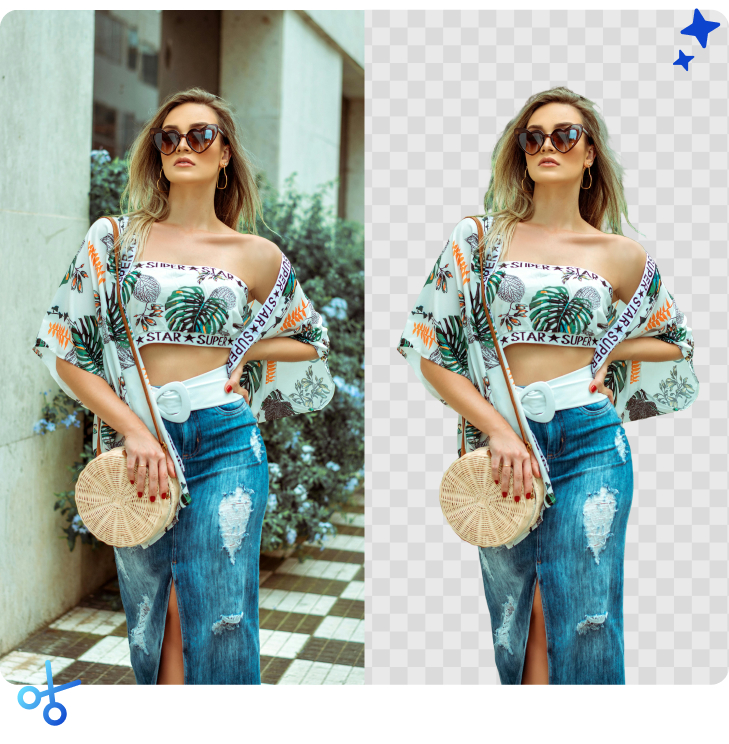
Instantly remove backgrounds from your photos, logos, and graphics. 100% automatic. Free High-Res download.
 Fast & Automatic
Get your transparent image under 10 seconds. Save time on repetitive editing tasks.
 AI Precision
Our advanced algorithm handles hair, fur, and complex edges with pixel-perfect accuracy.
 Original Quality & Upscale
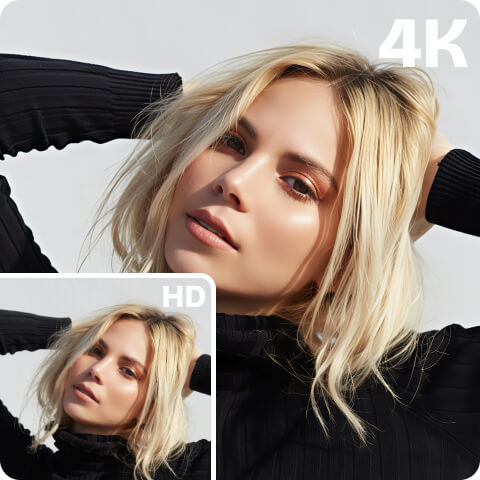
Keep your upload’s original resolution. Need more? Upscale instantly with Artguru Photo Enhancer.
 Secure & Private
Images are visible only to you. Delete them individually or in bulk at any time.
Make Product Image Backgrounds Transparent
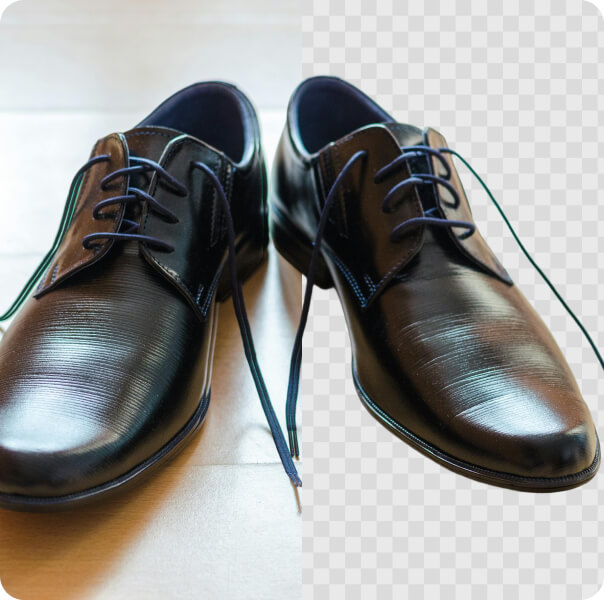
Boost your store’s conversion rates with our background removal tool for product photography. Distracting backgrounds hurt sales. Artguru helps you remove the clutter behind your items, leaving you with a clean product image. You can instantly add a pure white background for Amazon, eBay, and Shopify listings or keep it transparent to design your own marketing banners.
Remove Image Backgrounds for Social Media
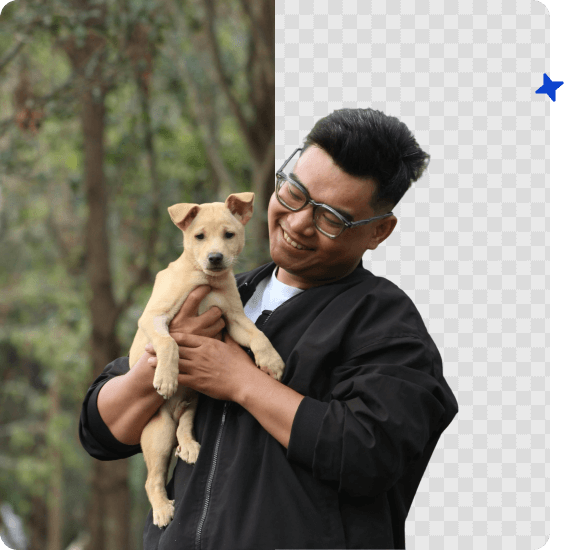
Don’t let good photos go to waste just because of a bad background. Whether you are an influencer or a marketer, easily cut out the main subjects from their original photos. Use our tool to make the background transparent, allowing you to layer people or objects onto new, exciting designs for Instagram Stories, YouTube thumbnails, and TikTok covers.
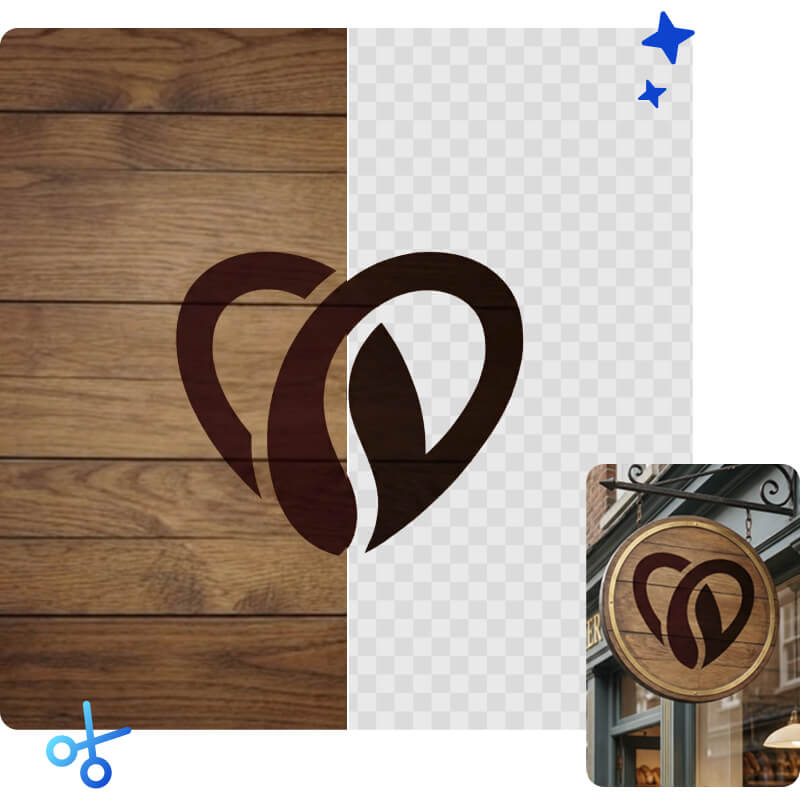
Get a Transparent Background for Your Logo
Don’t let a white box around your logo ruin your professional presentation. Our tool functions as a dedicated transparent PNG maker, converting your JPG logos into crisp, background-free assets in seconds. You get a clean PNG logo that sits perfectly on your company website, watermarking, pitch decks, or business cards.
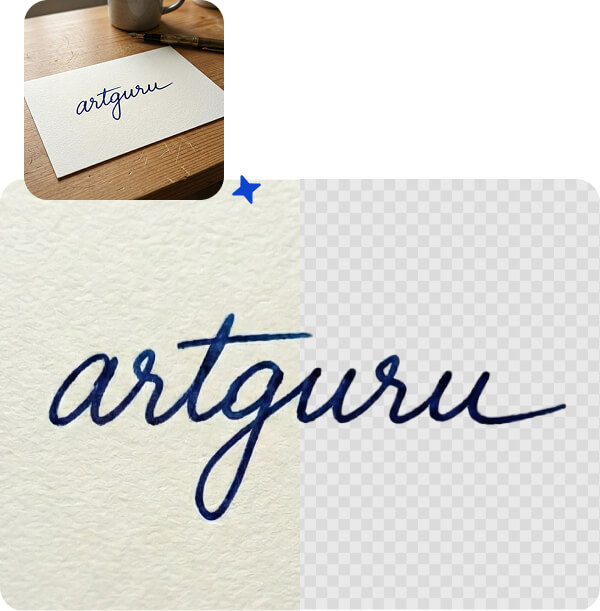
Turn Signatures into Transparent PNG Images
You do not need a scanner to sign digital documents. Just take a photo of your handwritten signature on paper and upload it here. The tool removes the paper texture and background, giving you a crisp, transparent signature file. You can then drop it directly into electronic contracts, PDFs, or your email signature block.
Tip: If the original photo is blurry or the ink is faint, try our Text Enhancer to make the lines sharper!
How to Make Image Background Transparent in 3 Steps

Step 1. Upload Your Images
Start instantly in your browser. No software download or account registration is required. Simply drag and drop your files to the upload box to begin.

Step 2: Fast Removal & Batch Mode
Get a transparent background in under 10 seconds. Need to process more? Upload up to 50 images at once and let our batch tool handle them automatically.

Step 3: Download or Upscale
Download transparent PNGs in HD for free. For larger files, subscribe to keep the original resolution or use our AI Upscaler for stunning 4k and 8K quality.
Trusted by Creators and Business Owners

Sarah J., Online Store Owner
A Game Changer for My Etsy Shop
I used to spend hours manually editing product photos. This tool does it in seconds, and the edge quality is better than what I could do in Photoshop. My sales have actually increased!
Mike T., Graphic Designer
Ideal for Quick Design Tasks
As a freelancer, I often need to grab a logo or an object quickly. This background maker is my go-to. It cuts out the background cleanly and lets me download HD files.
Emily R., Marketing Manager
So Easy to Use!
I needed a transparent signature for a PDF contract. I just took a photo of my signature, uploaded it here, and got a clean digital version in seconds. Highly recommended!
FAQs
Yes, Artguru provides free daily credits that allow you to create transparent backgrounds. Free downloads are in HD resolution and include a watermark. For watermark-free downloads in higher definition, you can choose a subscription plan that works for you.
Yes. The AI is trained to recognize multiple subjects in a single frame. It will keep all the people in the photo while removing the background behind them.
PNG is the industry standard. When you download from Artguru, we provide a PNG file (Portable Network Graphics) because it supports high-quality transparency that JPEGs do not.
Yes, your privacy is important to us. All uploaded images are encrypted and only you can see them.