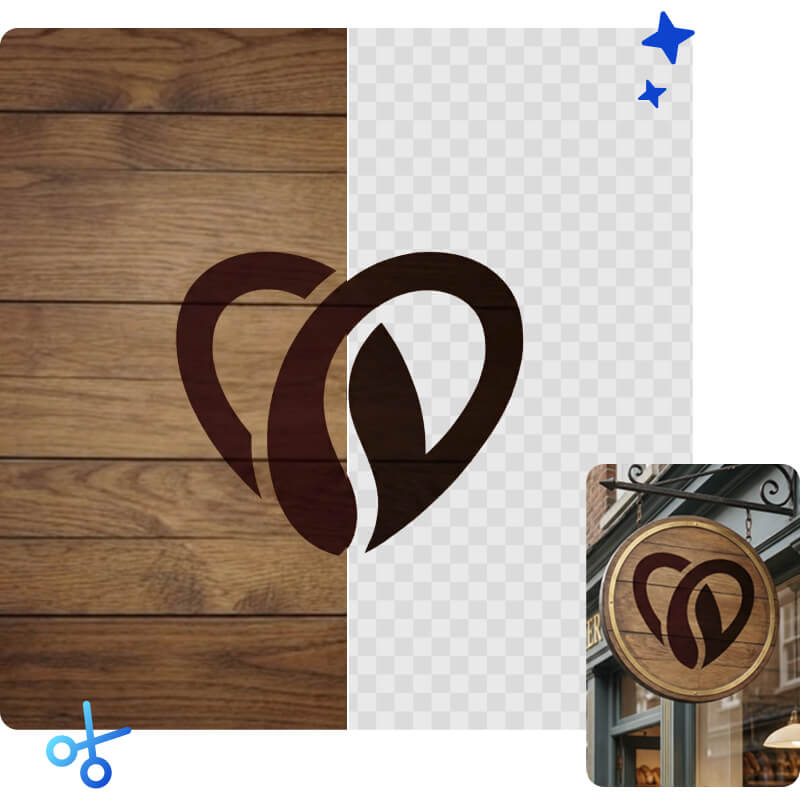
Remove Background from Logo in 1 Click
Make your logo transparent instantly without any design skills. Our AI automatically detects complex shapes and text, giving you a clean, high-quality cutout ready for your website, presentations, or merchandise.
 Instant AI Removal
Detects the subject automatically and deletes the background in seconds.
 Precise Edge Detection
Keeps curved text and fine logo details sharp, with no jagged pixels
 High-Res Support
Maintain original quality or upscale low-res logos up to 4K and 8K for print.
 Batch Processing
Upload and process up to 50 logos at once to streamline your workflow.
How to Make a Logo Transparent
Free & Instant.

Step 1. Upload Your Logo
Drag and drop your logo file (JPG, PNG, or WebP) directly into the tool.

Step 2: Auto-Remove
The AI instantly analyzes the image, identifies the logo, and removes the background automatically.

Step 3: Download or Customize
Save your transparent logo immediately. You can also add a solid background color in the editor before saving. If you need higher resolution, simply download your file and pass it through our Image Upscaler tool.
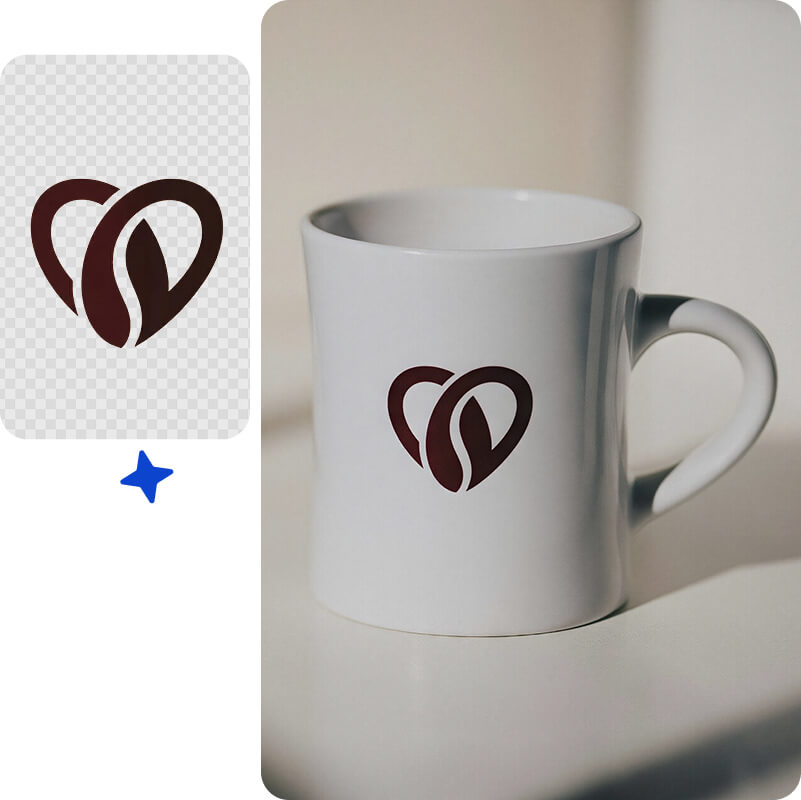
Sharp Logo Cutouts for Professional Use
Logos are tricky because they often have small text and complex shapes. Artguru background remover is trained to handle these details. It separates your logo from the background without blurring the edges or cutting off parts of the design, ensuring it looks professional on any website or banner.
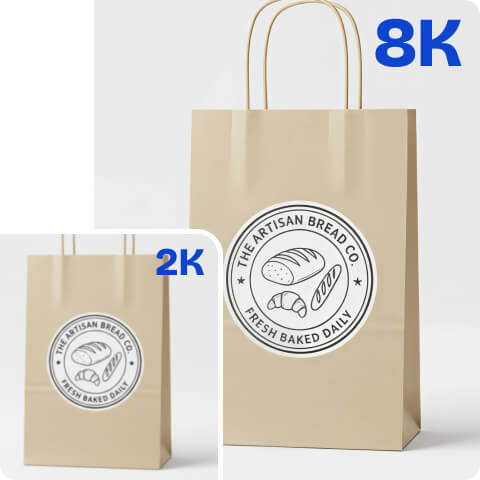
Upscale Low-Quality Logos to High Resolution
Sometimes you only have a small, fuzzy version of your logo. After removing the background, you can use Artguru’s Image Upscaler to increase the resolution. This turns a pixelated web image into a sharp asset ready for printing or high-quality displays.
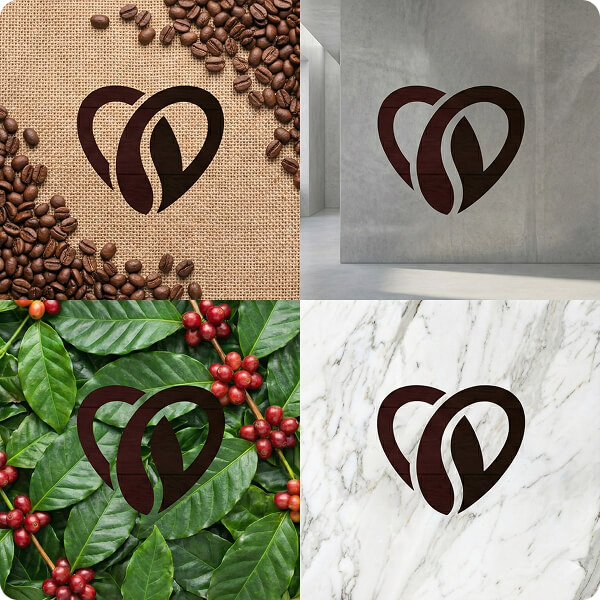
Save as Transparent PNG or Add a Background
Once the background is gone, you have full control. You can save the file directly as a transparent PNG, or use the editor to add a new background. Whether it is a solid color or a custom image, you have the flexibility to adapt your logo for any platform instantly.
FAQs
Yes, Artguru provides free daily credits that allow you to remove background from image. The free plan includes standard resolution downloads with a watermark . For high-resolution downloads without watermarks, we offer premium upgrade options .
Yes. If your logo is too small for print, you can use the Artguru Image Upscaler to increase the resolution by up to 8K resolution after you have downloaded your clean cutout.
You can download your logo as a PNG file, which supports transparency. This allows you to place your logo over any other image or background seamlessly.
Yes. After the background is removed, you can select white (or any other color) from the palette before you save the file.
Explore More AI Tools