Christmas Card Maker
Turn a favorite photo into an Xmas card, with a high-resolution version ready to print.
Drop an image here or paste (Ctrl+V)
Drop an image here or paste (Ctrl+V)



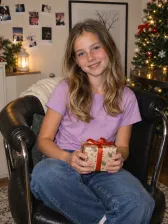

How to make Christmas cards with photos
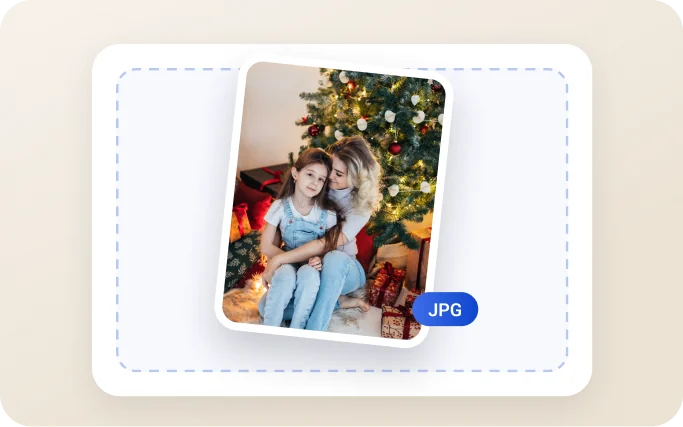
1. Upload one photo
Select a photo from your device, or drag or paste it here.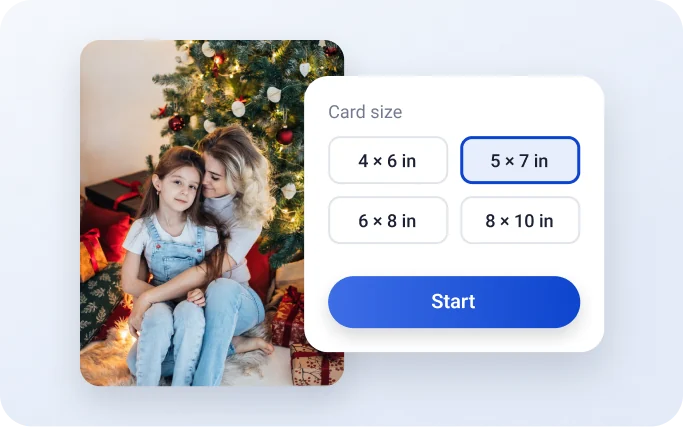
2. Choose a Christmas card size
Choose a print size from the options shown, then click Start.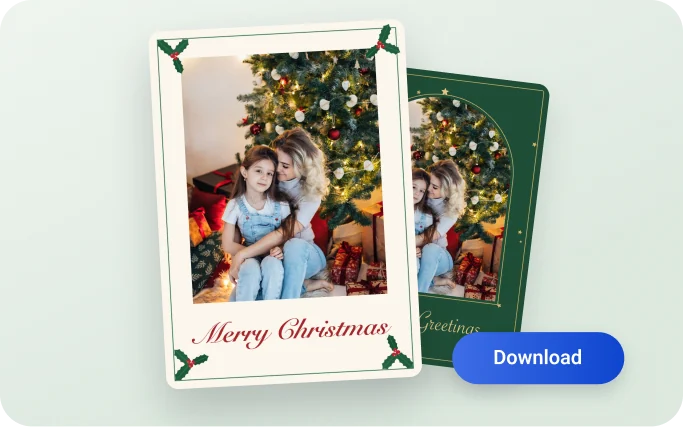
3. Preview and download
Switch between the two designs and download the one you like.An AI Christmas card maker for the photos you love
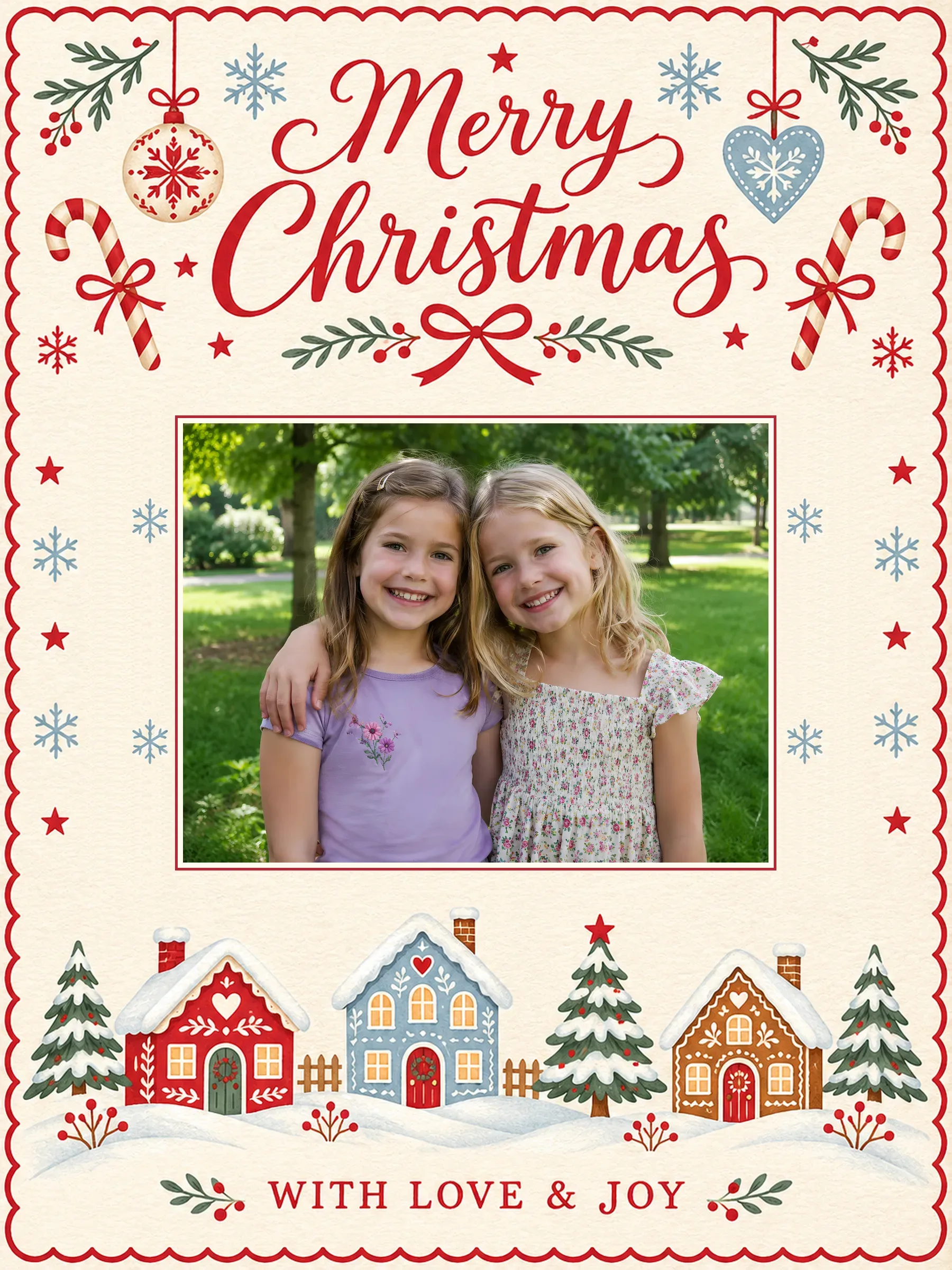
A family portrait or a quick photo of your pet can make a Christmas card feel personal. Artguru’s AI Christmas card generator automatically adds festive borders and decorations in your photo’s colors, without redrawing anyone’s face. Instead of searching through Christmas card templates for a good match, you start with a card already designed around your photo.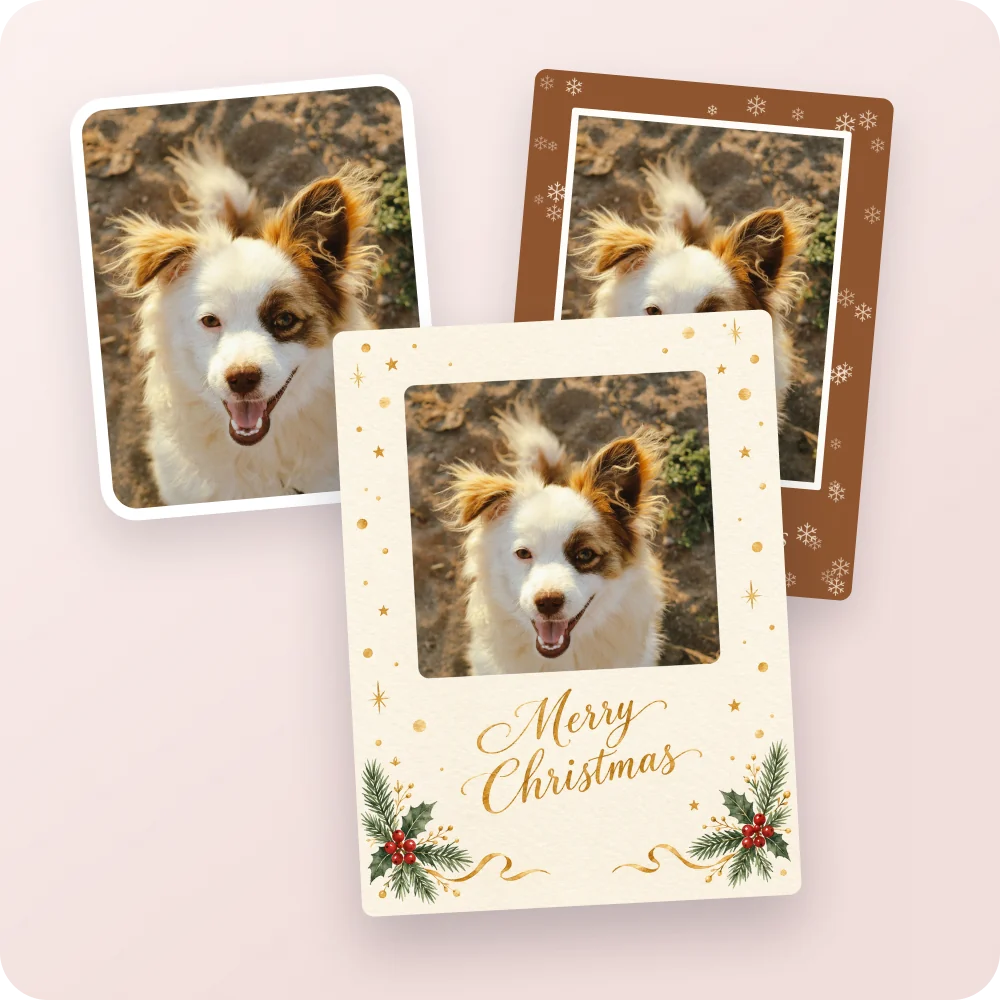
Create printable Christmas cards with clear details
Your photo is enhanced before it goes onto the card, so even an older or slightly blurry shot can look clearer in print. Choose from several Christmas card sizes, from a small card to tuck into a gift to a larger one that gives a family photo more room. Download it in high resolution to print at home or at a print shop, or share it as a digital photo Christmas card.