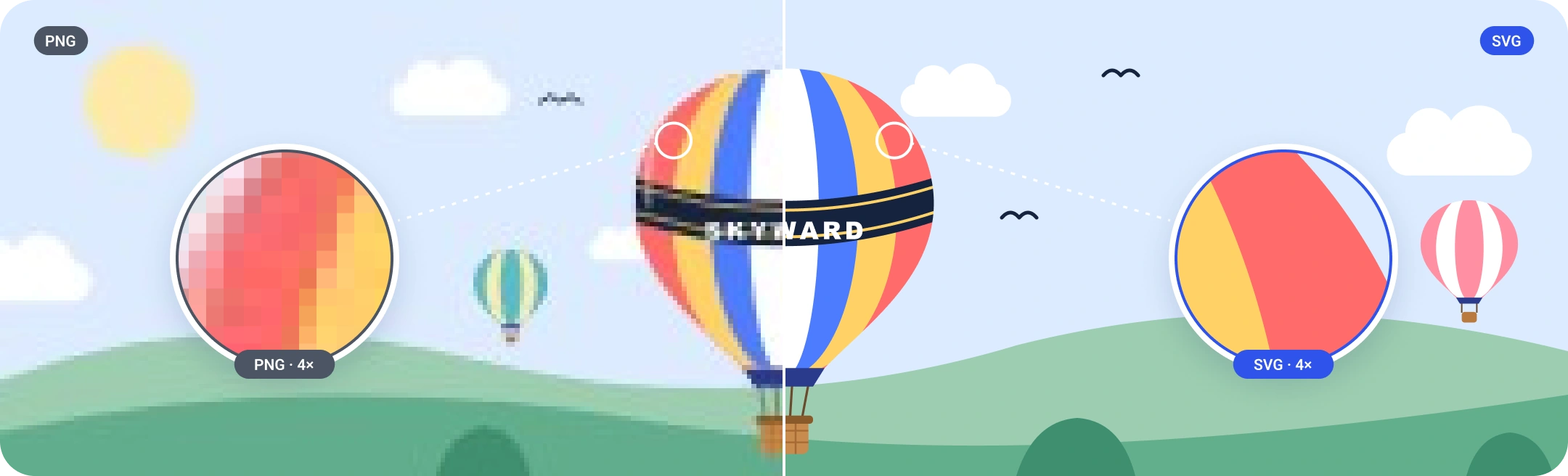
Vectorize Images Online
Quickly convert your images into vectors with Artguru’s AI vectorizer. Download SVG, EPS or PDF files and keep edges sharp as you scale.
Drop images here or paste (Ctrl+V)
Drop images here or paste (Ctrl+V)
Up to 1 image
- JPG
- PNG
- WEBP
- SVG
- EPS
- PNG






Automatically vectorize images online with AI
Artguru’s AI image vectorizer converts JPG, PNG or WEBP images into SVG, EPS or PDF vector files in one click. It automatically traces the shapes and outlines, saving you from drawing them by hand or fine-tuning tracing settings. Get your vector file quickly, right in your browser, with no software to install.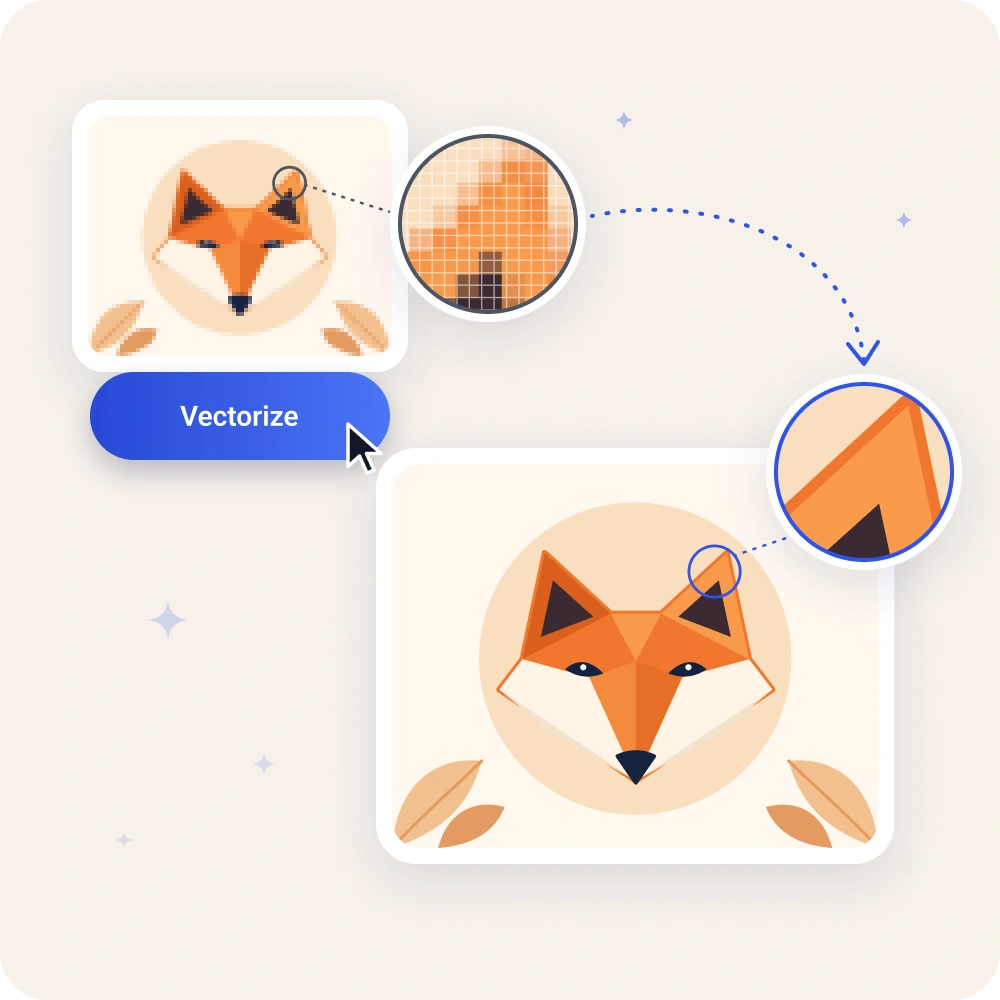
Convert raster images to vectors with precision
Get accurate vector versions of your graphics that retain the original shapes and details. Our AI vectorizer produces smooth curves and clean edges while helping preserve lettering and reduce touch-up work. Your vector file stays sharp when enlarged, so you can scale up your design for print with confidence. For a personal touch, easily adjust colors, shapes and details in your preferred vector editor.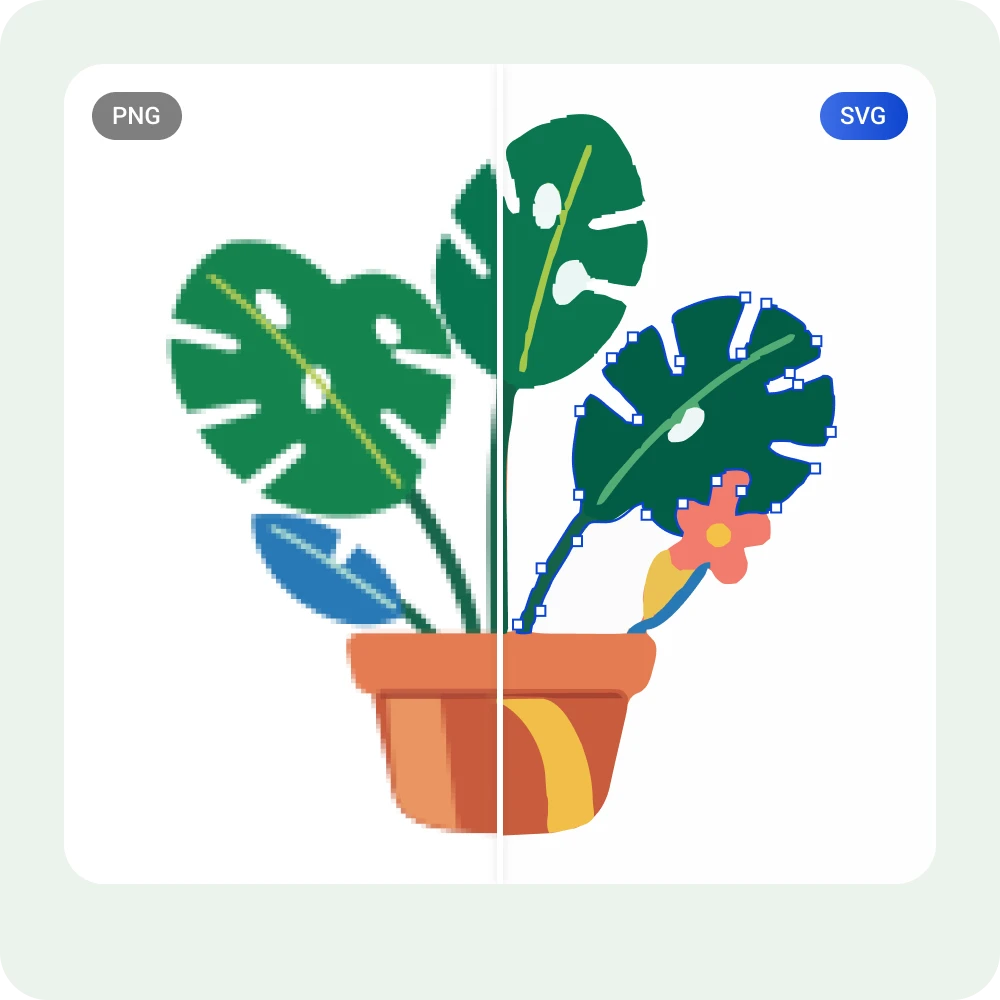
Vectorize the images you work with
Convert logos, illustrations, drawings and photos into vectors.

Logos and graphics
Give your JPG or PNG logo or illustration a vector version that preserves its design and colors. Keep your artwork sharp across labels, promotional materials and large signs.

Drawings and sketches
Convert scanned sketches, photographed drawings or digital line art into vector files you can enlarge for posters, cards and other printed designs.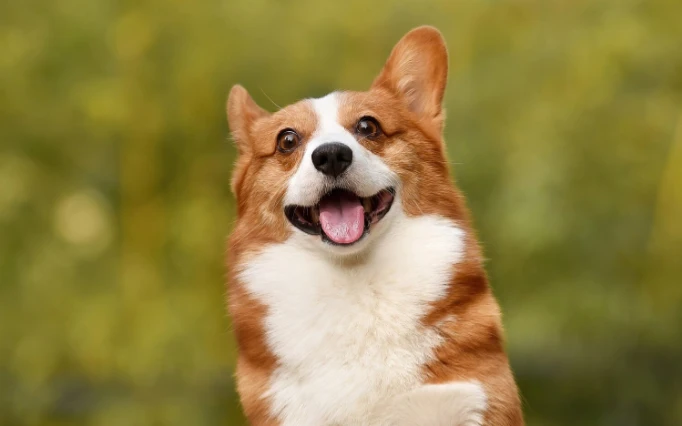
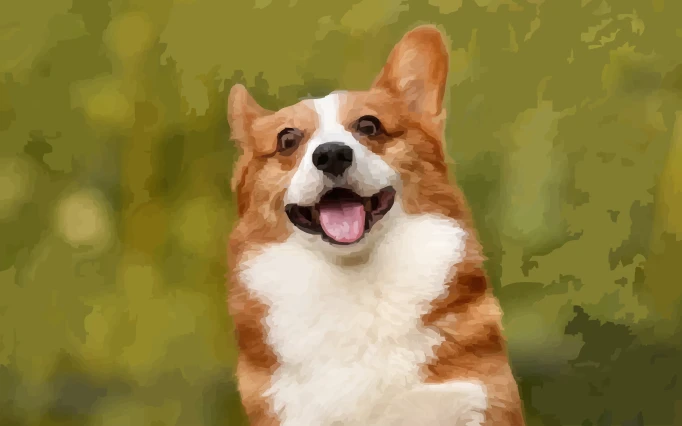
Photos as vector artwork
Turn your photos into vector artwork with an illustrated look. Colors appear in distinct blocks, while some fine details are simplified.
How to vectorize an image online
Upload a JPG, PNG or WEBP image from your device to start the conversion.
Artguru automatically vectorizes your image. Zoom in to check the outlines, colors and lettering.
Download your vector file as SVG, PDF or EPS. PNG is also available.
Image vectorizer FAQs
Have more questions? Contact support@artguru.ai.