Colorize image
Drop photos here or paste (Ctrl+V)
Drop photos here or paste (Ctrl+V)
Max 200 photos
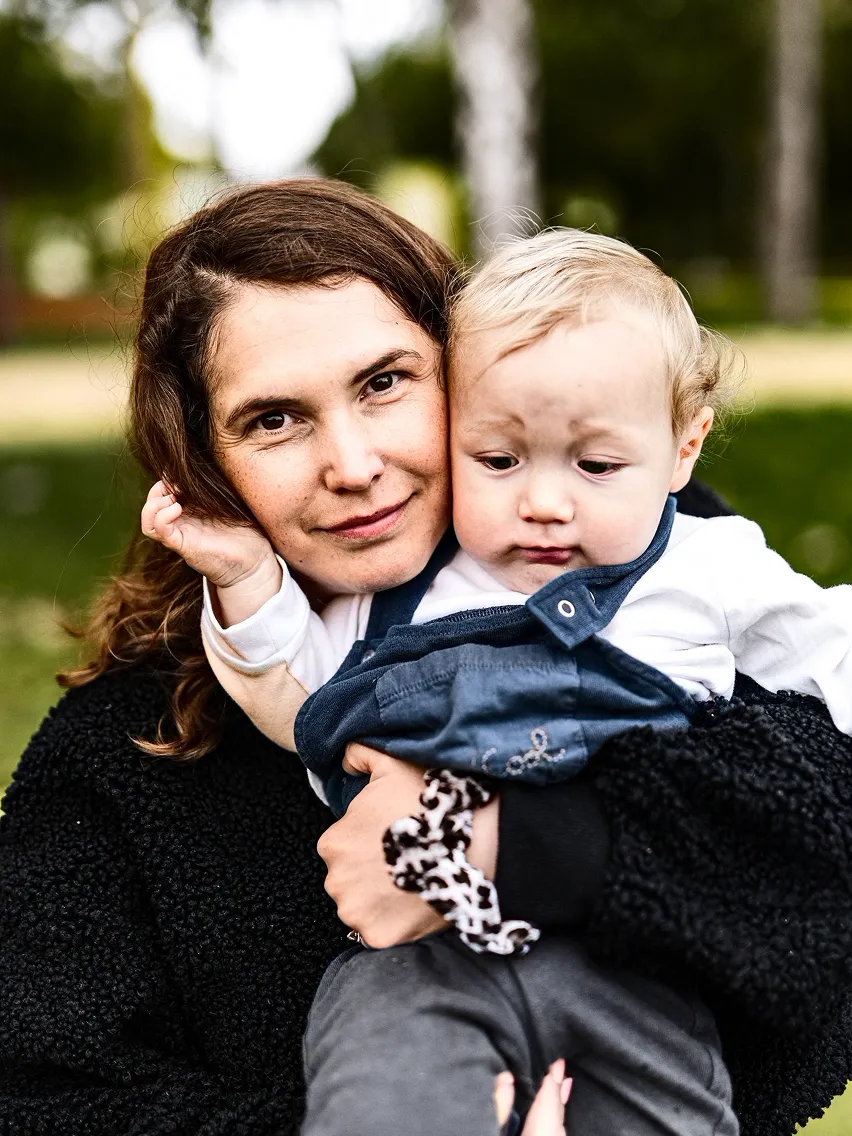
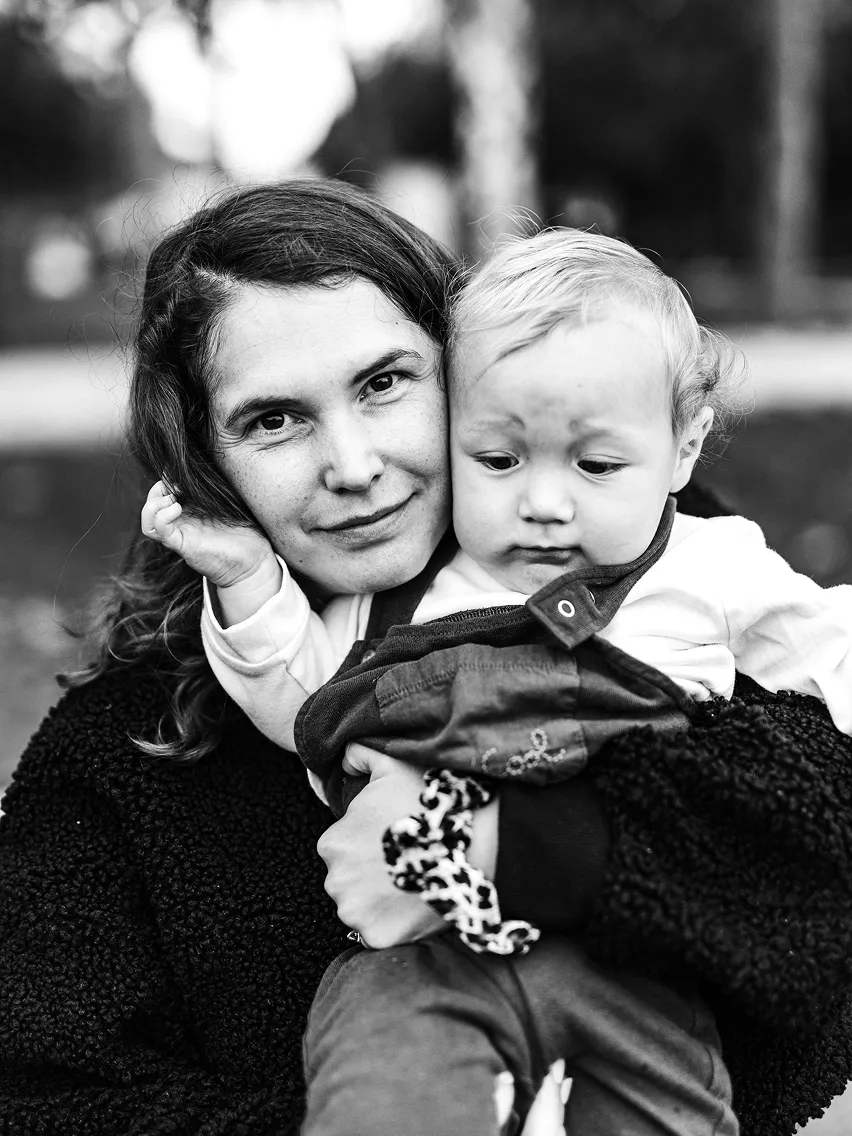
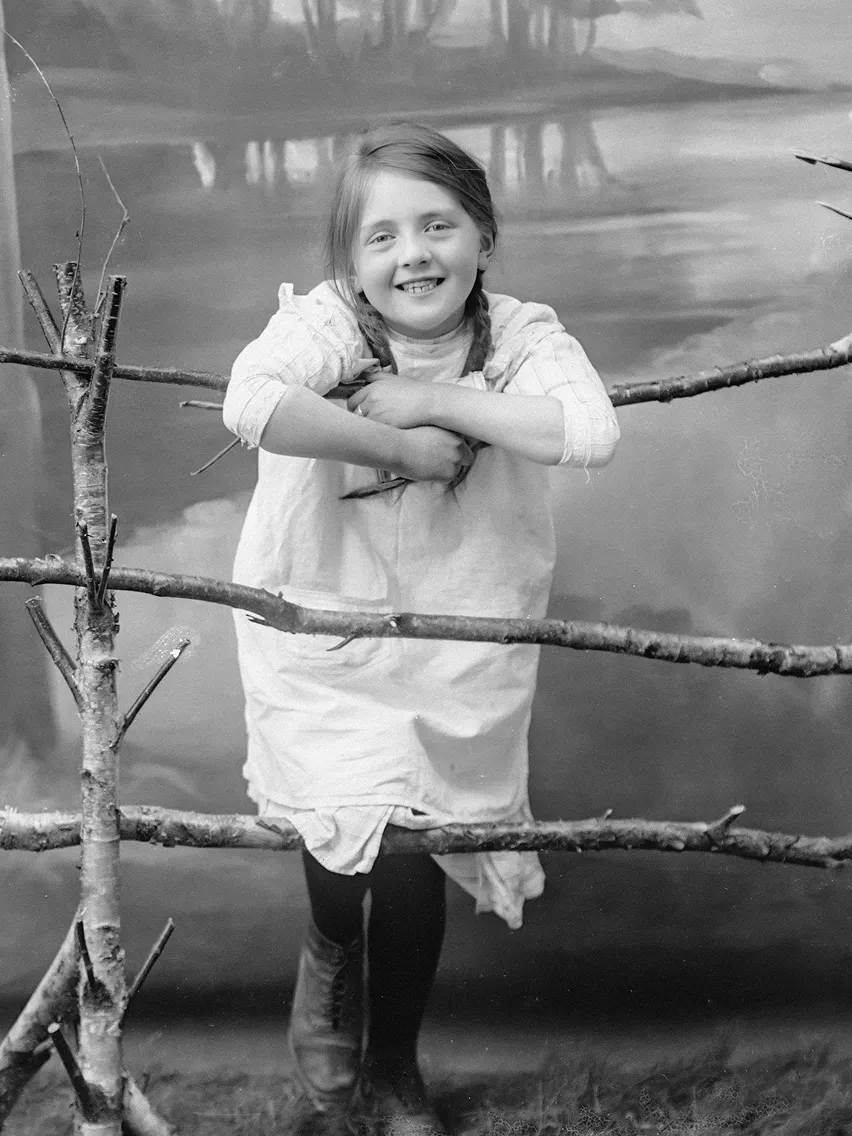
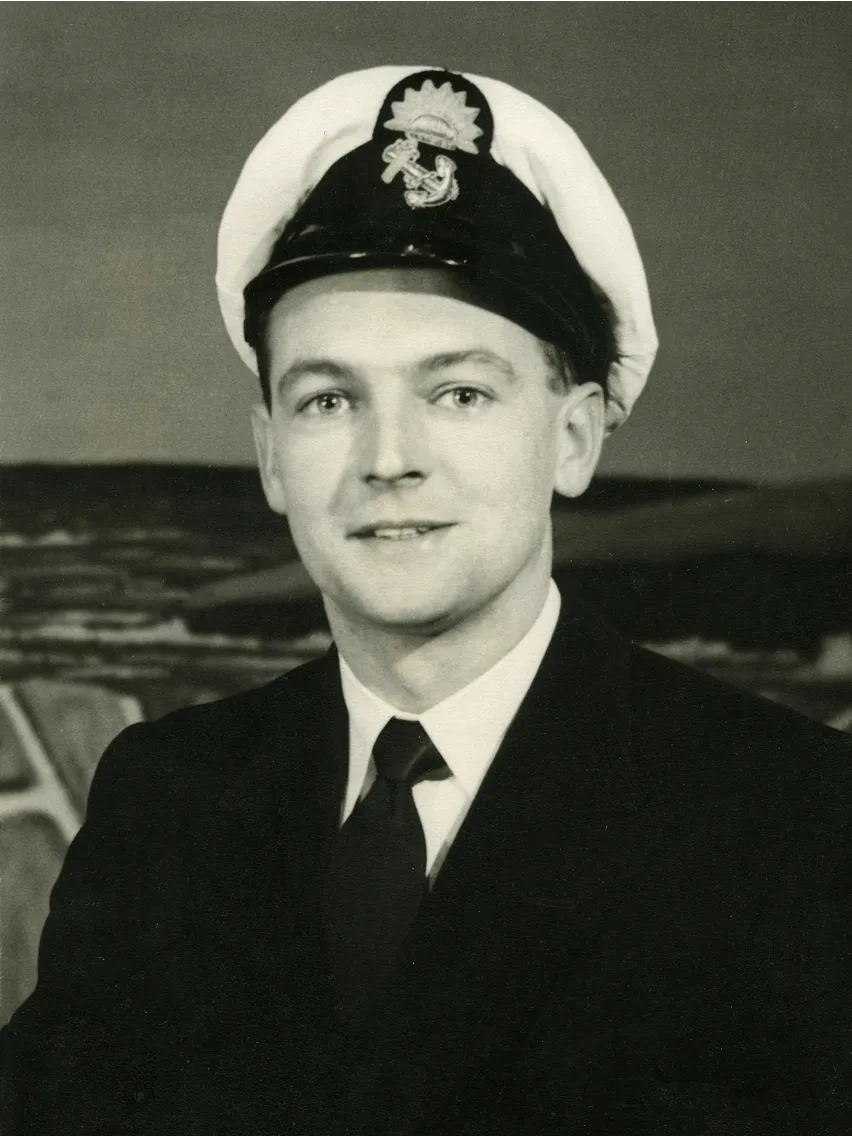
How to colorize images with AI?
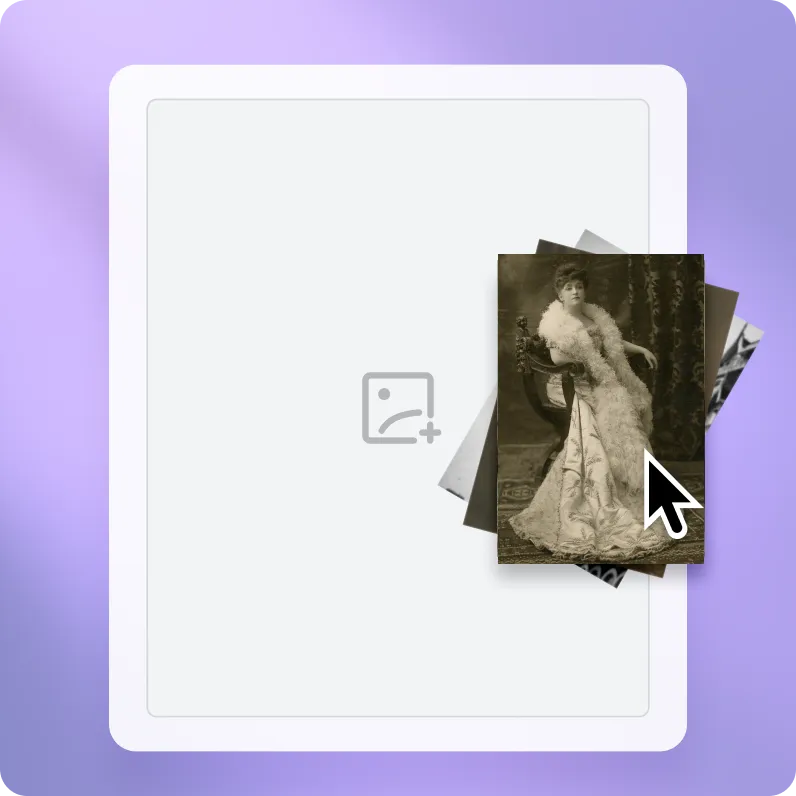
Step 1. Upload your photo
Drag and drop a black and white image, or choose one from your device.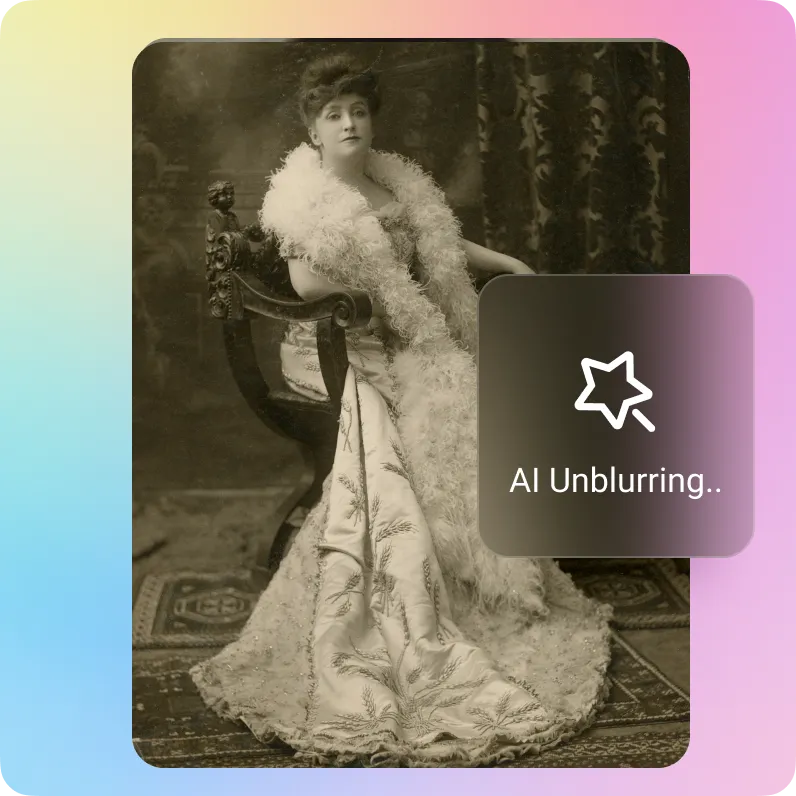
Step 2. Adding natural color
Artguru's intelligent AI automatically adds suitable colors to your black and white photos.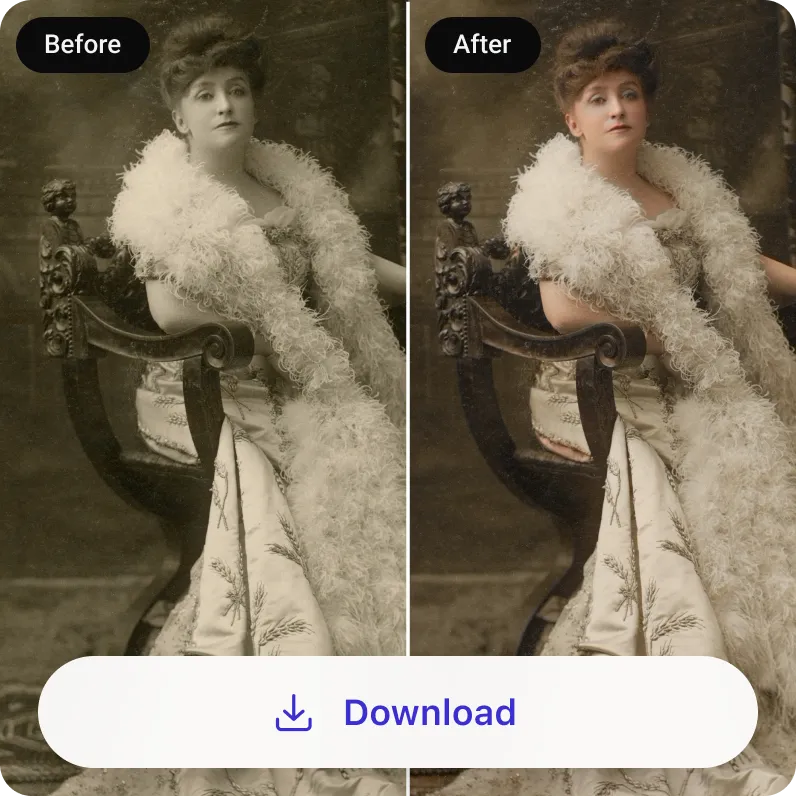
Step 3. Download, print, or share
Preview and download your vibrant colorized photo. If you need a sharper version, use our image enhancer after colorizing your photo.Why Artguru is the best AI photo colorizer?
One-click photo colorization
With Artguru's AI colorizer, you can turn black and white photos into color in one click, without dealing with complex editing settings.
Batch colorization
Colorize up to 200 images in one batch. It is a faster way to work through scanned albums, family archives, or large photo collections.
Professional colorization
Artguru first analyzes your photo, then uses advanced colorization algorithms to apply colors that accurately match the image content.
Safe for personal photos
Use Artguru to colorize personal portraits, family photos, and old album scans with confidence. Your images are processed securely, and only you have access to them.
Colorize your black and white photos quickly and easily
Just a few years ago, colorizing black and white photos was still a real challenge for most people. It usually required specialized skills and experience with image editing software. But with tools like Artguru, it's so much easier and faster to colorize image after image. In just a few seconds, you can turn old, dull, faded photos into natural-looking color images. You don't need to learn Photoshop, pay a professional to do it for you, or spend hours picking colors and painting over every little detail. It all just happens automatically.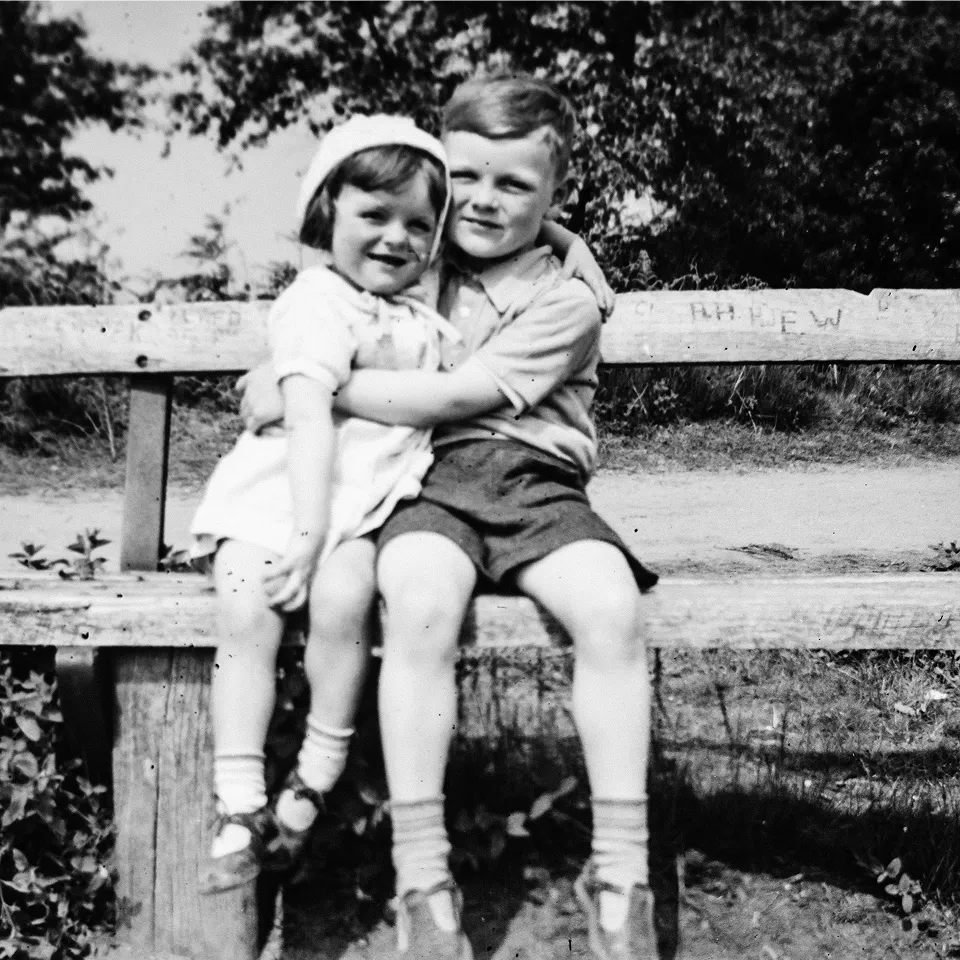
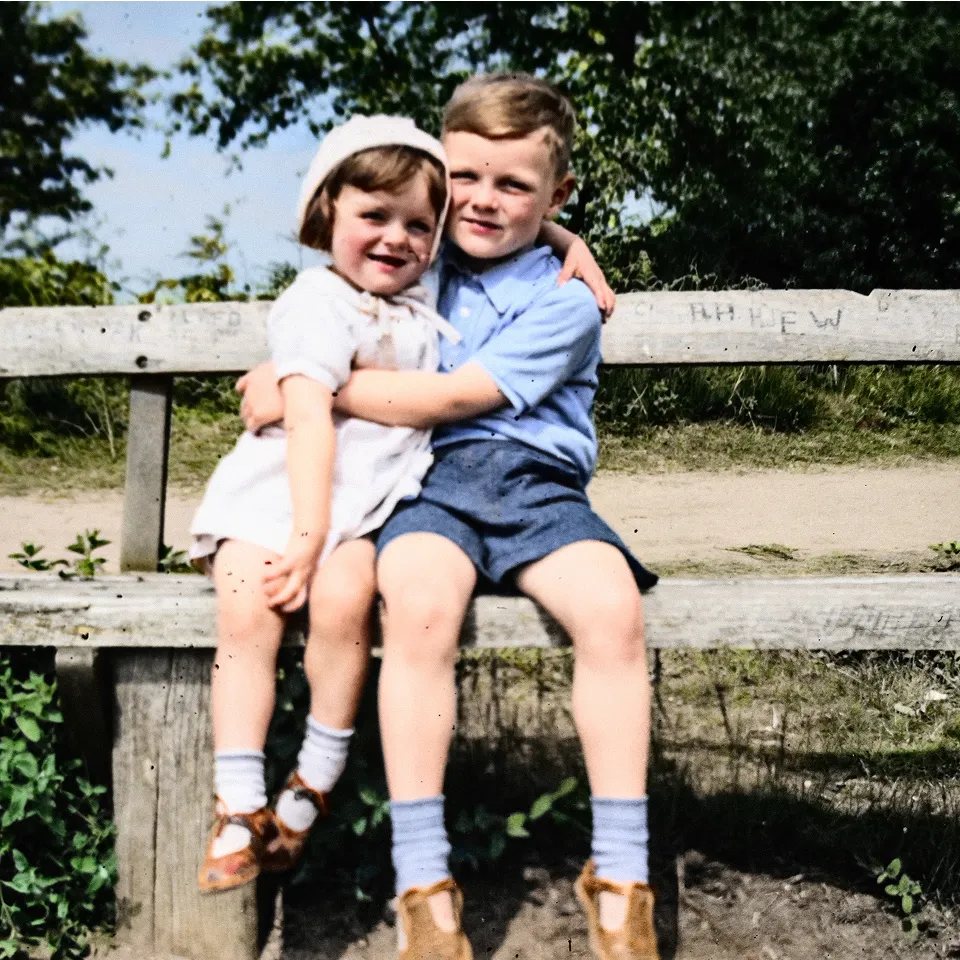
Colorize old photos of family and ancestors
Use Artguru to colorize old photos of family, ancestors, or everyday life and still keep their original style and charm. We give details like faces, furniture, and flowers softer, more lifelike color, so the photo does not look harsh or out of place. And if your photo has scratches, stains, folds, tears, or missing parts, you can also use our old photo restoration tool to fix it and get a finished photo that feels complete again.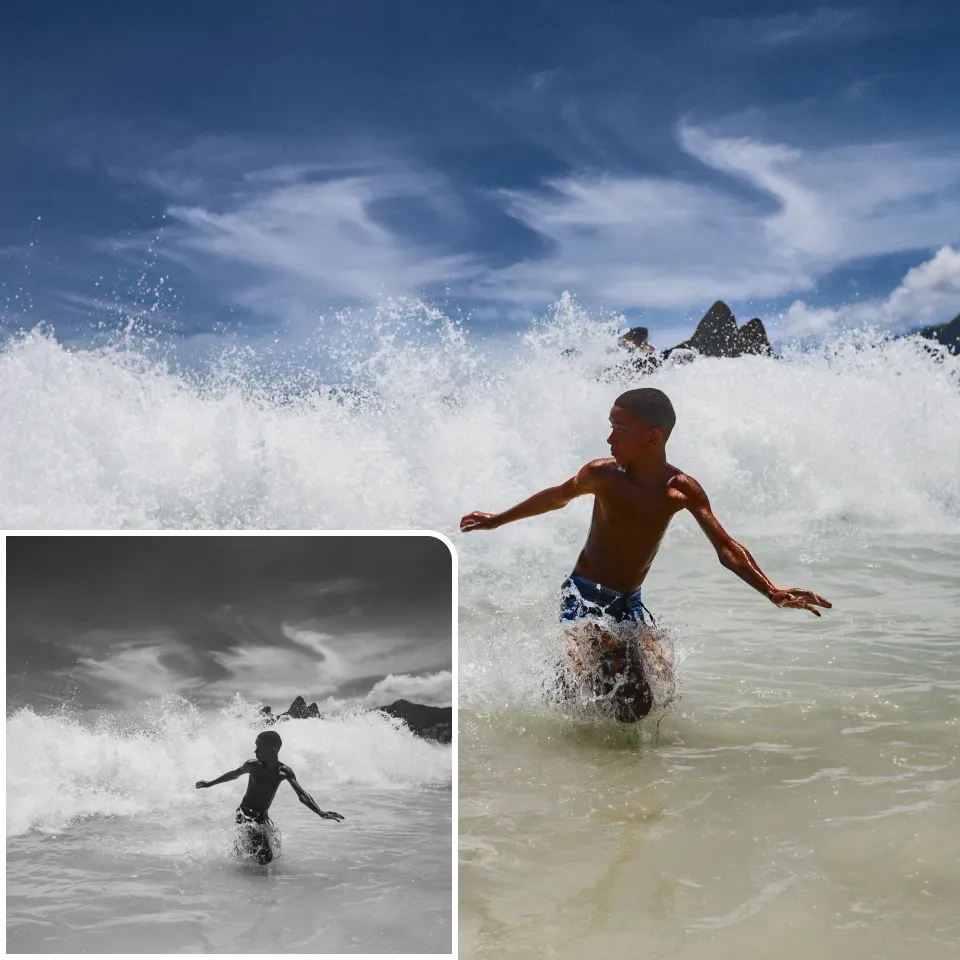
Turn black and white photo into color for history and archives
Convert historical black and white photos into color for research, archives, and presentations. Color makes old photos easier to study, explain, and share, from family trees and local history articles to museum notes and genealogy projects. Artguru's AI photo colorizer gives historical figures, uniforms, buildings, street scenes, and objects realistic tones.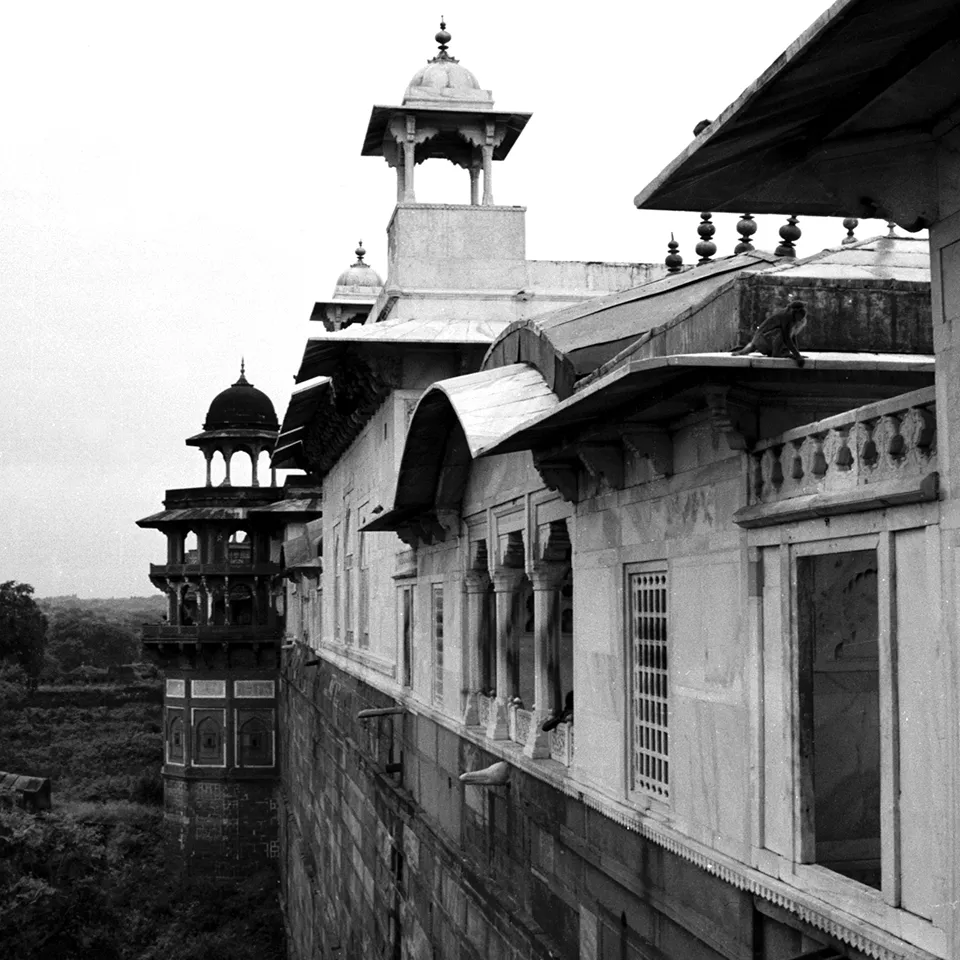
Colorize old places, streets, and travel photos
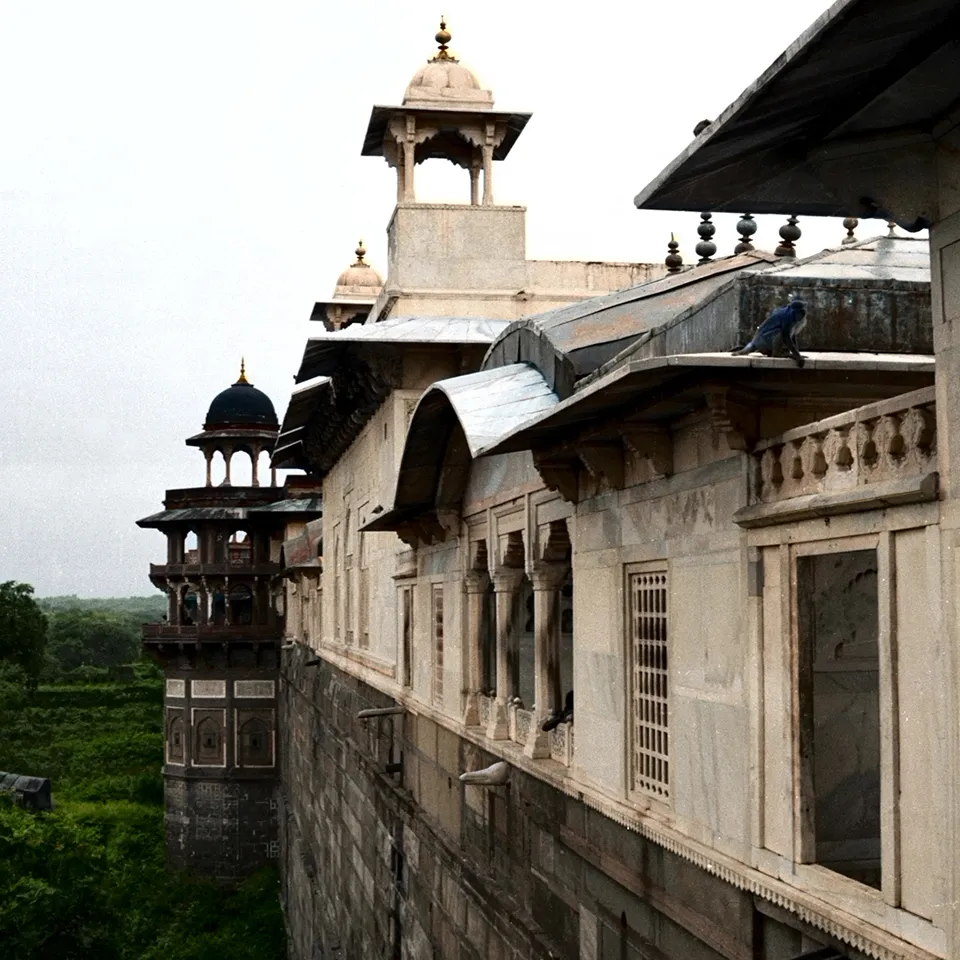
Portraits are not the only images worth seeing in color. Try Artguru to add color to black and white photo collections of streets, houses, classrooms, gardens, landmarks, and travel scenes. Our AI image coloring tool recreates skies, plants, walls, signs, clothes, and small scene details in balanced tones, so familiar places feel clearer and easier to recognize.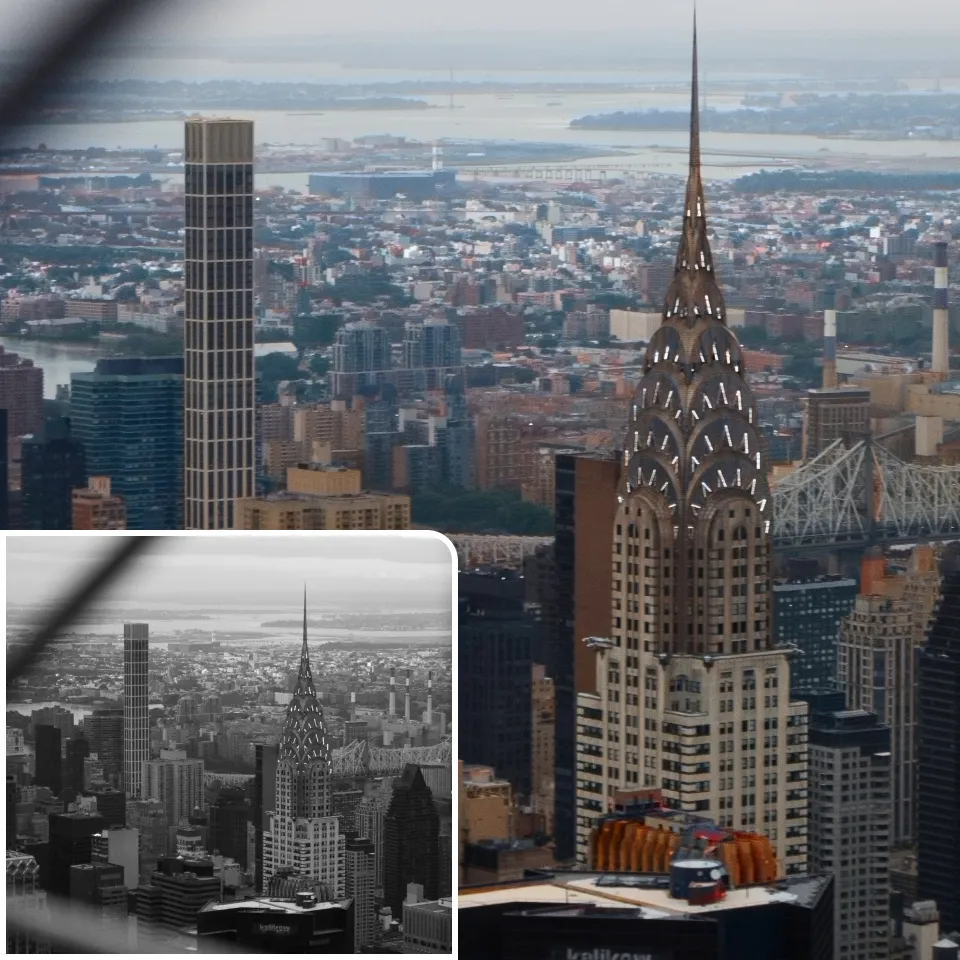
Go beyond photo colorization
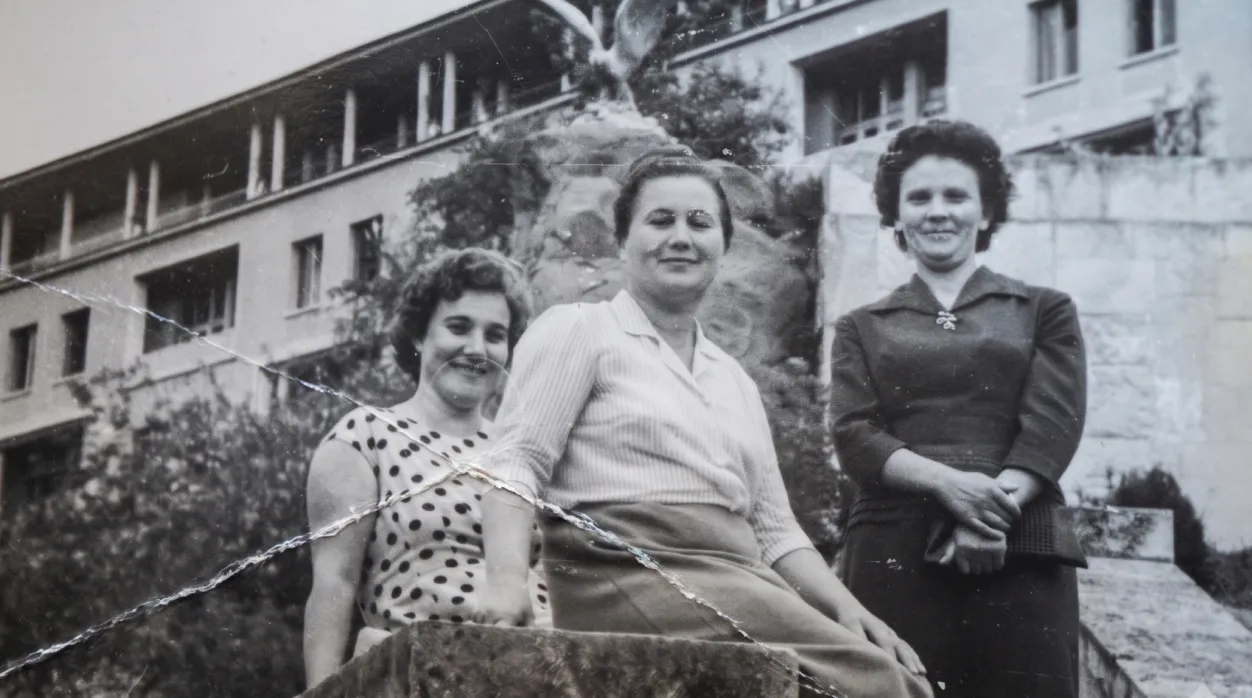
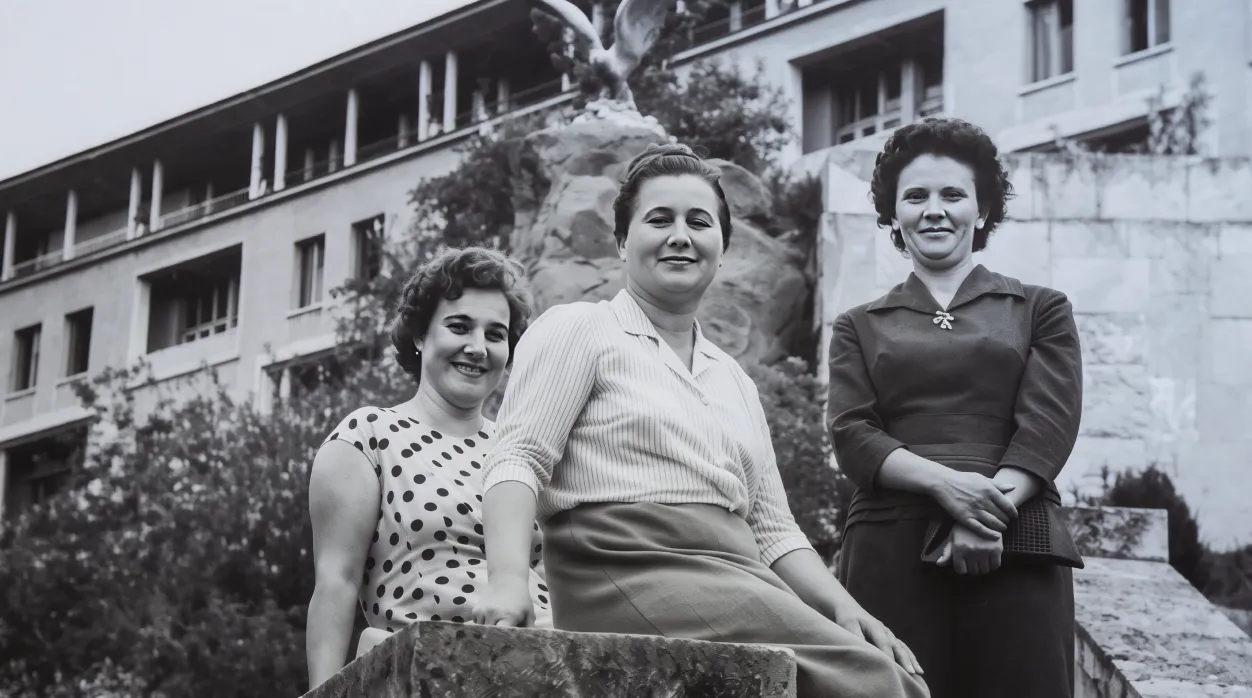
Photo restoration
Beyond colorization, Artguru also offers an old photo restoration tool to help repair creases, scratches, and stains in your cherished old photos.
8K image upscaler
Need more than 4K? Artguru image upscaler can enlarge images up to 8K, making it a better choice for large prints, posters, display screens, and professional projects.
Enhance text in image
Don't worry if there is blurry text in your old photos. Artguru is an all-in-one enhancer. We can effectively deblur text and make it recognizable in your photos.

Background remover
Background removal is not a problem either. Use our image background remover to clear a messy background in one click, keep only the subject you want, and recreate your image as you like.What our users create with Artguru photo colorizer

Emily Carter
I used Artguru on a black and white scan of my grandma's wedding photo, and it turned out pretty well. Her wedding dress stayed white, the flowers had soft color, and the faces didn't turn orange like they did with another tool I tried.
James Whitaker
I used this tool for a black and white street photo from my hometown. The sky and buildings looked natural enough, and it made the scene easier to recognize without looking too modern.