Memorial Photo Maker
Turn your loved one’s photo into a memorial portrait.
Drop images here or paste (Ctrl+V)
Drop images here or paste (Ctrl+V)


How to use the memorial photo maker
Prepare a memorial portrait for a funeral, a headstone, or a keepsake.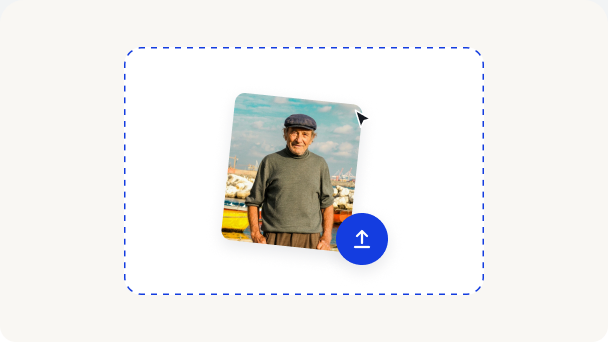
1. Upload your photo
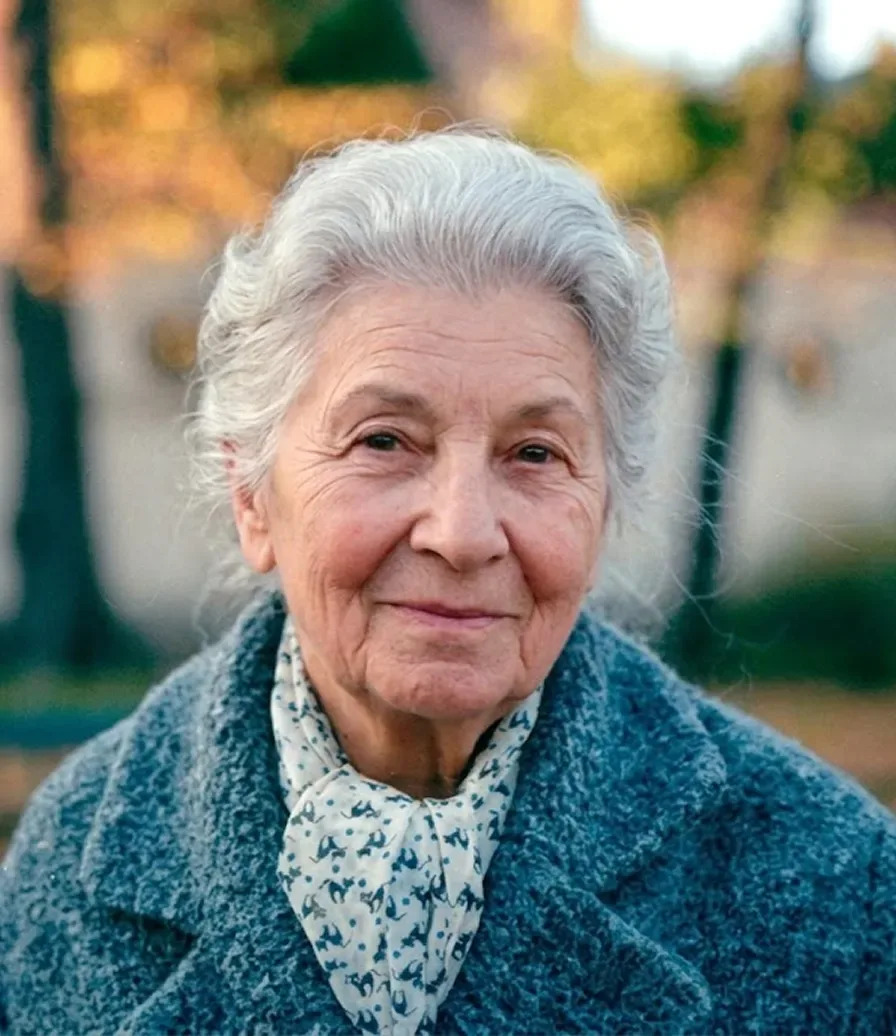
Start with a photo of your loved one. Select it from your device, or drag and drop it into the upload area.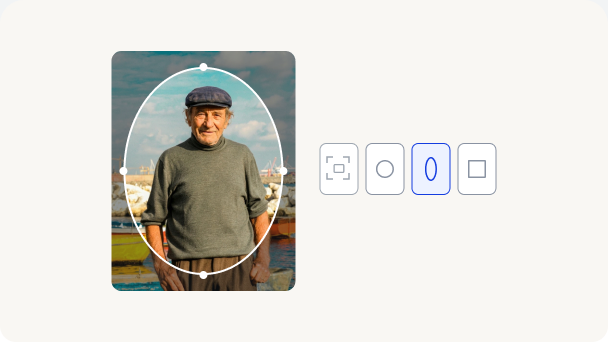
2. Prepare your photo
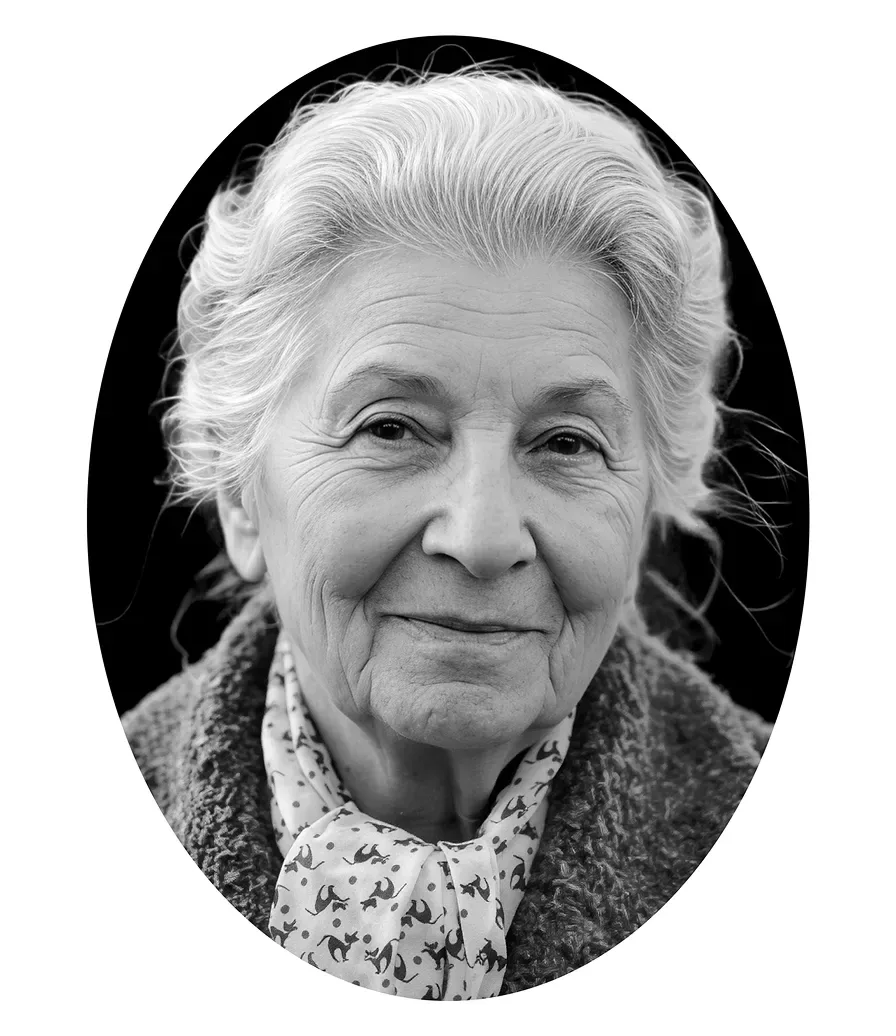
If needed, adjust the size, shape, or crop, and turn on Repair for old or damaged photos. Then click Start to enhance clarity and remove the background.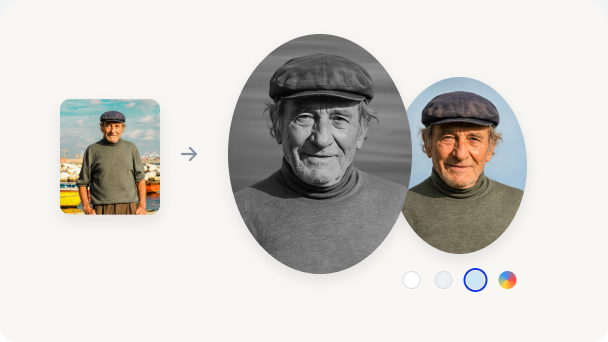
3. Choose a background and photo style
Use a solid color or an image for the background, or upload your own. Turn on Black & White if you prefer a monochrome portrait.