Turn a photo into a high-quality sticker with a transparent background and an outline you can customize.
Drop images here or paste (Ctrl+V)
Max 200 images
Convert photos to stickers with transparent backgrounds
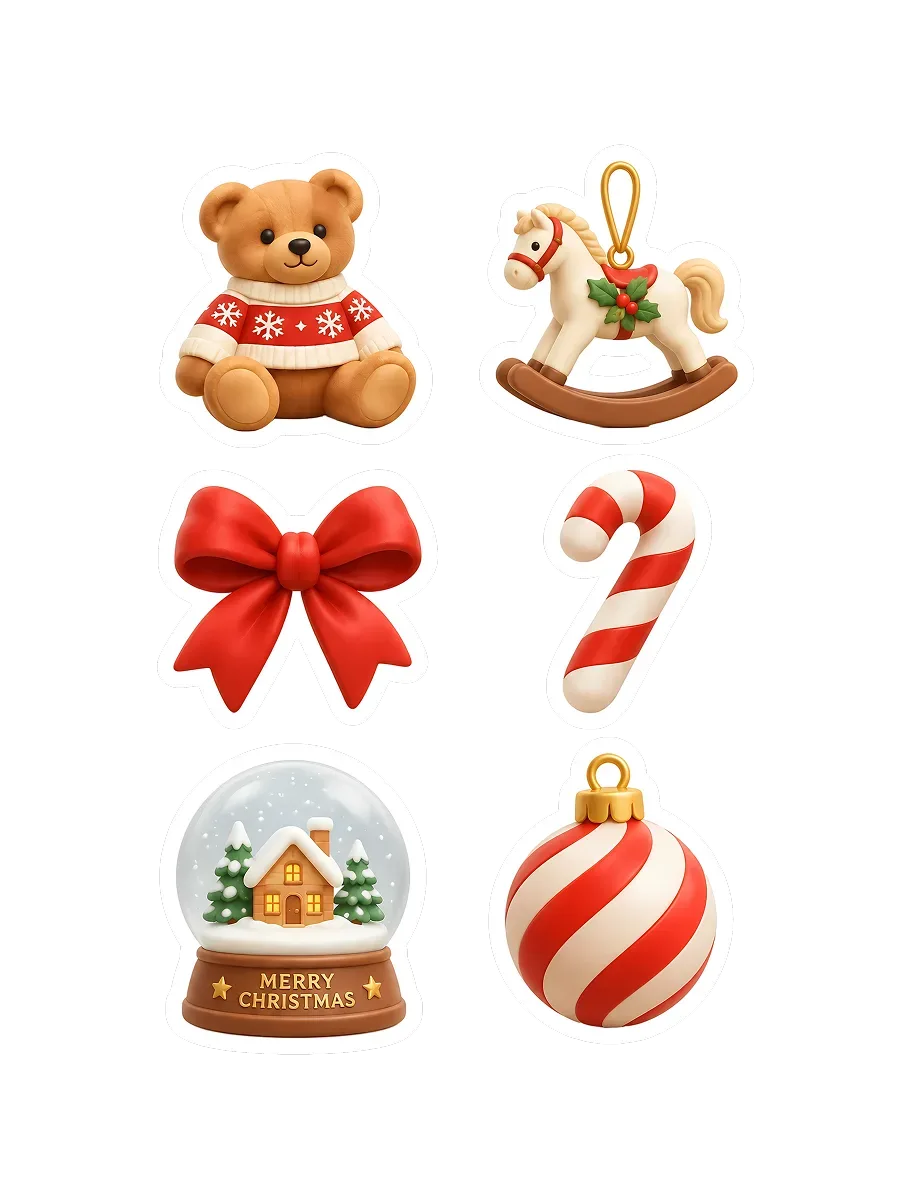
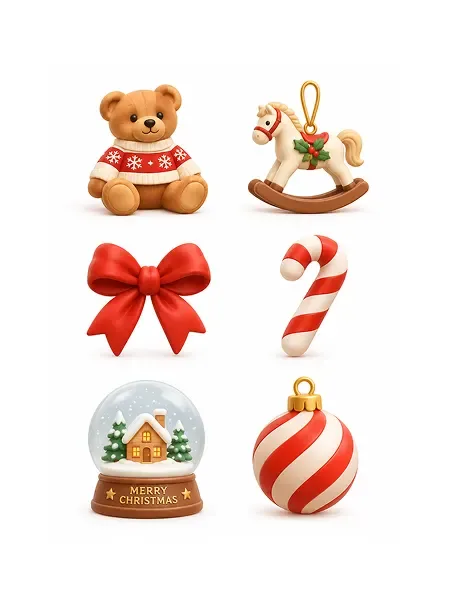
Turn your artwork, logos, or photos into custom stickers with a single upload. Artguru automatically removes the background to create a clean, precise cutout of your subject. Start with an image you already have and make it your own sticker.
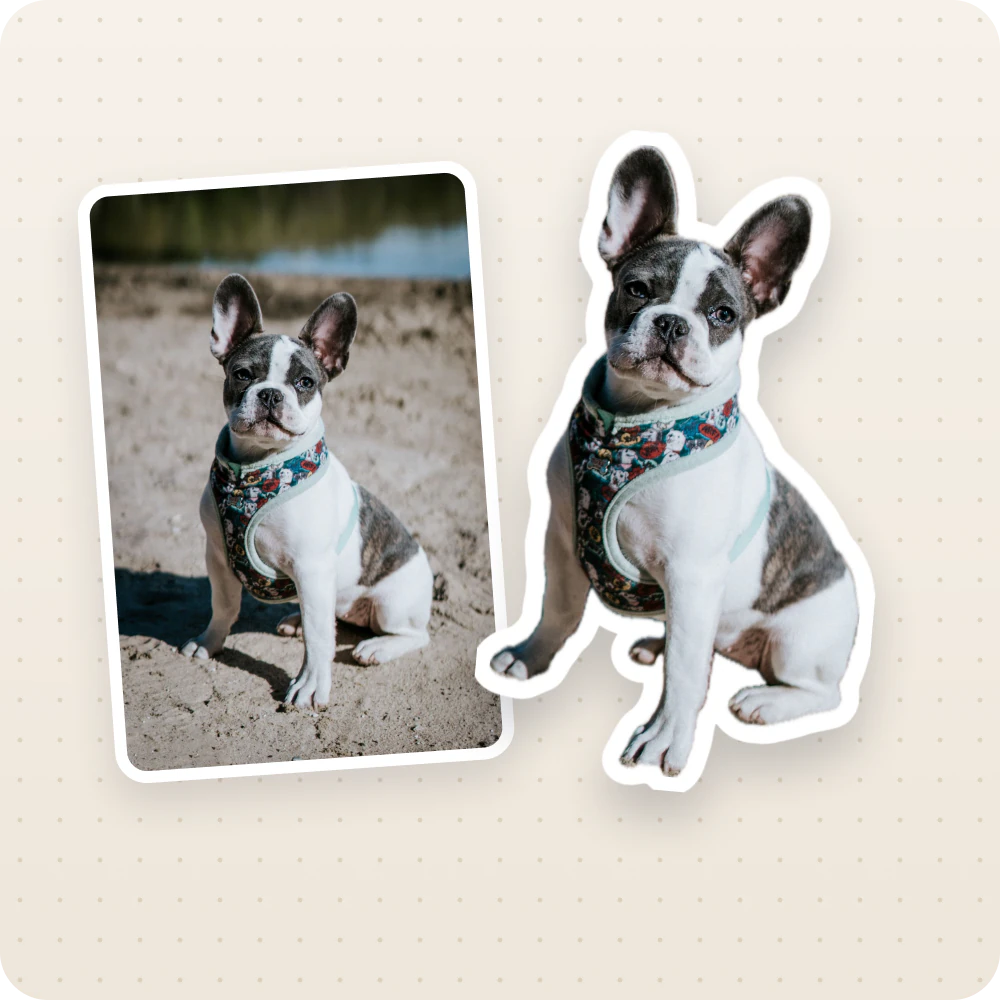
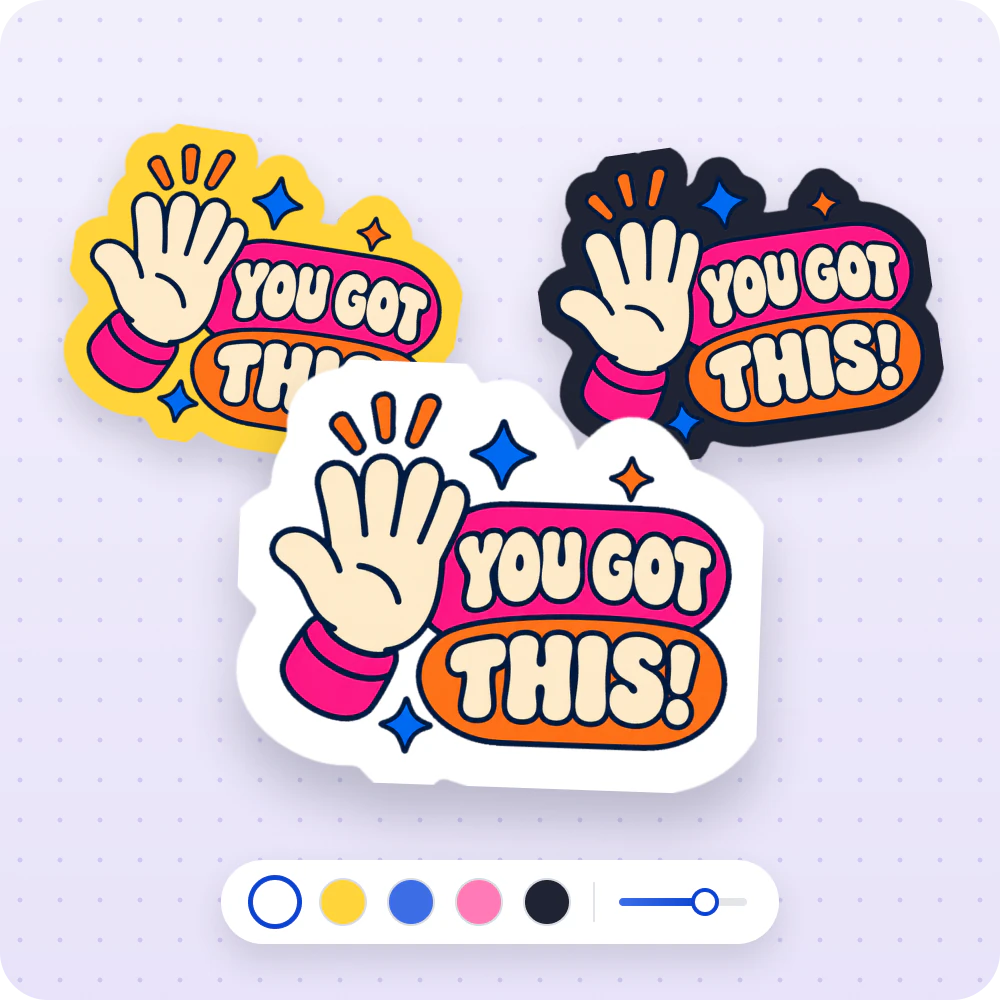
Customize sticker outline colors and thickness
Give your sticker a subtle edge or a bold border to suit your design. Choose classic white or another color that helps the subject stand out against the background. Every adjustment appears in a live preview, so you can easily compare looks. The color picker remembers up to five custom colors for your next creation.
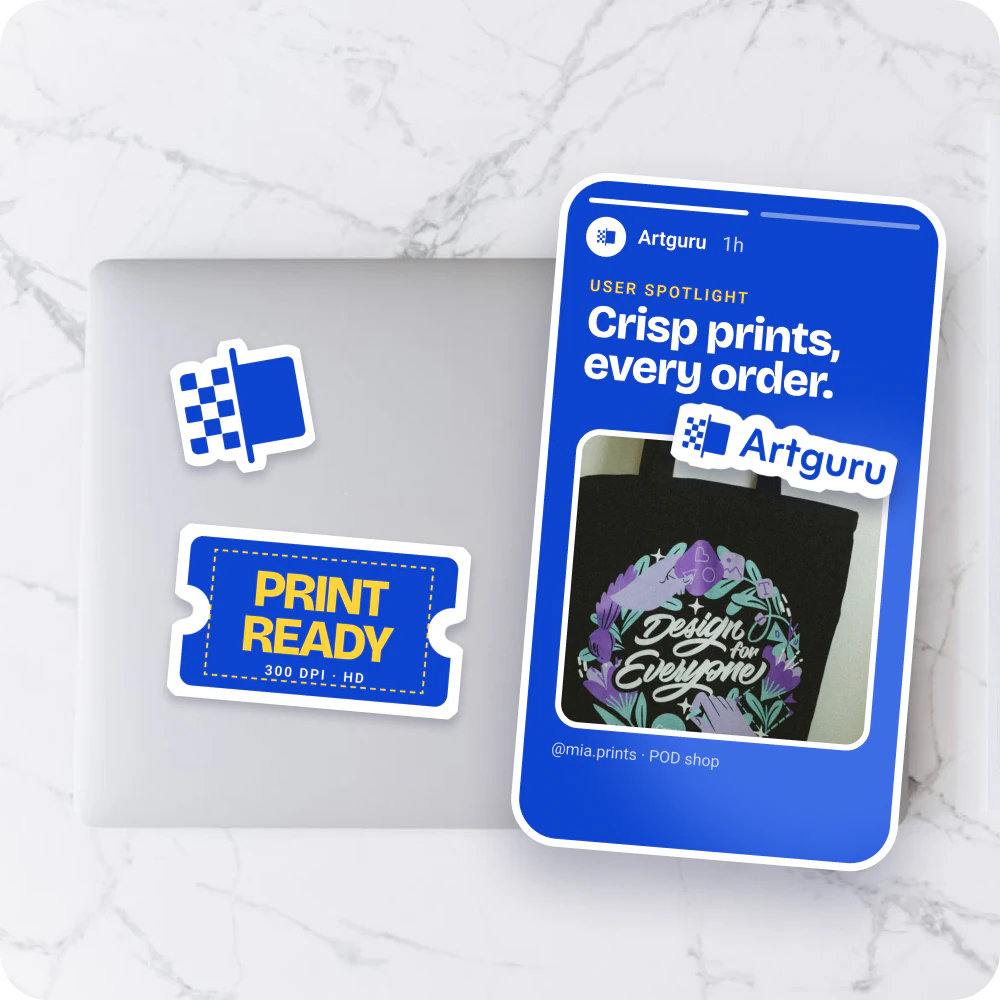
Create clear stickers for digital use and printing
Our tool enhances image clarity for crisp, detailed digital and printable stickers. Save your sticker as a transparent PNG to reuse in social posts, posters, or DIY projects without a rectangular photo background around it. You can also print your enhanced sticker image at home or through your preferred print service.
How to make a sticker from a photo
1. Upload your image
Upload a JPG, PNG, or WebP image. Artguru automatically enhances it and removes the background to create your sticker.
2. Customize the outline
Adjust the outline color and thickness, and preview the changes in real time.
3. Download your sticker
Once you’re happy with the result, download your sticker as a transparent PNG and save it to your device.
Photo sticker maker FAQs
An online sticker maker lets you turn your images into stickers directly in your browser. Artguru automatically removes the background and lets you customize the outline. You can then download your sticker as a transparent PNG.
You can download 1K quality stickers with a watermark for free. To download without a watermark, choose a subscription or pay for an individual image.
For best results, we recommend a clear image with the full subject in frame and a background that is easy to distinguish from it. You can upload JPG, PNG, or WebP files.
Yes. Artguru enhances image clarity to help you create clear, detailed stickers for printing. Choose a resolution that suits your intended print size, with 4K providing more pixels for larger stickers.
Yes. A subscription lets you upload and process multiple photos in one batch, so you can create a set of stickers without uploading each image separately.
Your photo, now a sticker
Pick a photo you love and turn it into a sticker of your own.