Sharpen Video Online
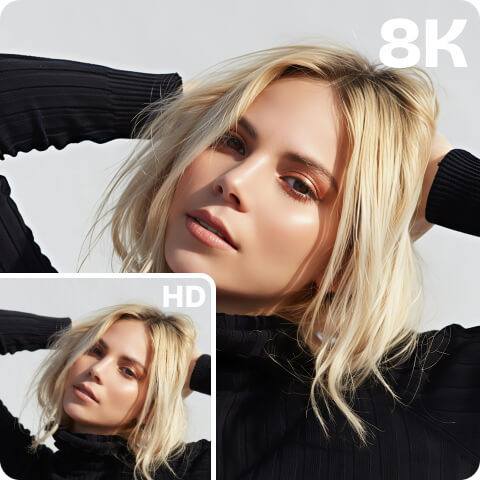
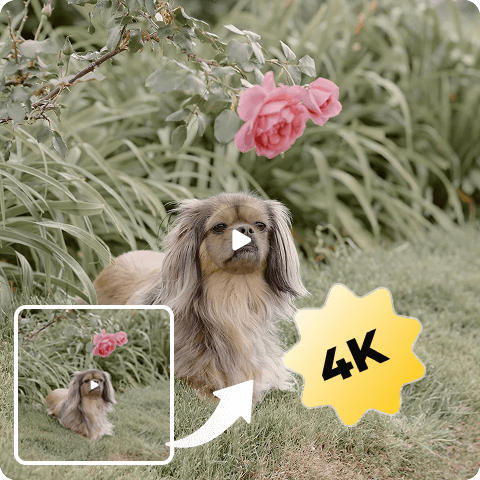
Don’t get upset anymore with your blurry videos! Artguru’s AI Video Sharpener is here to improve the clarity and add sharpness to any of your low-quality videos, from everyday clips to professional footage. All this video sharpening work can be done right in your browser — no downloads or editing experience required.
 One-click Sharpening
Our interface, both in the browser and the app, is very clean — no complicated layout, unlike other editors. You know very clearly how to sharpen your video with only one click here.
 Background Processing
As video sharpening demands more time than image sharpening, we allow you to close even our website after you successfully upload a video for enhancement, without blocking your device or requiring high-end hardware.
 AI-powered Video Sharpening
Over the years, our AI has gained extensive experience in enhancement and now leads in high-quality video sharpening.
 Safe and Private
Artguru always put your privacy in the first place. All your files are saved securely in the cloud and you are the only one that has access.
How to Sharpen a Video?

Step 1. Upload
Open Artguru’s AI Video Sharpener and upload your video (max 1 GB and 20 minutes) to our platform.

Step 2. AI Video Sharpening
Choose 1080p or 4K resolution and click “Start” to begin the video sharpening. Our AI may take some time to analyze, unblur, and sharpen your video, so you’re free to close the tab and let the process run in the background, which can save you valuable time.

Step 3. Preview and Download
After the video sharpening is finished, please open the “Library” and compare the before and after videos, then click to download your high-quality video. You can also upload your next blurry video.
Simple and Powerful Video Sharpener on the Market
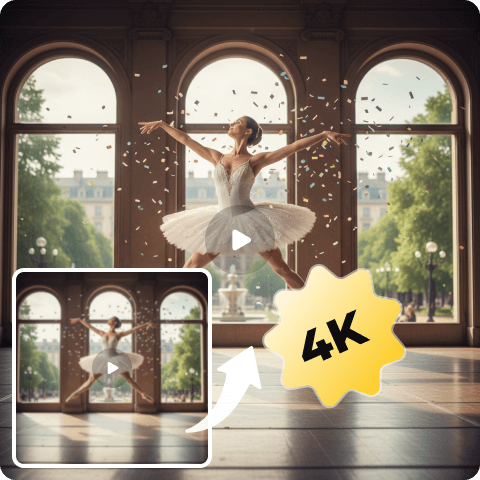
Most video sharpeners are built into complex video editors, which can be confusing at first glance and make you feel lost in a sea of buttons. Artguru, however, is dedicated to offering the simplest way to make your videos sharper and clearer, especially for beginners. All you need is your blurry video and some credits. In just a few minutes, you’ll have a brand-new, high-quality video in Artguru Library.
Enhance Video Sharpness and Upscale to HD or 4K
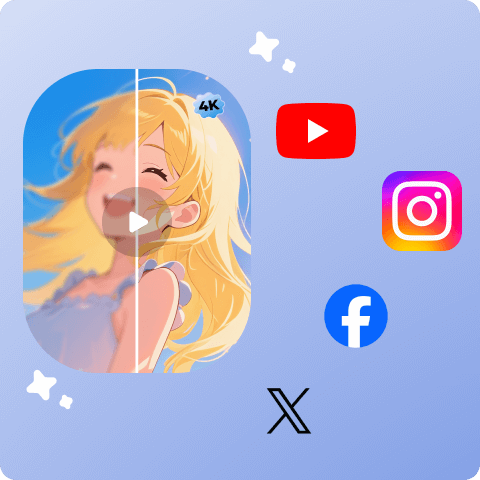
Artguru can not only sharpen every detail of your videos, but also upscale their resolution to HD (1080p) or 4K, making them perfect for your projects or for sharing on social media platforms such as YouTube, Instagram, Facebook, and more. Go to our Video Enhancer now and start turning your low-resolution videos into sharp and crisp footage!
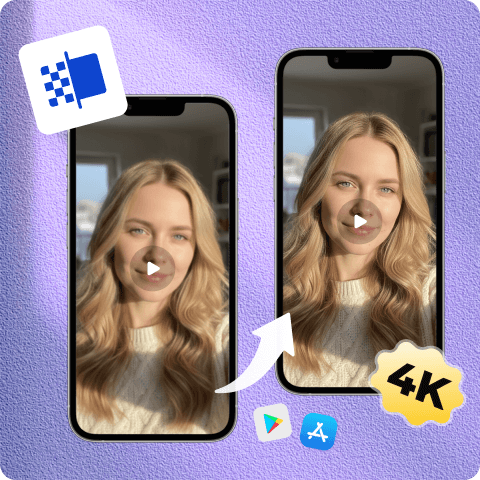
Sharpen Videos on Your Mobile After Recording
It’s really common to record something interesting on the street or elsewhere, but the problem is that it’s easy to end up with blurry, noisy videos. That’s why you need a reliable video sharpener like Artguru to instantly unblur your footage. Artguru offers mobile apps on iOS and Android, which you can download in the App Store or Google Play. Anyway, if you just want a one-time video sharpening and enhancing, you can simply use Artguru in your browser.
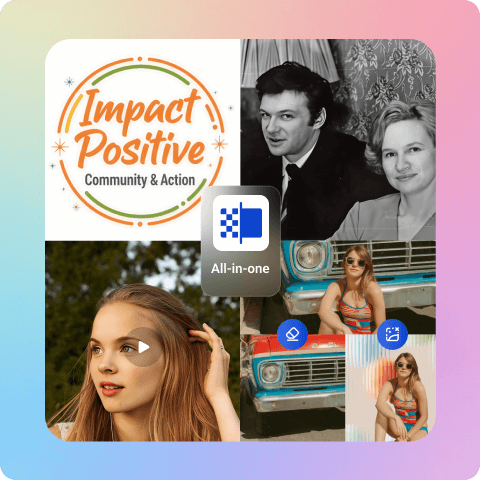
AI Enhancement and Editing All in One Place
Artguru is an all-in-one AI enhancement toolbox, including a photo enhancer, image upscaler, PDF enhancer, document enhancer, old photo restoration tool, and other image editing tools like background remover and object remover. All of them are easy to use, just like this video sharpener, and very helpful whether for eCommerce, marketing, education, AI creation, or daily creative tasks.
Who Can Use Our Video Sharpening Tool?
Artguru’s AI Video Sharpener has already satisfied many clients. Below, you can see the types of videos you can enhance with our magic.
Your daily moments
Beautiful sunsets, playful puppies, and today’s special moments… capture them all on your phone and sharpen them with our Video Sharpener.
Your cherished old videos
Enhance and restore old home videos with low resolution, lots of noise, and heavy grain, such as VHS tapes or early DV footage.
AI-generated videos
Turn animations and amazing videos created with AI video generators such as Sora and Luma into sharp, high-definition content.
Business videos for companies
Clean up marketing and promotional videos by removing visual noise and enhancing clarity to give your brand a professional edge.
Videos for social media
Upscale your videos before uploading them to social media platforms, such as vlogs, gaming videos, cooking tutorials, or anything else.
Anime videos you love
Unblur the anime videos you watched in childhood and enjoy them in full clarity.
What Our Happy Customers Say

Damian Nguyen
I’ve never seen a video sharpening tool as easy to use as Artguru. I’d recommend it to anyone like me who wouldn’t know how to use a complicated video editor even if they downloaded one.
Marcio António
I gotta say, Artguru is amazing for sharpening slower-paced videos!
The results are super smooth!
Hiroyuki Shigeta
I make AI animations, and if you know AI video, you know the struggle with blurriness is real. I needed a solid upscaler and found Artguru. It’s not a perfect tool, but after comparison, I found it is good enough for my workflow. Totally worth a positive review.
AI Video Sharpener FAQs
The “best” tool depends on your needs, but Artguru is a top contender if you’re looking for a balance between powerful AI sharpening and simplicity. Unlike professional software that requires a steep learning curve, Artguru offers a one-click solution in your browser that delivers studio-quality sharpness without the complex settings.
To increase video sharpness, you traditionally need to adjust contrast and edge detection. However, with Artguru, the AI does the heavy lifting for you:
1. Upload your video to the Artguru AI Video Sharpener.
2. Wait for the AI to analyze and clean up the blurry edges.
3. Preview and Download your sharpened, high-quality video instantly.
It depends on the length of your video, and normally, a one-minute video will take less than 1 hour to sharpen, but you can leave our site while it’s processing without any worry.
There are two methods. First, if you don’t want to download any software, you can open Artguru in a browser like Google Chrome, then upload your video and wait for the final result. Second, you can download the Artguru app from the App Store for iPhone or Google Play for Android. The remaining steps are the same.
Artguru supports most popular video formats, including MP4, MOV, AVI, and MKV. If you’ve recorded it on your phone or a digital camera, Artguru can likely sharpen it.