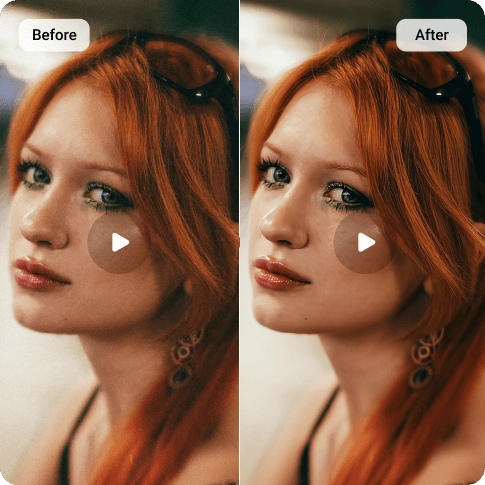
Denoise Video Online with AI
Instantly clean up grainy footage. Simply upload your video, and Artguru’s AI video denoiser automatically wipes away visual noise and grain, making your clips look clean and sharp.
 Keeps Details Sharp
Our AI removes the grain but keeps the texture. You get a clean video without that fake, blurry look.
 Upscale to HD & 4K
The AI video denoiser also increases video resolution, making your footage look sharp even on big screens.
 Automatic & Fast
No need to adjust complex parameters. Our tool detects the noise level and applies the perfect amount of smoothing automatically.
 Secure & Private
We prioritize your privacy. Your files are processed securely, and only you have access to your data.
How to Denoise a Video Online

Step 1: Upload Your Video
Open Artguru’s online video enhancer. Then, simply drag and drop your grainy or noisy video file into the upload box to get started.

Step 2: Let AI Remove the Noise
Once uploaded, our AI automatically analyzes the video to detect noise levels and begins the restoration process. You don’t need to stay on this page, so feel free to close the tab and come back later to check your history.

Step 3: Preview & Save Your Clip
When the process is done, watch the preview to see the difference. Satisfied with the clean look? Download the high-quality video instantly to your device.
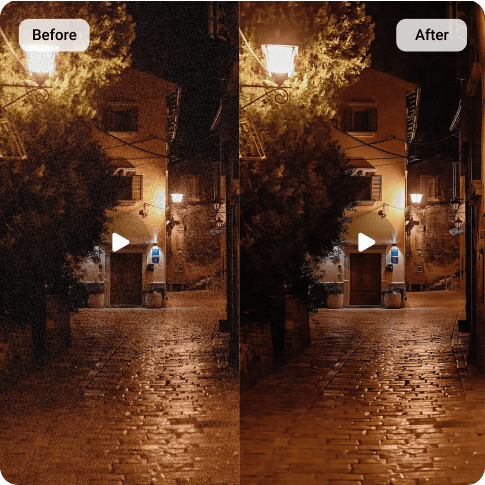
Denoise Low-Light & Night Video
Shooting in dim environments, like birthday parties, weddings, or night cityscapes, often forces you to use high ISO settings. This results in heavy digital noise that makes the video look “dirty” and unprofessional. Artguru’s video enhancer wipes away that distracting fizz and grain, making your dark scenes look clear and clean while preserving the original mood and lighting.
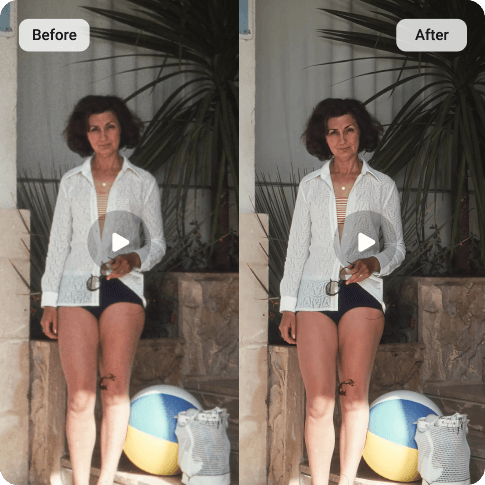
Remove Video Noise from Old Recordings
Digitizing old tapes often results in grainy footage, static, and snow. Whether it’s VHS tapes, 8mm film, or old camcorder recordings, our AI tool helps eliminate these artifacts. It gives your family history a polished look, allowing you to watch those moments more clearly on today’s high-definition screens.
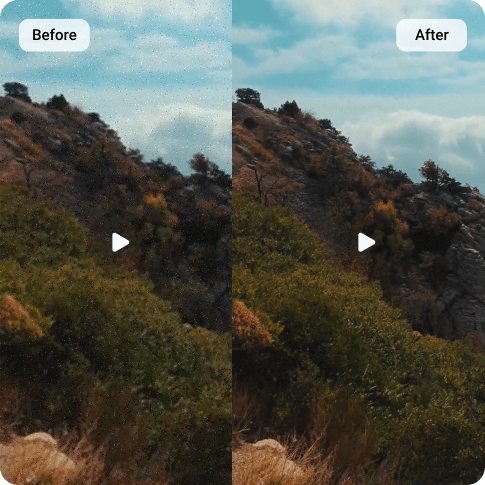
Remove Grain from Drone & Action Cam Footage
Cameras with small sensors, like GoPros, drones, or older smartphones, often struggle with dynamic range. Even in decent lighting, you might see annoying noise in the shadows or sky. Artguru’s video denoiser targets these specific artifacts, smoothing out the grainy patches so your action shots and aerial views look as crisp as they felt in the moment.
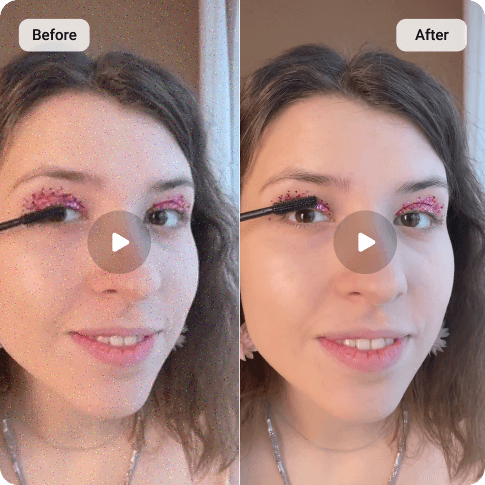
Natural Details, No “Plastic” Look
The biggest fear with video denoising is ending up with a blurry, waxy mess that looks like a bad filter. We designed our AI specifically to solve this challenge. It removes the grain while keeping skin tones natural and object edges sharp. You get a clean video that retains its original details, not a plastic-looking copy.
Used by Professionals and Enthusiasts

Sophia L. Travel Vlogger
Simple and effective
Fixed my grainy phone videos instantly. Super easy to use.
Robert K. Retiree
Great for old videos
Used this for some old VHS tapes. The picture is much clearer now.
FAQs
Artguru works on almost any video type, like portraits, gaming clips, anime, or landscapes.