4k Video Converter – Turn 1080p to 4K Online
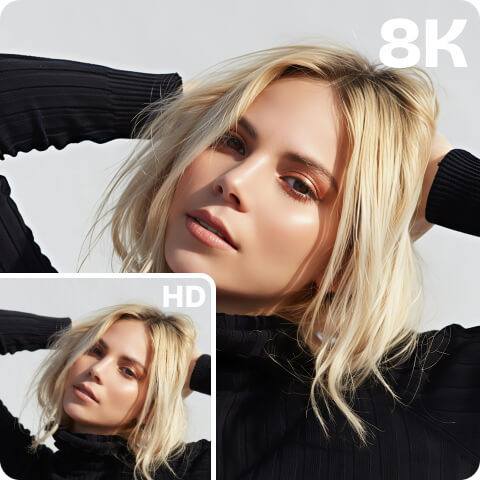
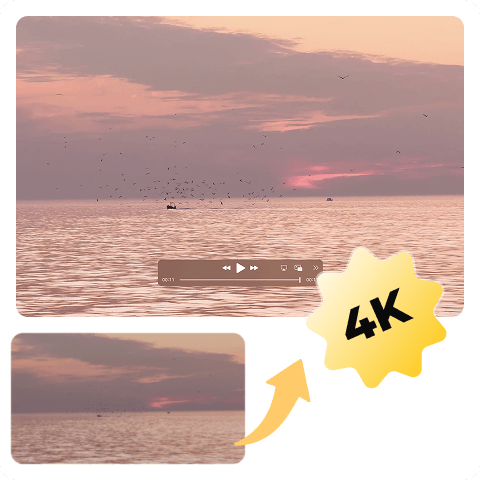
Use Artguru to upscale video to 4K online with only 1 click — no software needed, no learning curve, and no high cost. It’s just uploading your blurry video online, choosing 4K quality output, and waiting a few minutes to get your video enhanced in the background while AI smooths motion and improves the details, sharpness, and clarity of your video.
 Super Easy to Use
Artguru is not a complicated editor. We’ve set everything up for you, dedicating ourselves to letting everyone enjoy powerful AI upscaling technology effortlessly.
 Available on All Devices & Platforms
Our HD to 4K video converter is available on all devices and platforms, from Mac, Windows, Android, and iPhone, to browsers like Chrome, Safari, Firefox, Yandex, and Edge.
 Run in Background
We can process your video in the background once it’s uploaded, so you’re free to focus on other tasks.
 Secure Ehancement
Artguru always puts the privacy of our users first. We ensure your videos are processed 100% securely, and you are the only one with access to your own files.
How to Use Artguru‘s 4K Quality Video Converter?

Step 1: Upload Your Video
Open Artguru’s 4K Video Converter and upload your low-resolution video in the browser, from 360p to 1080p.

Step 2. Convert Video to 4K Online
Choose 4K Resolution and click “Start” to initiate the 4K video enhancement. During this process, your progress is automatically saved in the Artguru Library, so you can safely leave our page and do your own stuff.

Step 3. Download the 4K Video
After some time, your video is upscaled to 4K resolution. Now it’s time to download and share it with your family or friends.

One-Click and Powerful 4K Video Converter
After long-term practice and deep learning, especially driven by our strong performance in image enhancement, we developed our own 4K video upscaler to help our users who are confused by the interfaces of professional video editors and don’t want to spend too much time adjusting complex settings to turn videos into 4K easily and get the best possible 4K results. Let AI do the upscaling, so you can focus on more important things in your life.
Upscale Your Video to 4K without Quality Loss
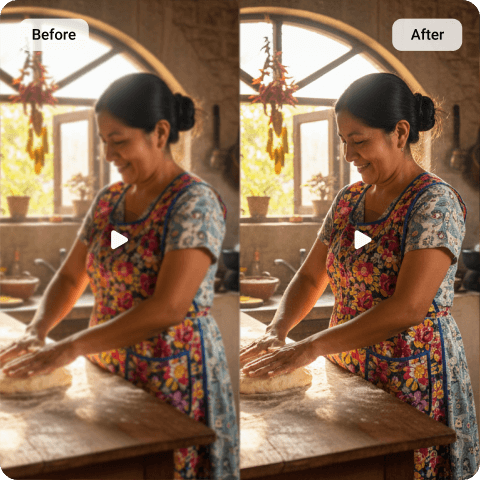
Our video to 4K converter doesn’t simply upscale the resolution of your video, but also enhances video quality — reducing noise and blurriness, improving details in every frame, and increasing clarity pixel by pixel after analysis. Stretching pixels to make a video bigger and look like “4K” is the latest thing we want to do. Try Artguru’s video enhancer and enjoy the true 4K we deliver.
Upconvert Your Videos to 4K Anytime, Anywhere with Our App
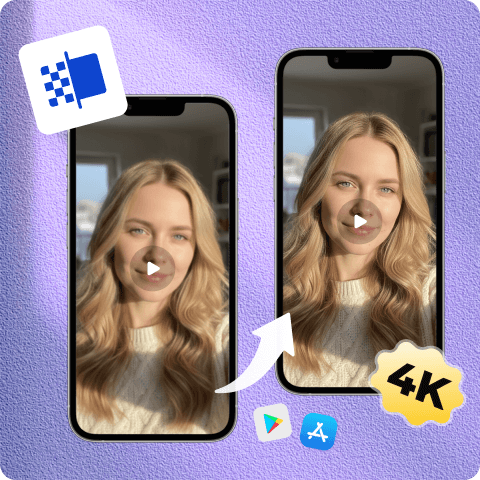
Besides the online browser option, Artguru also offers a mobile app for iOS and Android, allowing you to use the MP4 to 4K video converter on the go without the constraints of a desktop browser. Artguru’s app is completely free of ads, and the interface is just as simple as the online platform, so feel free to download our app and experience 4K video conversion on your phone.
Professional 4K Video Upscaler for Social Media
Whether for personal or business reasons, every post represents your social image. Sharing a high-quality video gives you a better chance of getting more views. If you are a YouTuber aiming to boost your follower count, Artguru’s 4K Video Upscaler can convert your YouTube videos to 4K, as well as videos for other social media platforms such as Instagram, TikTok, Facebook, X, and more.
1080p to 4K Converter with No Watermark
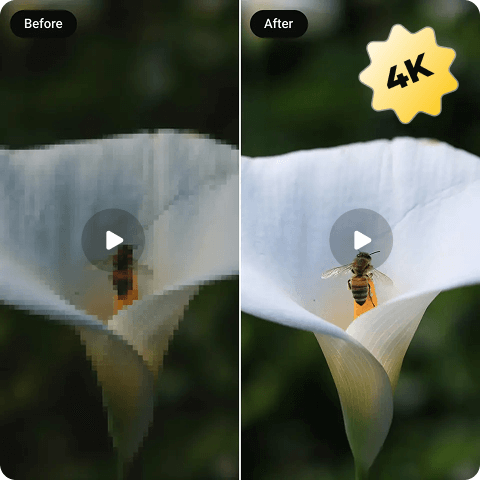
Our 4K AI Upscaler does not add a watermark to the final output of your video, keeping it clean and smooth. The credits required vary depending on the length of the original video. We offer affordable and competitive pricing, including monthly, annual, or even one-time options for temporary needs. If upscaling images to 4K is also on your list, you can enjoy free daily credits to experience our amazing enhancement performance.
Scenarios for Using Artguru’s 4K Video Converter
AI-Generated Videos
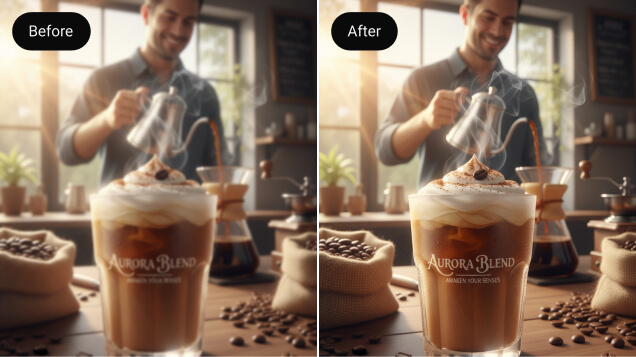
Enhance videos created by AI video generators to high resolution, ready for your projects or personal sharing.
Animated Videos
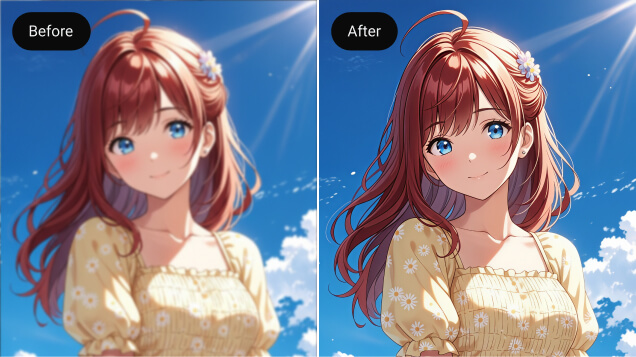
Making your favorite anime 4K is a great way to enjoy it anytime you want.
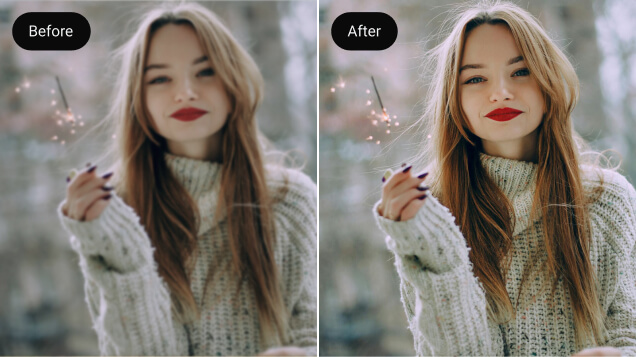
Vlogs
Keep your vlogs clear, perfect for tutorial video, tech vlogs, art vlogs and more.
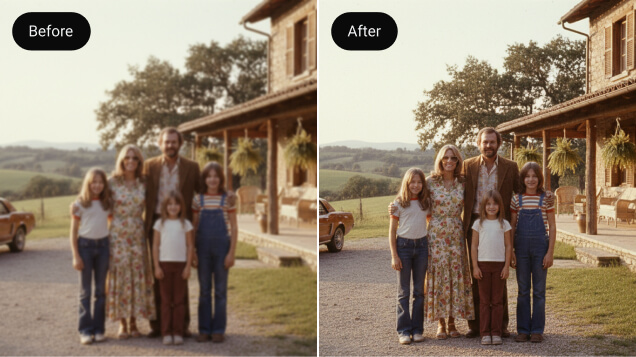
Old Videos
Bring old videos back to life — preserve cherished family memories, 8mm films, vintage tapes, and classic documentaries.
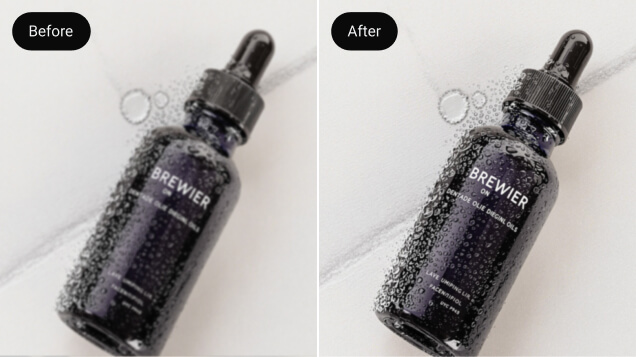
Marketing Videos
Unblur your company’s marketing videos while lowering production expenses.
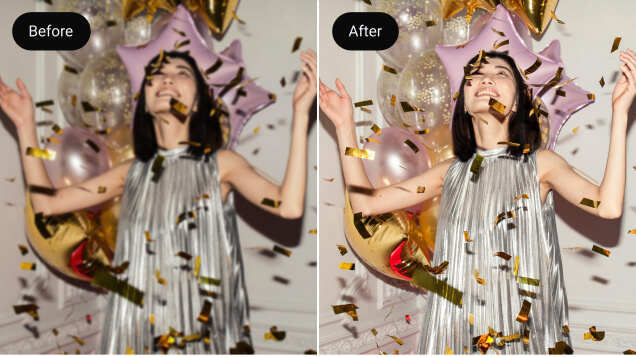
Social Media Videos
Upgrade your social media videos to 4K quality with ease, suitable for sharing with followers.
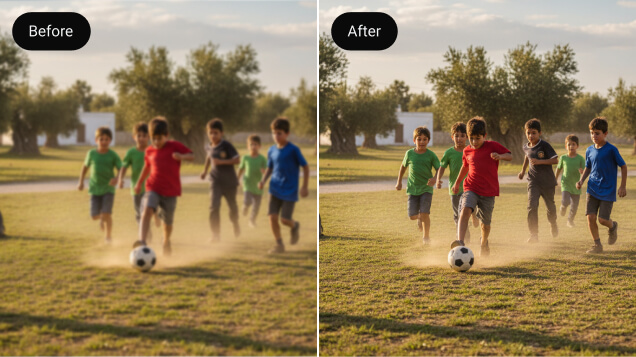
Sports Videos
Turn the sports videos into crisp, high-quality footage that captures every fast-paced moment, such as soccer matches or basketball games.
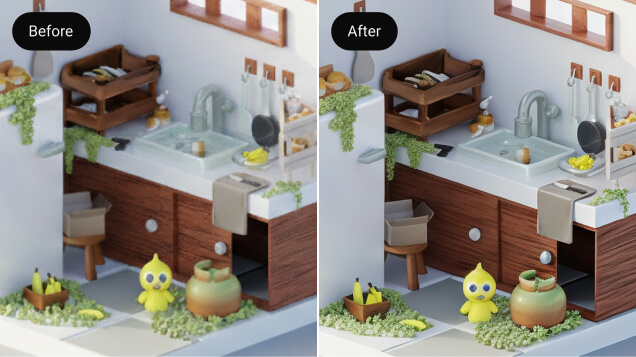
Gaming Videos
Record your gameplay and optimize it to 1080p or 4K to highlight your best moments.
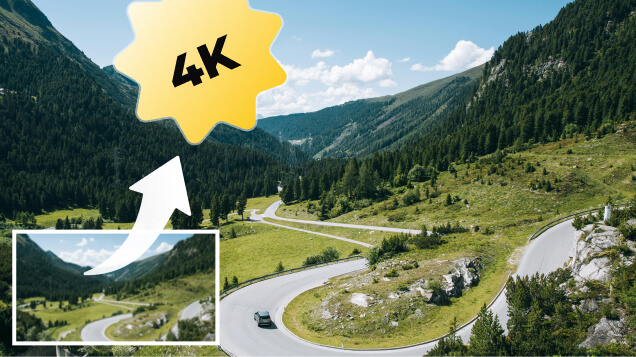
Travel Videos
Upscale your travel videos to 4K, showcasing breathtaking landscapes like plateaus, snowy peaks, beaches, and beyond.
What Our Happy Customers Say

Antonetta H. Youtube Creator
I’ve been working hard to grow as a YouTuber. I started by posting some Shorts, but the views were disappointing, and I realized the low quality might be the reason. I started using Artguru to upscale my videos to HD before posting, and while it wasn’t an overnight explosion, the new videos are clearly getting more views and even some new subscribers. Until I can buy high-end camera, I’ll definitely stick with Artguru.
Grover H. Anime Lover
There’s a strange contradiction for me: technology is so advanced, yet we’re often stuck with blurry versions of the anime we grew up with. Since the internet didn’t preserve them in HD, I took matters into my own hands. I used Artguru to upscale all 13 episodes of my favorite series one by one. Now I have the original and the 4K version to enjoy as I want haha.
Ella S. Driver
It was only a few years after my mother passed away that I found some old videos of her. I was overjoyed, but the quality is not good. So I searched everywhere for a tool to restore her image, and Artguru was at the top of my list. I truly hope Artguru continues to improve its performance, and when that happens, I’ll be back to upscale them all over again.
FAQs of Artguru 4k Video Enhancer
The best 4K video converter does more than just boost resolution or stretch pixels. It should optimize the video quality for a superior viewing experience. Just like Artguru’s 4K Video Converter, which upscales your footage, reducing noise, sharpening details, and improving clarity of every frame. No watermark, no complex settings.
The main difference between 1080p and 4K is the resolution. 1080p videos have a resolution of 1920 × 1080 pixels, while 4K videos have around 3840 × 2160 pixels. This means 4K contains about four times more pixels than 1080p, resulting in sharper details, clearer images, and better viewing quality on large screens and on social media platforms.
To convert a 1080p video to 4K, simply upload your video to Artguru’s 4K video converter in your browser, choose 4K as the output resolution, and let the AI handle the upscaling. You can close the tab, and a few minutes later, return to the Library to check and download your 4K video.
You can convert a video to 4K on iPhone by using the Artguru iOS app. Download the app from the App Store, open it, upload a video from your device, select 4K resolution, and start the conversion. The process is simple, ad-free, and optimized for mobile use, so you can upscale videos anytime you want.
Artguru supports common video formats such as MP4, MOV, AVI, MKV, and other widely used formats. This ensures compatibility with videos recorded on smartphones, cameras, and downloaded content, making it easy to convert and upscale your videos to 4K.