AI Video Upscaler
Drag here to start
Drag to upload video
Max 1GB and 20 minutes
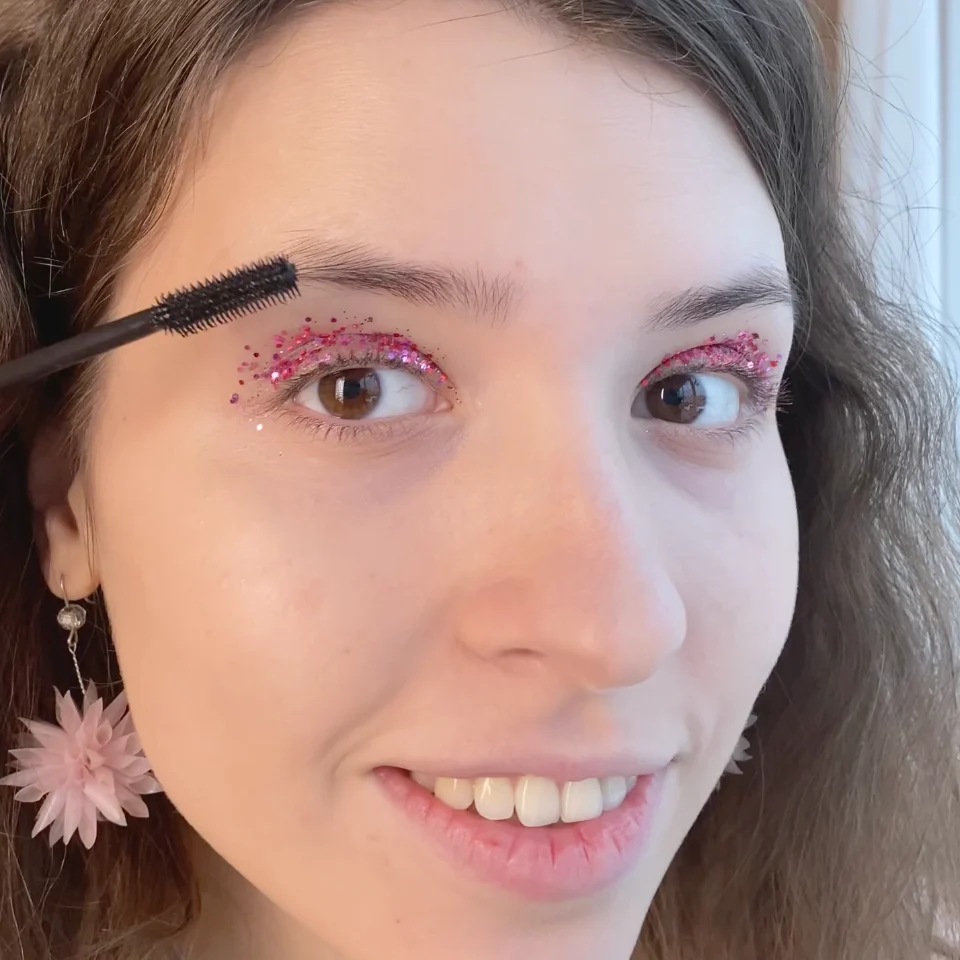
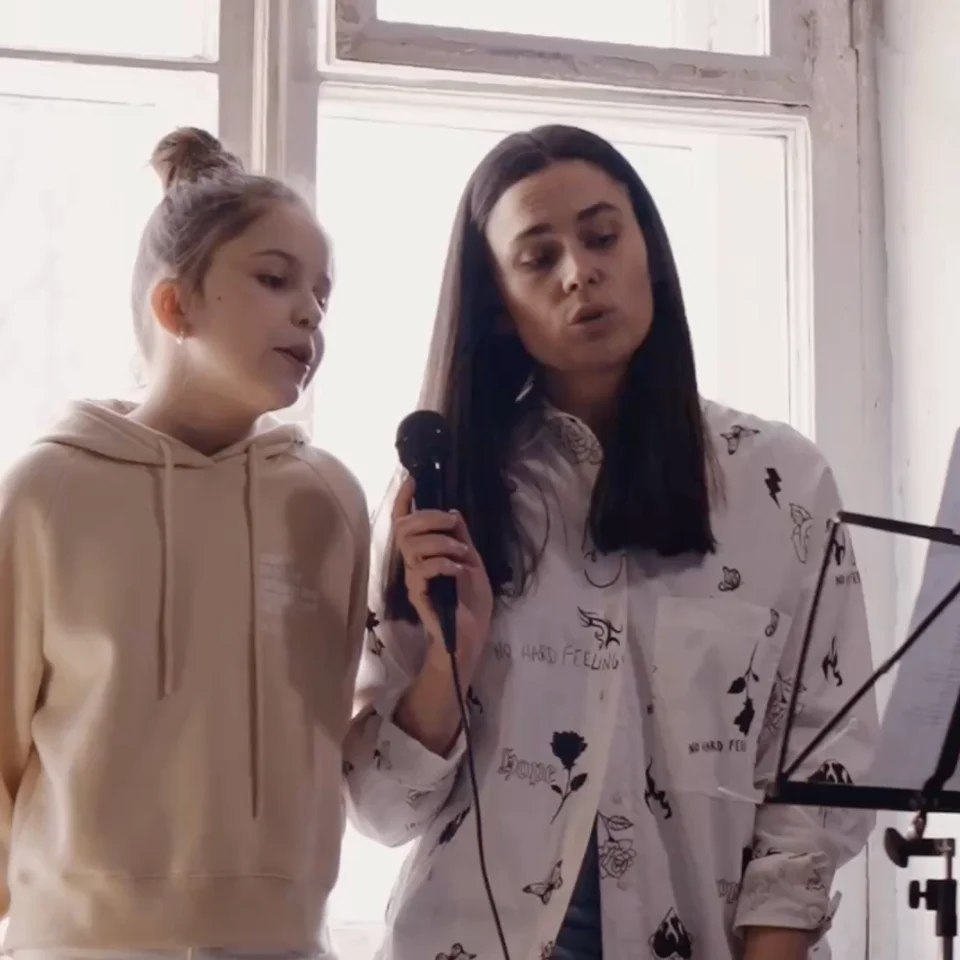
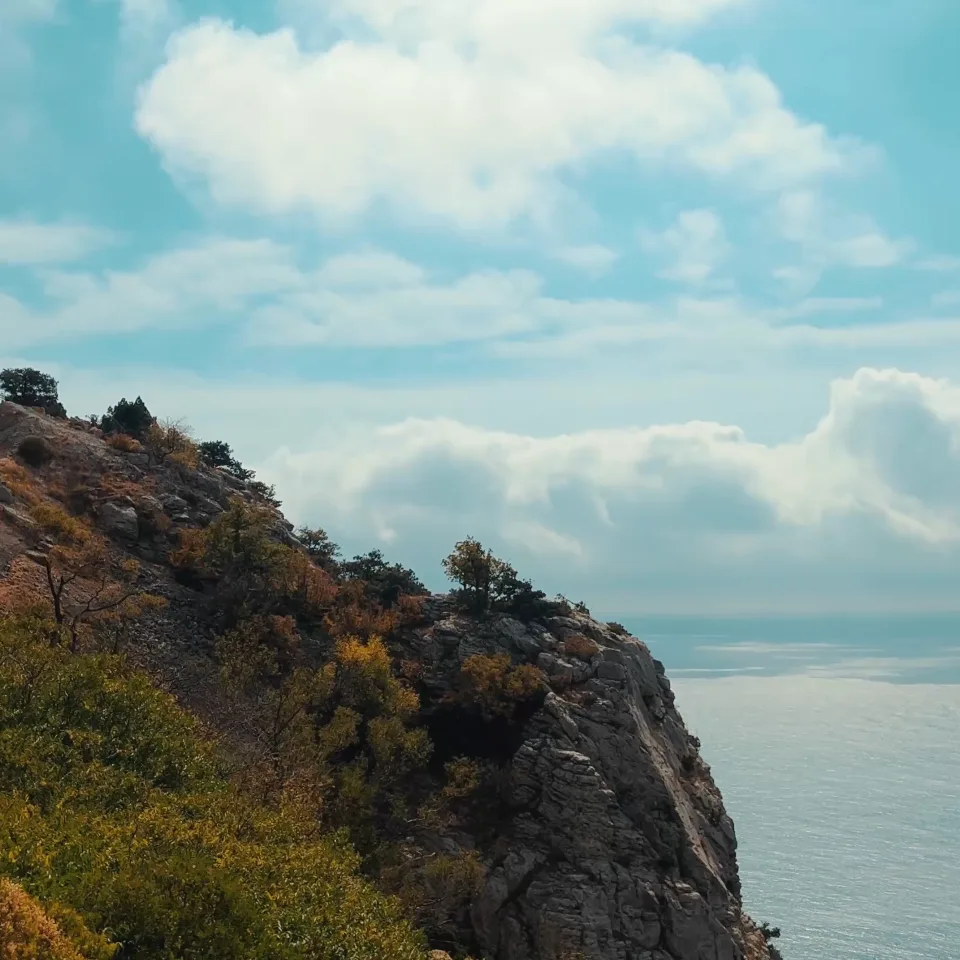

True High-Definition
Our video upscaler genuinely increases resolution for a true high-definition result.
Natural Clarity
The upscaling process sharpens details and removes noise, giving your video a natural clarity.
Background Processing
Start the upscale, close the browser, and we'll notify you when your video is finished.
Completely Private
Your original and upscaled videos are processed securely and accessible only to you.
Best-in-Class AI Video Upscaling
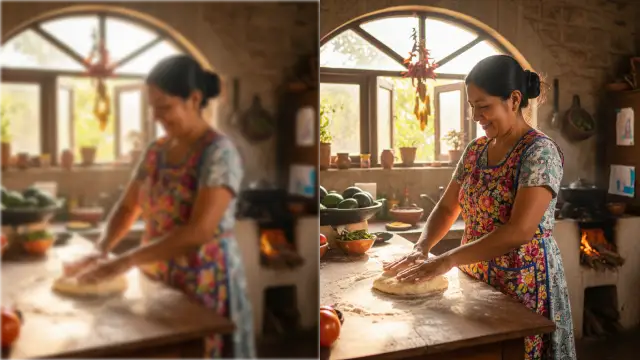
Transform blurry, pixelated videos into crystal-clear HD and 4K with our AI video upscaler. Unlike basic resizing that just stretches pixels, our advanced AI analyzes each frame individually to rebuild missing details and remove noise. The result? Genuine 1080p or 4K quality that looks like it was filmed in high definition from the start. No more blocky pixels or fuzzy edges, just the sharpest video upscaling results available online.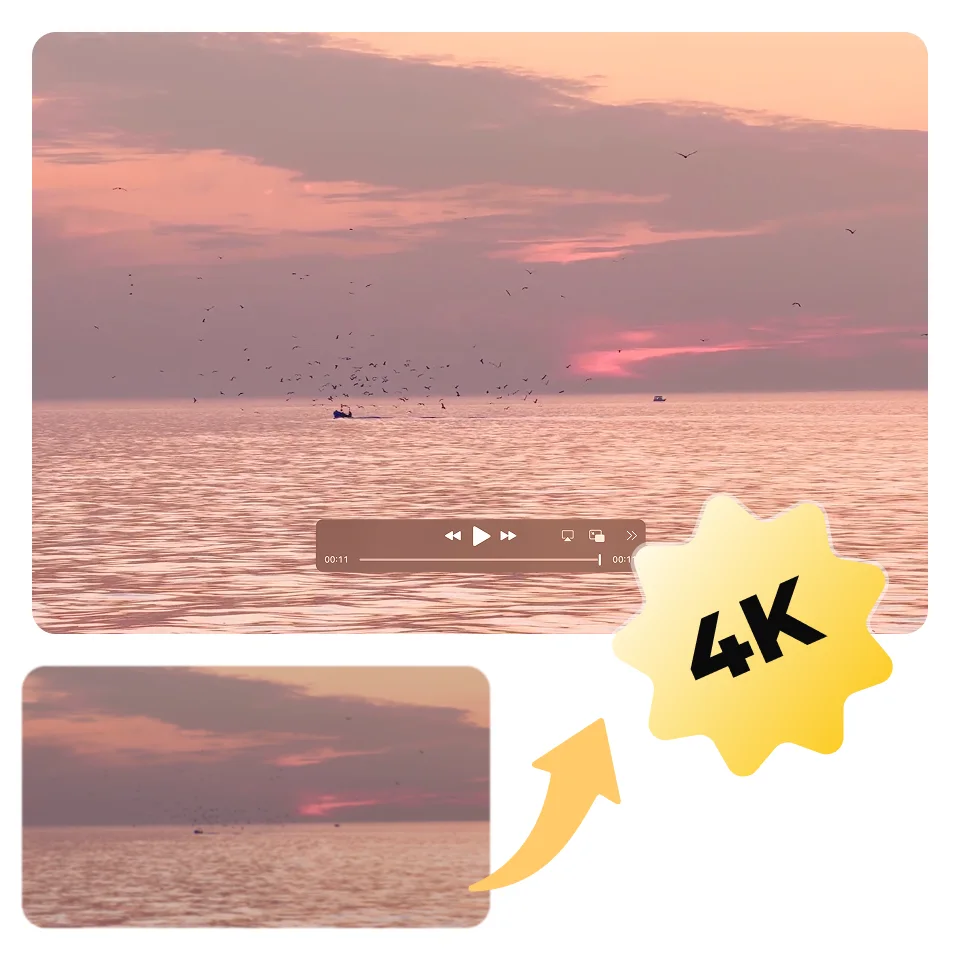
AI Video Upscaler for Any Video Type
Our video upscaler handles it all: shaky phone recordings, compressed social media clips, old camcorder footage, or low-quality downloads. The AI technology adapts to each video's unique challenges, whether it's grain from poor lighting, compression artifacts, or age-related degradation. Every video is enhanced to look like its best possible version, maintaining its original character while dramatically improving clarity.
Who Uses Our Video Upscaler
Our AI video upscaler is built for anyone needing to turn low-resolution footage into high-definition quality.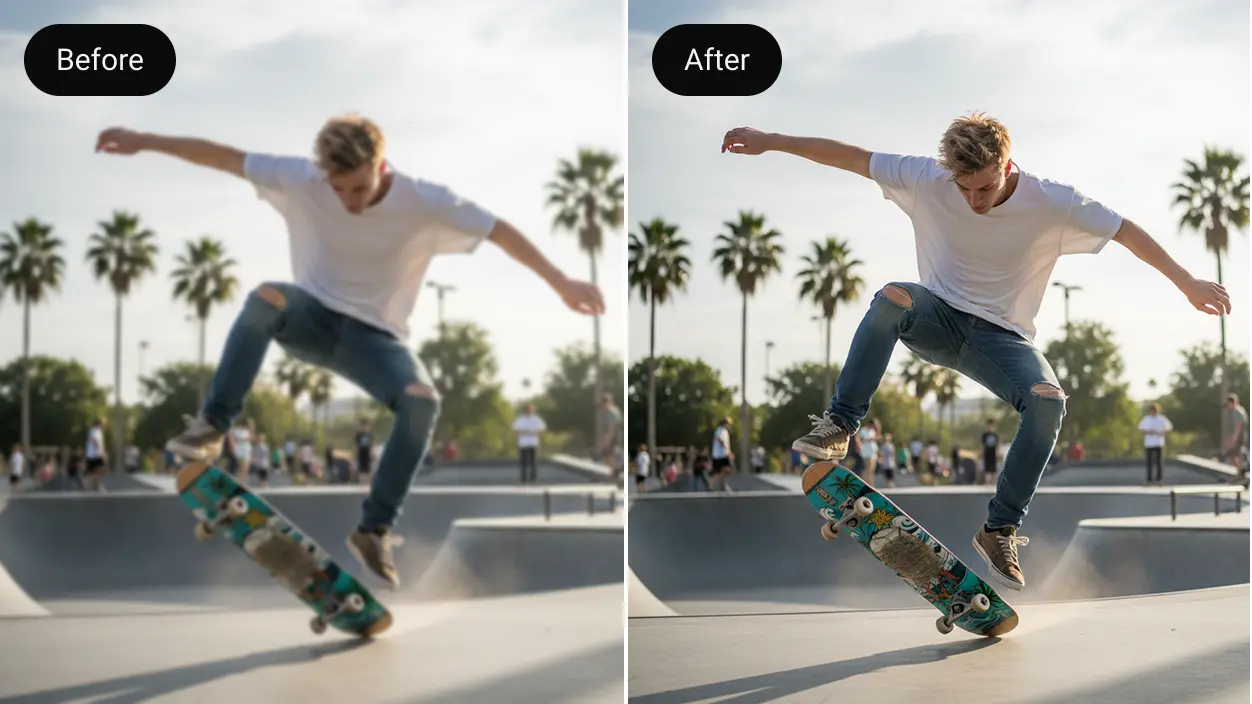
Content Creators
Mix low-res clips with 4K footage seamlessly. No more skipping that ideal shot because of poor quality.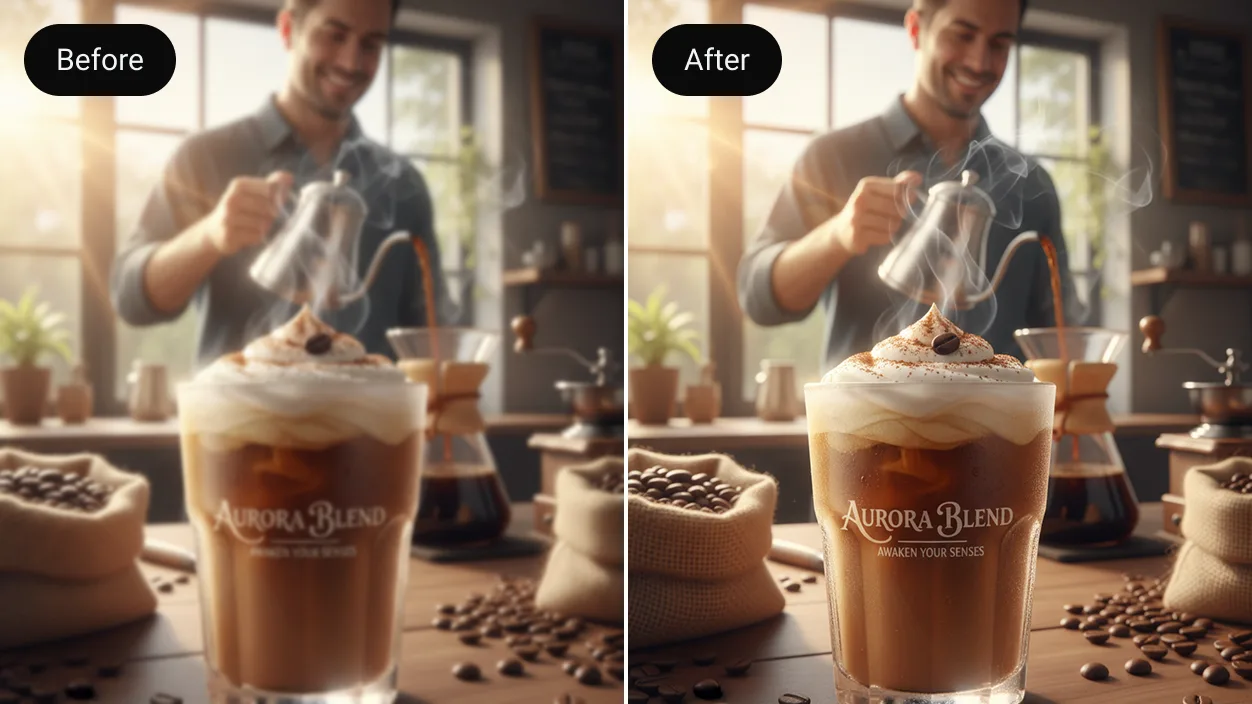
Businesses
Revive old marketing videos and training materials. Turn SD archives into HD assets ready for modern campaigns.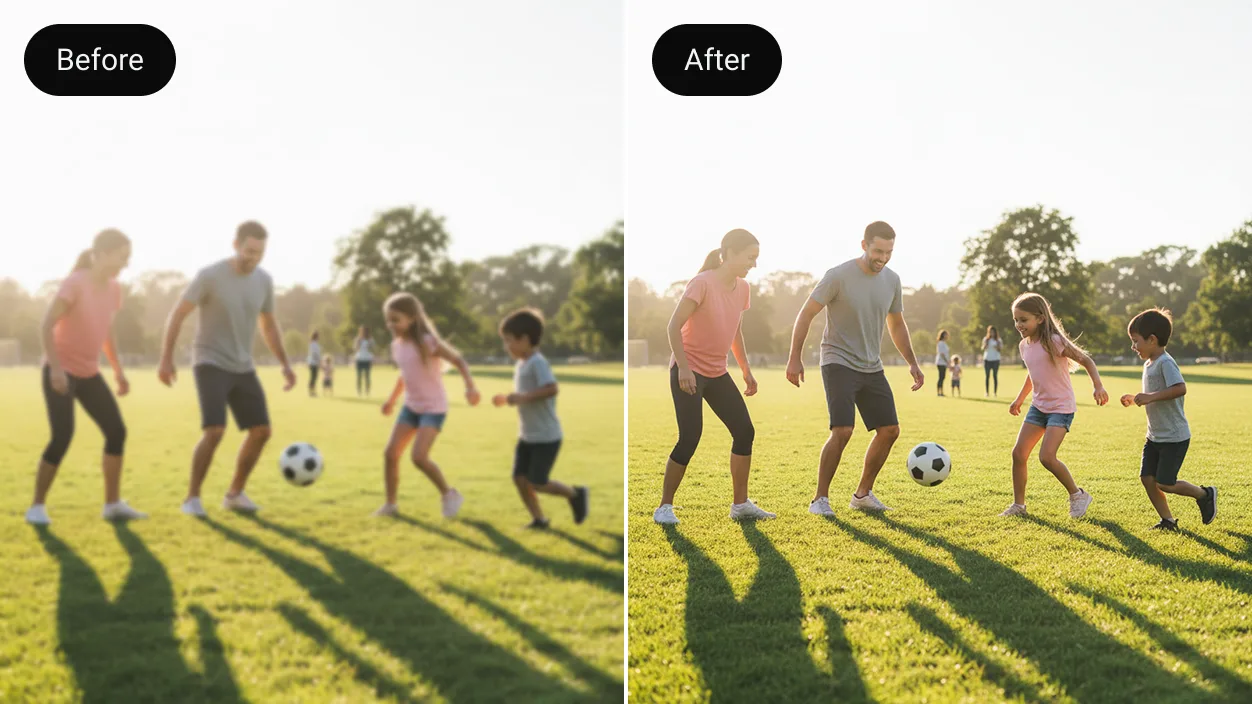
Families
Watch precious memories from old cameras on today's big screens without the blur and pixels.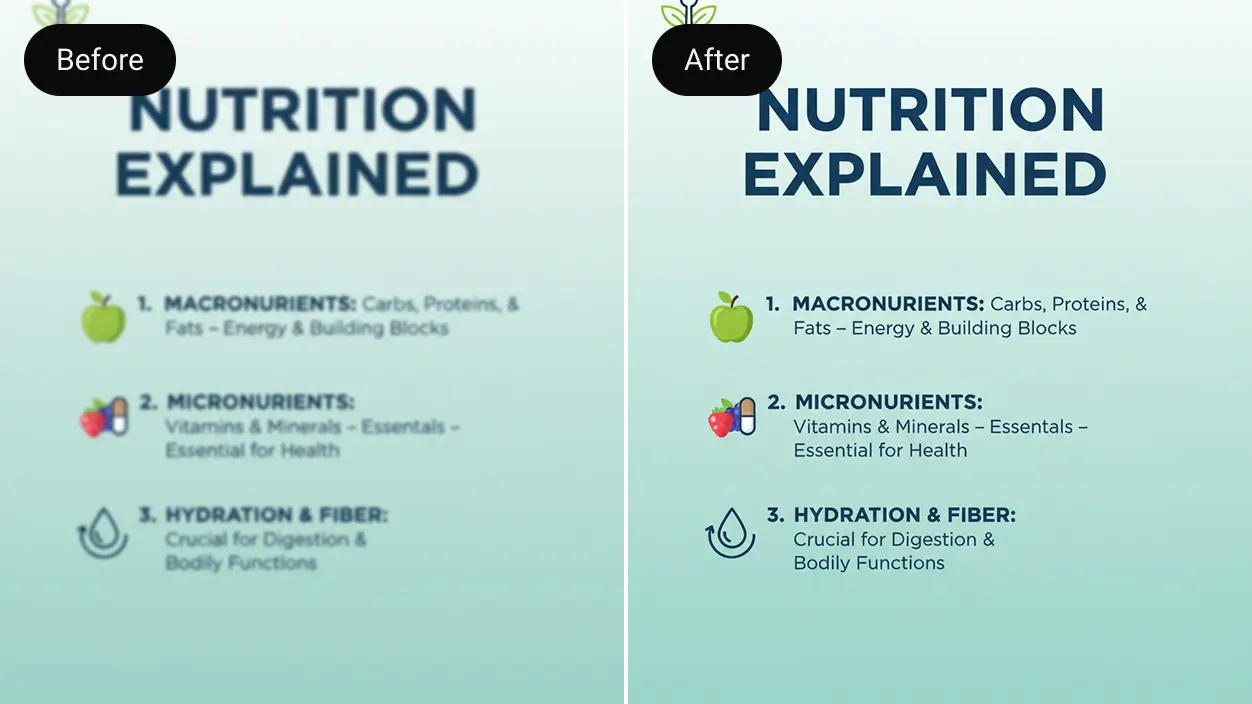
Educators
Convert low-quality educational videos into clear, professional materials students can actually see clearly.Upscale Your Video in 3 Simple Steps
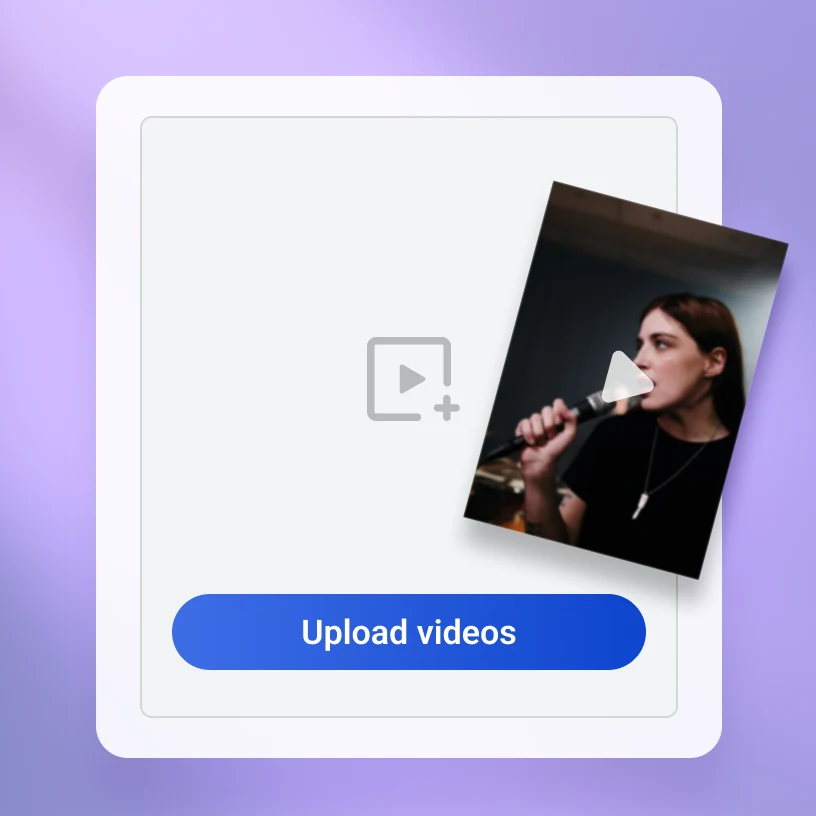
Step 1: Upload Your Video
Drag and drop your low-resolution video file to get started. We support popular formats like MP4, MOV, AVI, MKV, and WMV for a simple upload process.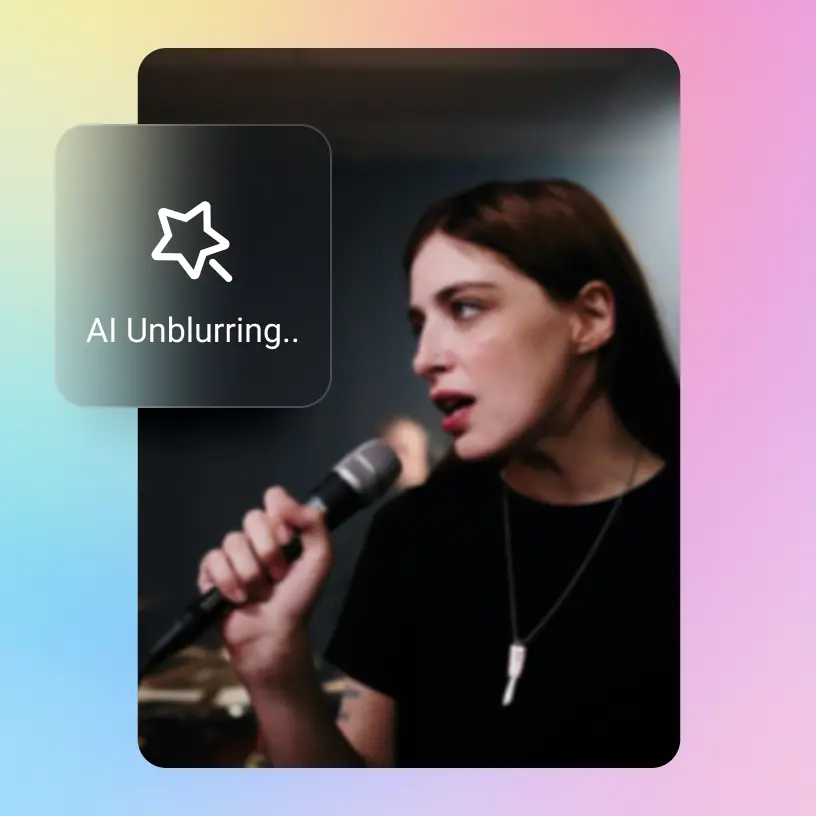
Step 2: Upscale with AI
Upscale the entire video, or use the simple trimmer to select just the part you need. Start the process with a single click and let our AI handle the rest in the background.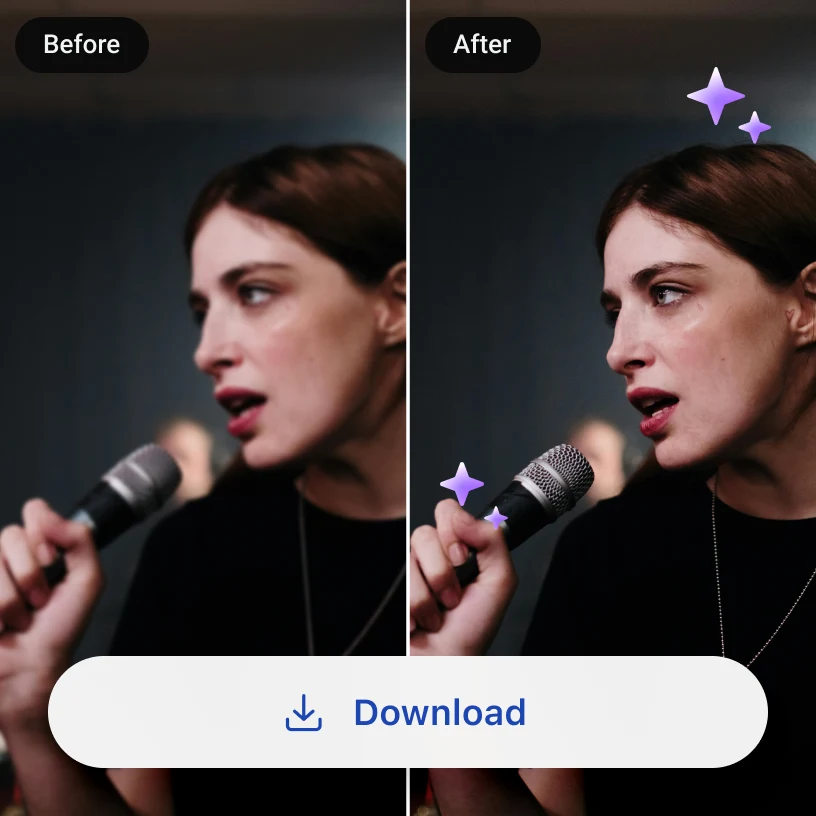
Step 3: Download Video
When your video is finished, you'll find it in "My Library". You can preview the result, then download the watermark-free file.User Reviews of Artguru's AI Video Upscaler

Game-changer for old home movies
Found a box of mini DV tapes from 2003. After digitizing, they looked terrible on our new TV. This video upscaler made them look incredible! My kids can finally see their grandparents' younger days in clear detail. Worth every penny.
Saved my documentary project
I needed to use some 480p interview footage for my documentary. Other upscaling tools made it look fake and processed, but this one kept it natural while making it much clearer. Now it matches my 4K footage seamlessly.
Essential for social media marketing
We have years of video content that looked awful when reposted. Now I upscale our old Instagram videos and they look brand new on TikTok and YouTube. My boss thinks I'm a wizard.FAQs

Ready to Upscale Your Video?
Stop letting low resolution hold your videos back. Experience the power of AI upscaling today.AI Photo Enhancement
Photo EnhancerRestore Old PhotoUnblur ImageImage UpscalerHD Photo ConverterImage SharpenerSee more