Change Background of Photos
Quickly replace photo backgrounds online with Artguru’s photo background changer. Choose a solid color, pick a new scene, or upload your own.
Drop images here or paste (Ctrl+V)
Drop images here or paste (Ctrl+V)
Max 200 images




Quick background changes
Get a new background in seconds, without complicated editing.
More background choices
Find the right background with colors, your own images, or library photos.
Fine-tune your photo
Refine edges and adjust the size to get your photo just right.
Download in HD
Get clear, watermark-free photos for sharing and showcasing.
An easy-to-use photo background changer
Give your photos a new background without complicated editing. Artguru’s photo background changer automatically removes the original background, so you can focus on choosing a new one. Click the background you want and see your updated photo in seconds.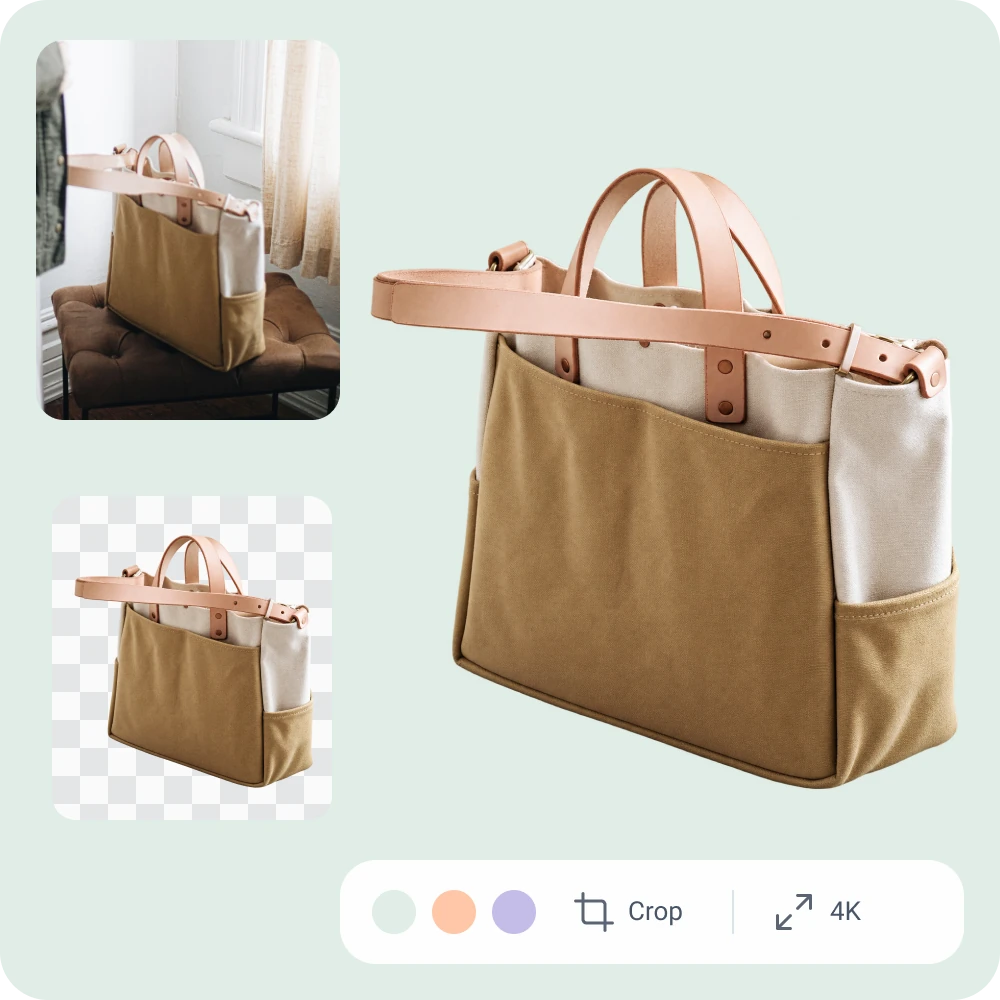
Change background color or keep it transparent
Artguru’s background changer lets you keep the background transparent or replace it with a color. Preset colors and a custom color picker make it easy to create clean product backdrops or keep your photos consistent with your brand.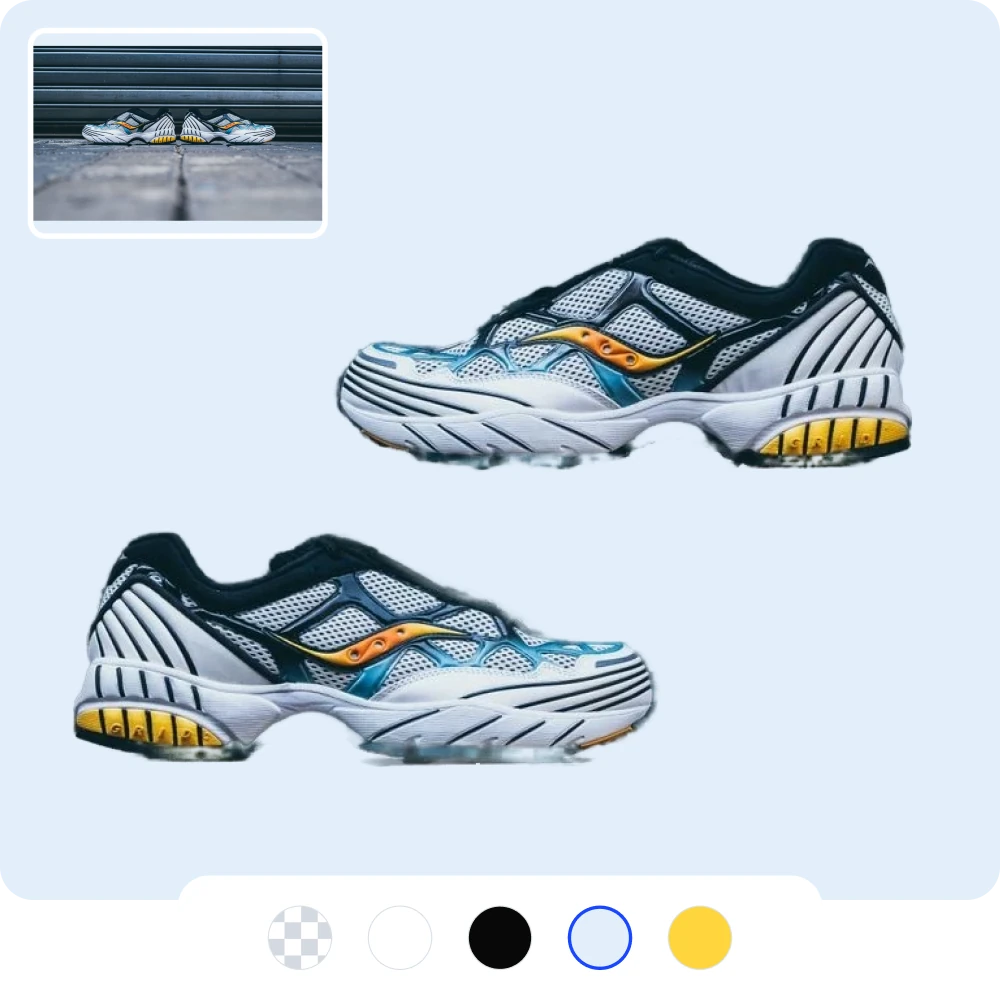
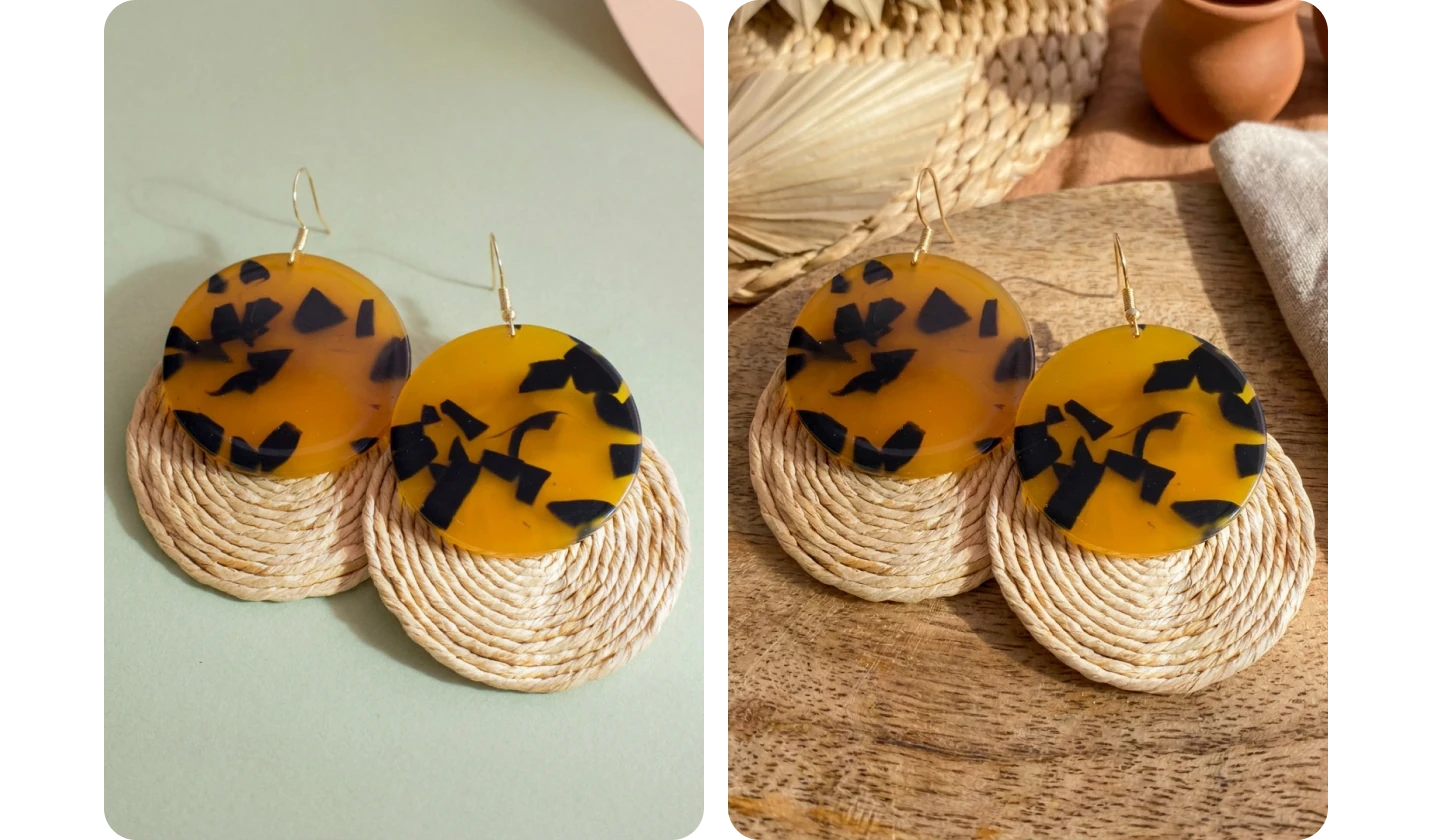
Add a photo background for a new setting
Give existing photos a new background for product displays, social posts, creative projects, and more. Artguru’s background changer lets you upload your own background photo or search a built-in royalty-free photo library by keyword, so you can find the backdrop you need.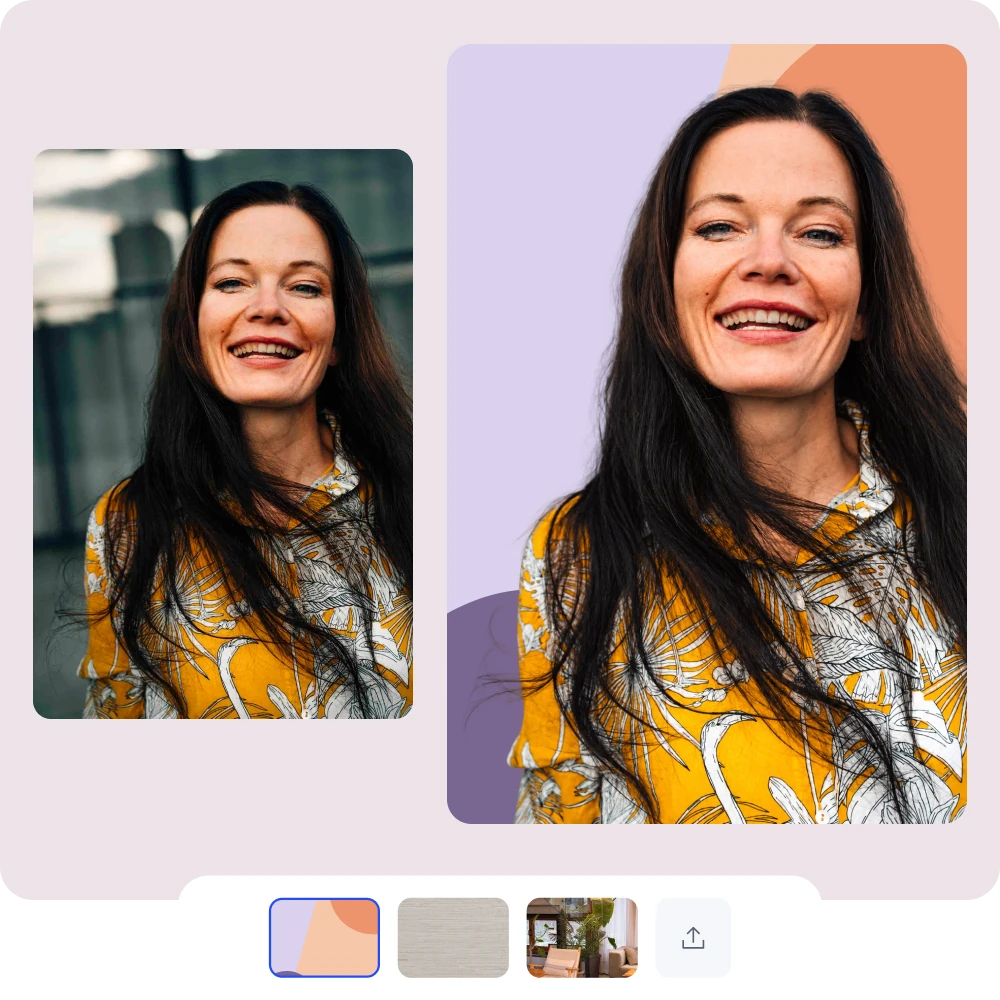
Edit your photo after changing the background
Adjust your photo’s details, size, and clarity in the same background editor.
Keep the parts you want with restore and erase brushes. Bring back details you’d like to include and remove unwanted background around your subject.

Change photo backgrounds for different uses
Create photos for your shop, work profiles, social posts, and personal projects with backgrounds suited to each use.
Find the right background for your product
From a clean white backdrop to a lifestyle scene, give your product a background that suits where you sell it. Create listing images for Amazon, Etsy, or your own shop using the photos you already have.
How to use the image background changer
Upload your photo
Upload a JPG, PNG, or WebP image. Artguru automatically removes the original background.Choose a new background
Choose a color, upload a background image, or search the photo library.Download your photo
Preview your photo with its new background, then download it as a PNG.FAQs about changing photo backgrounds
Have more questions? Contact support@artguru.ai.Explore more photo tools