Midjourney Upscaler
Drag to upload photos
Drag to upload photos
Up to 50 photos
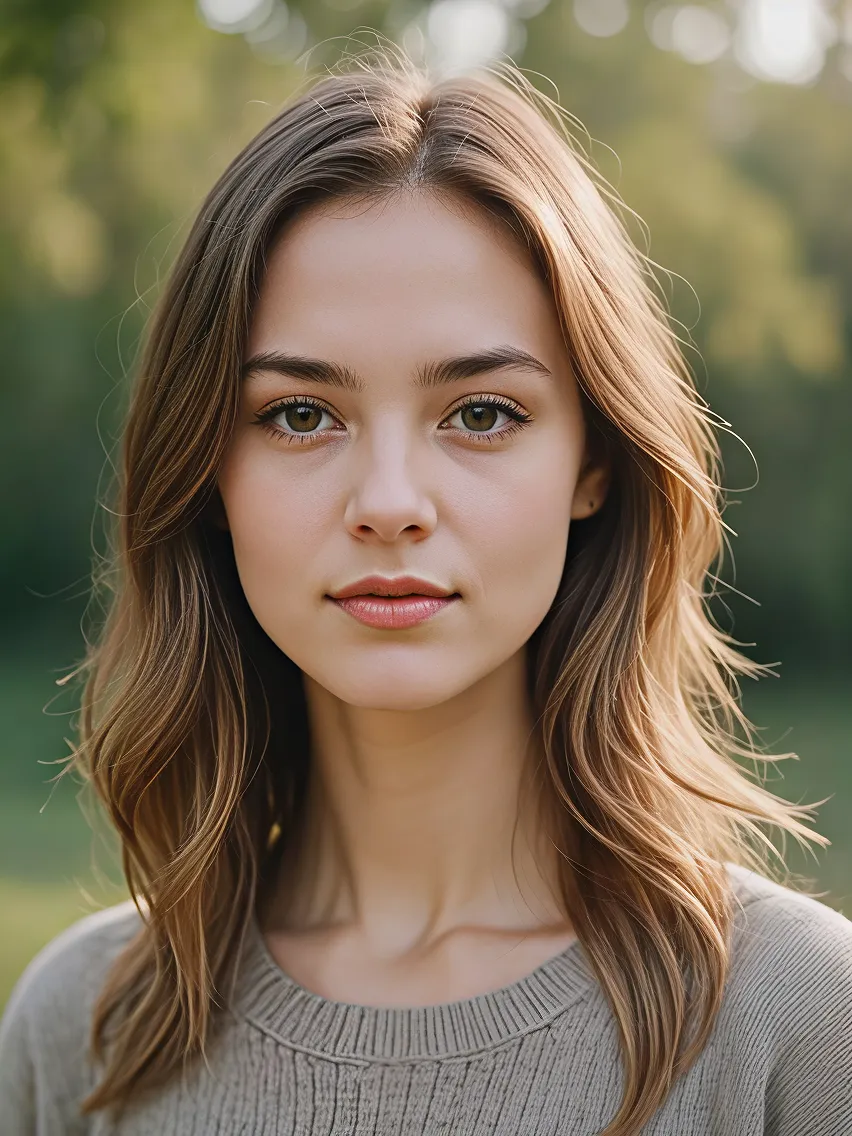
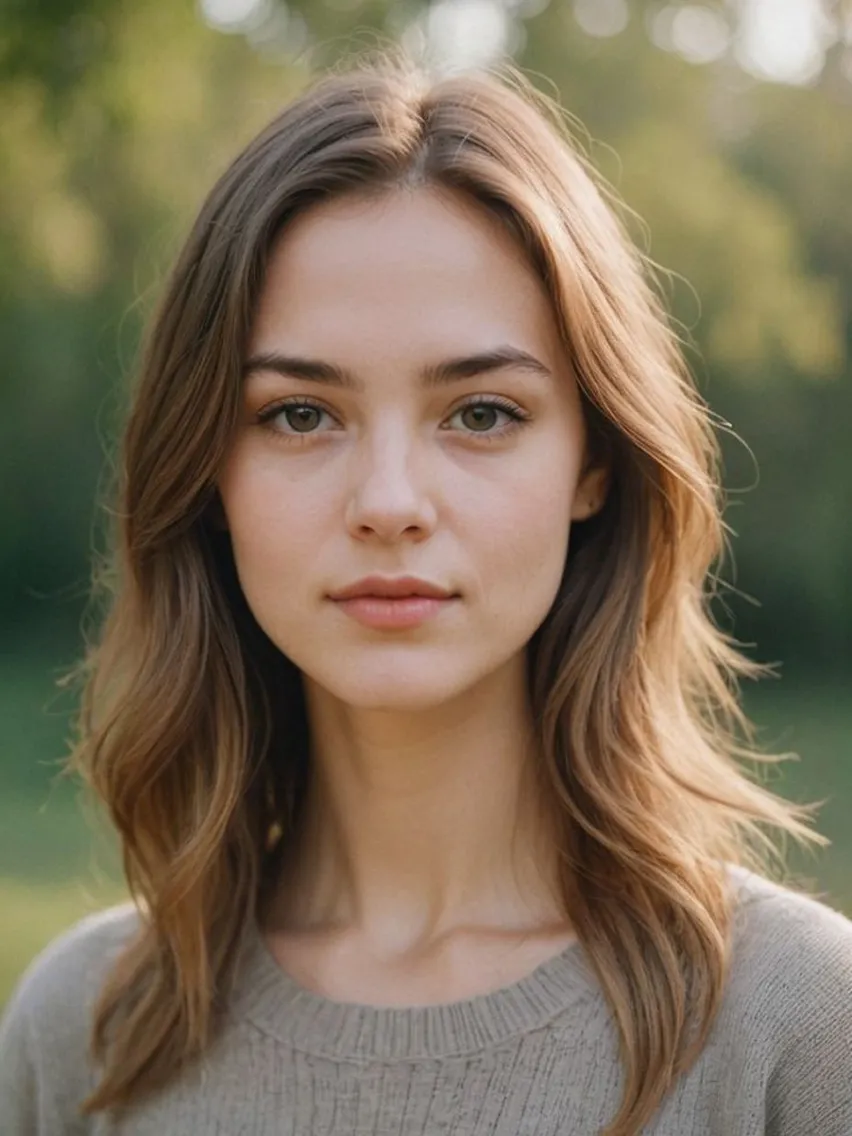
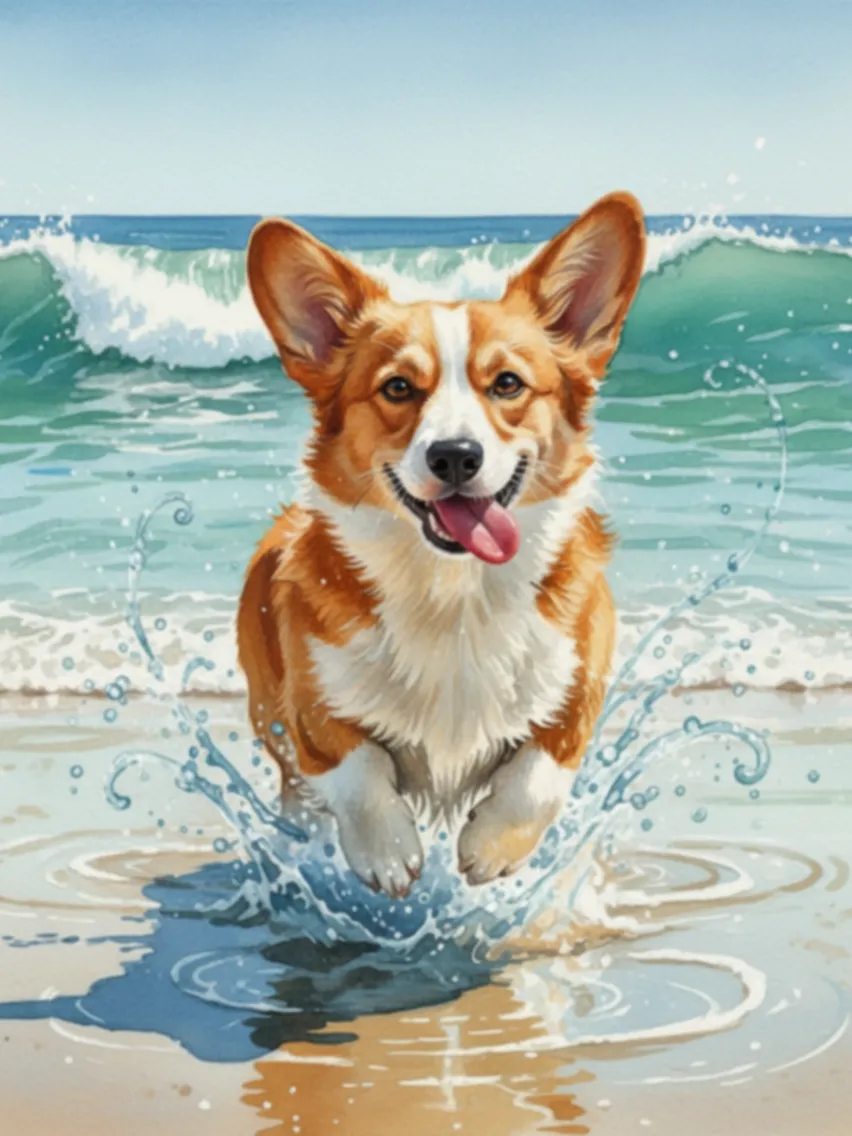
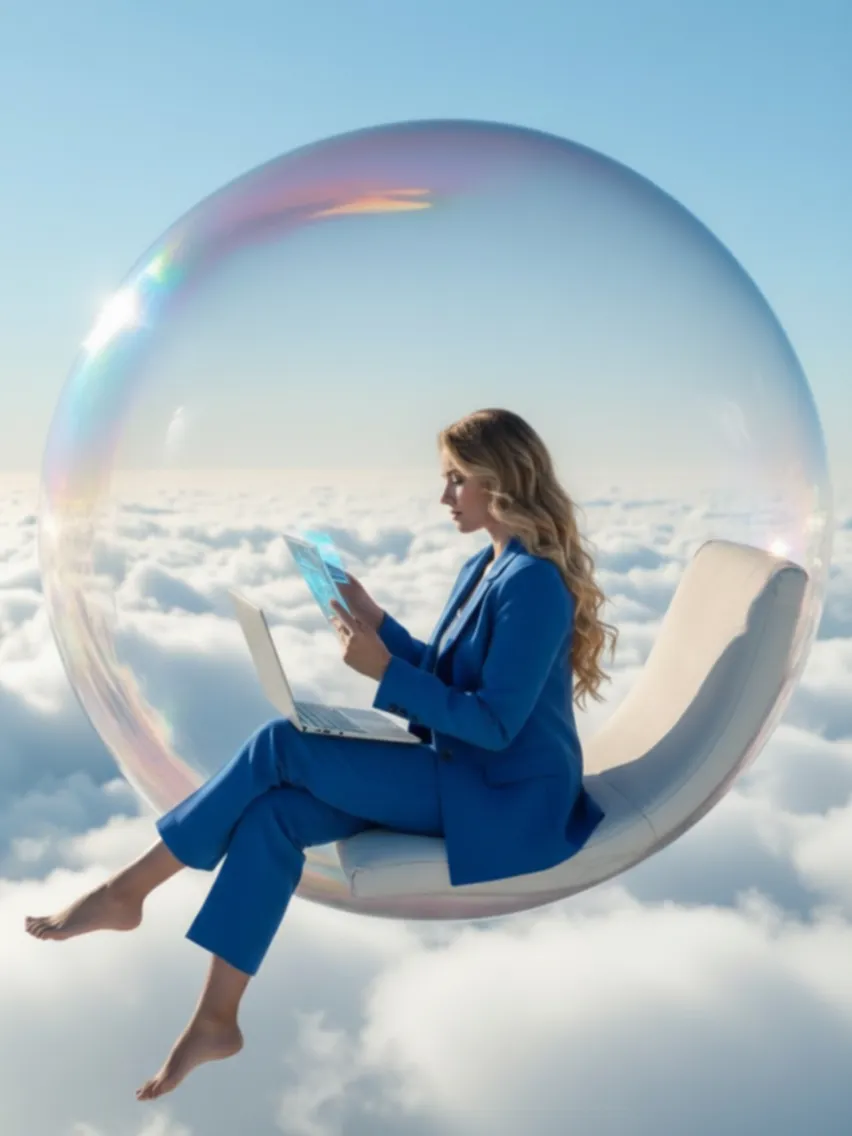
Easy and Fast
Upscale your Midjourney images in just one click. It's fast and delivers results in seconds.
No Quality Lost
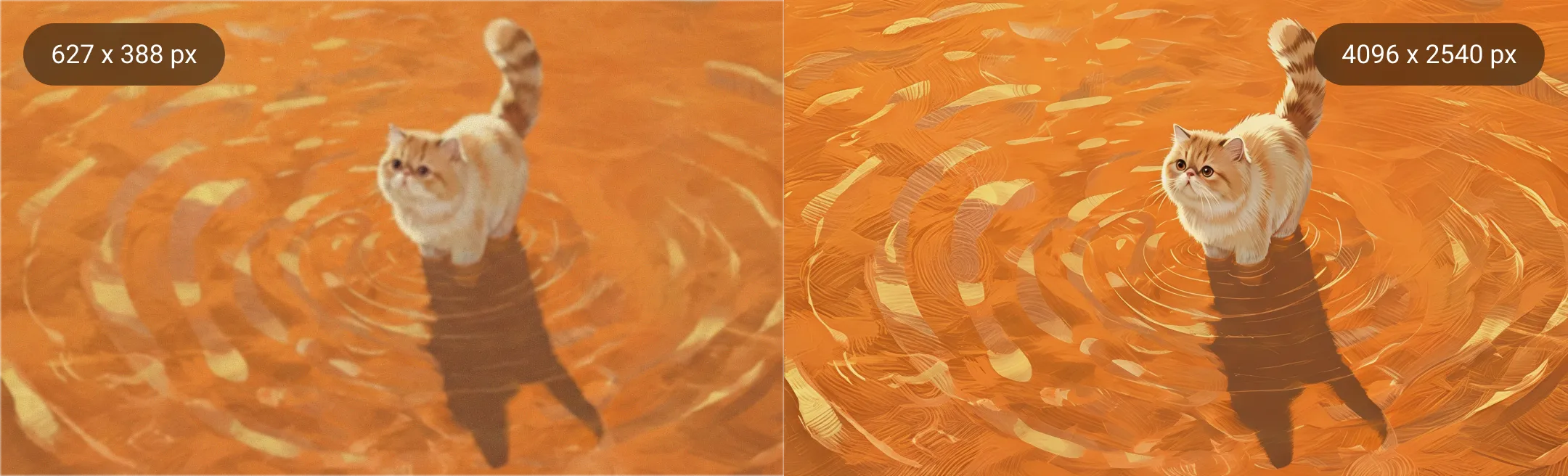
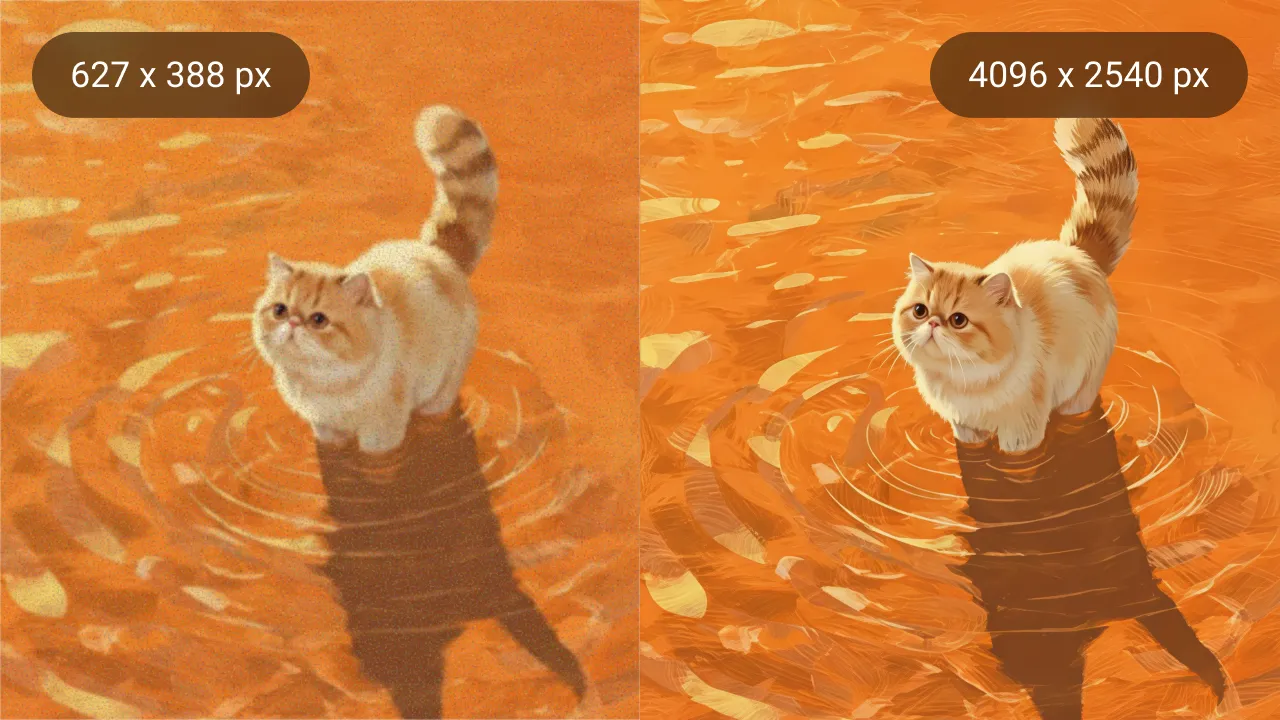
Enhance images up to 4X while preserving every detail, texture, and style exactly as generated in Midjourney.
Batch Upscaling
Upload up to 50 Midjourney images at once and let AI upscale them together, saving time and effort.
Secure and Private
Your images are processed securely and stored in the cloud, accessible only by you.
How to Upscale Midjourney Images?
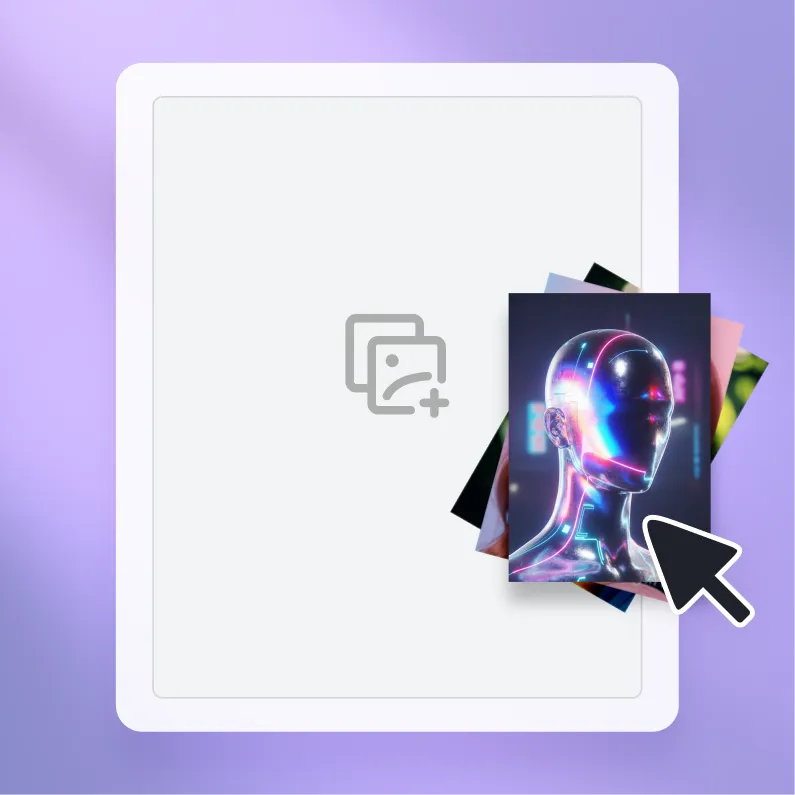
Step 1. Upload
Select your Midjourney creations and upload them to Artguru.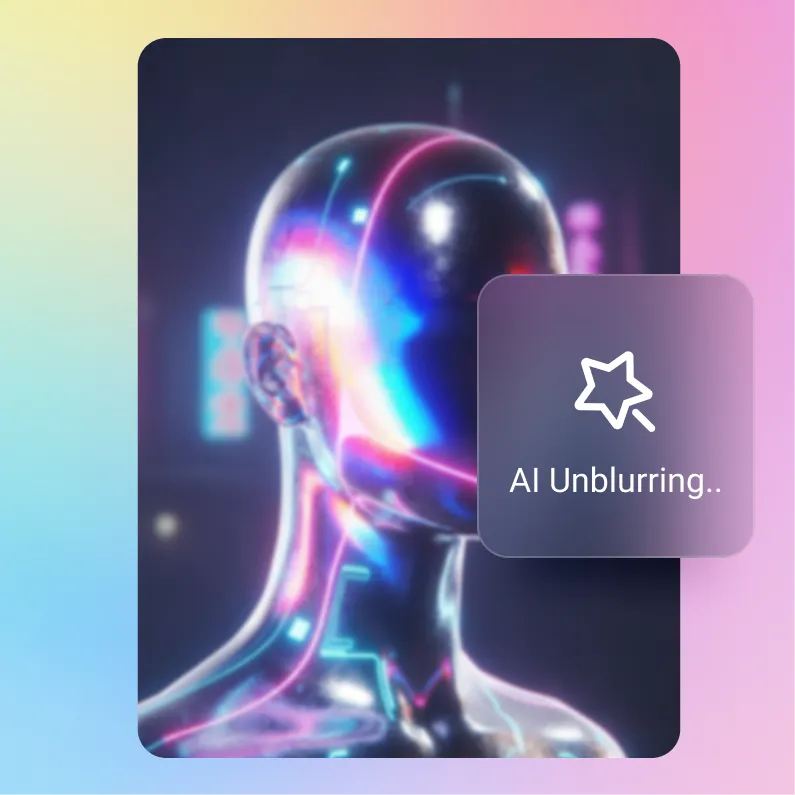
Step 2. Upscaling
All it takes is a few seconds to turn your Midjourney image to higher resolution.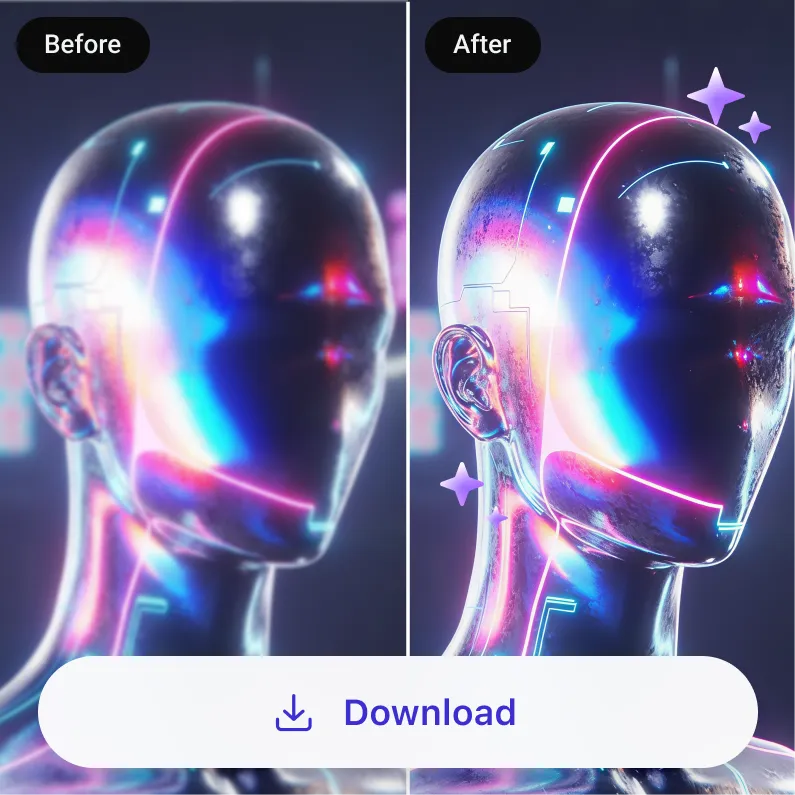
Step 3. Download
Preview the result and save your larger high-quality Midjourney images.Easy and Instant Midjourney Upscaler Up to 4X
With Artguru's Midjourney Upscaler, your creations are no longer limited to 1024 x 1024 pixels. Simply choose to upscale your Midjourney AI art by 2X or 4X in Artguru, and in seconds you will get a larger, high-resolution artwork. Whether you’re creating digital art, concept designs, or social media visuals, Artguru ensures your images look sharp and professional at a bigger size.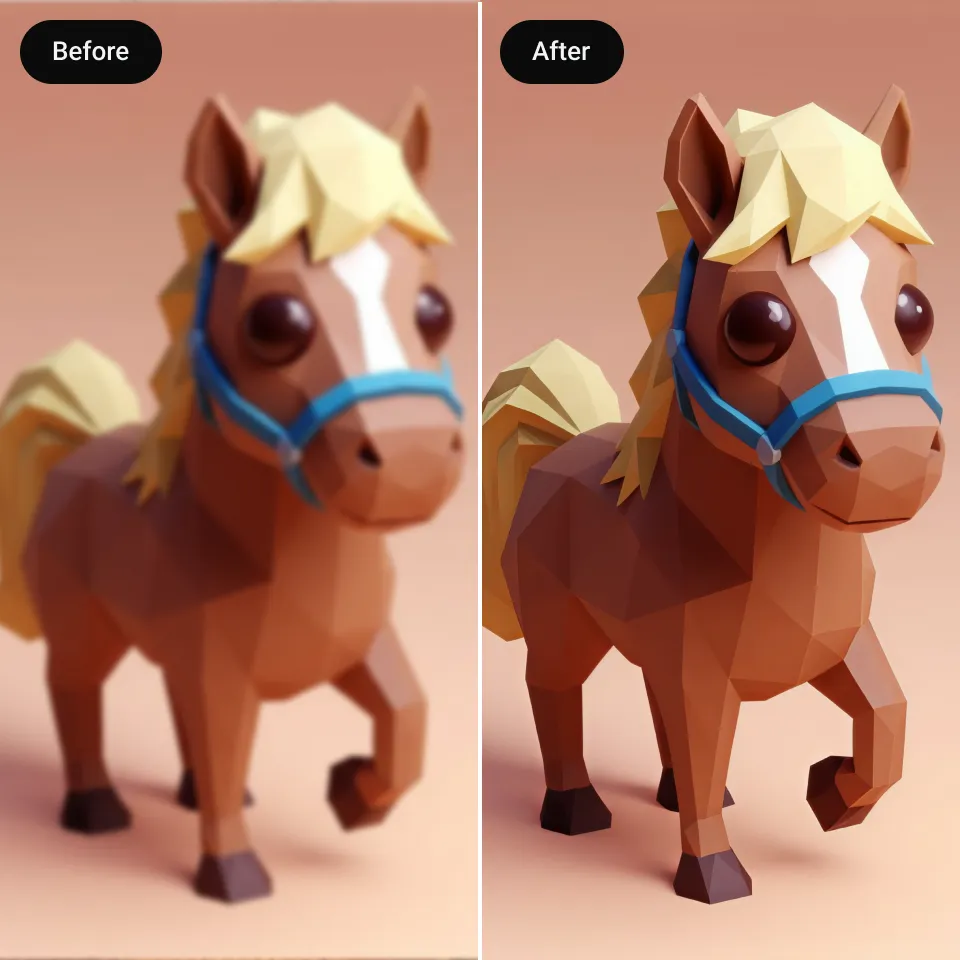
Upscale Your Midjourney Images Without Quality Loss
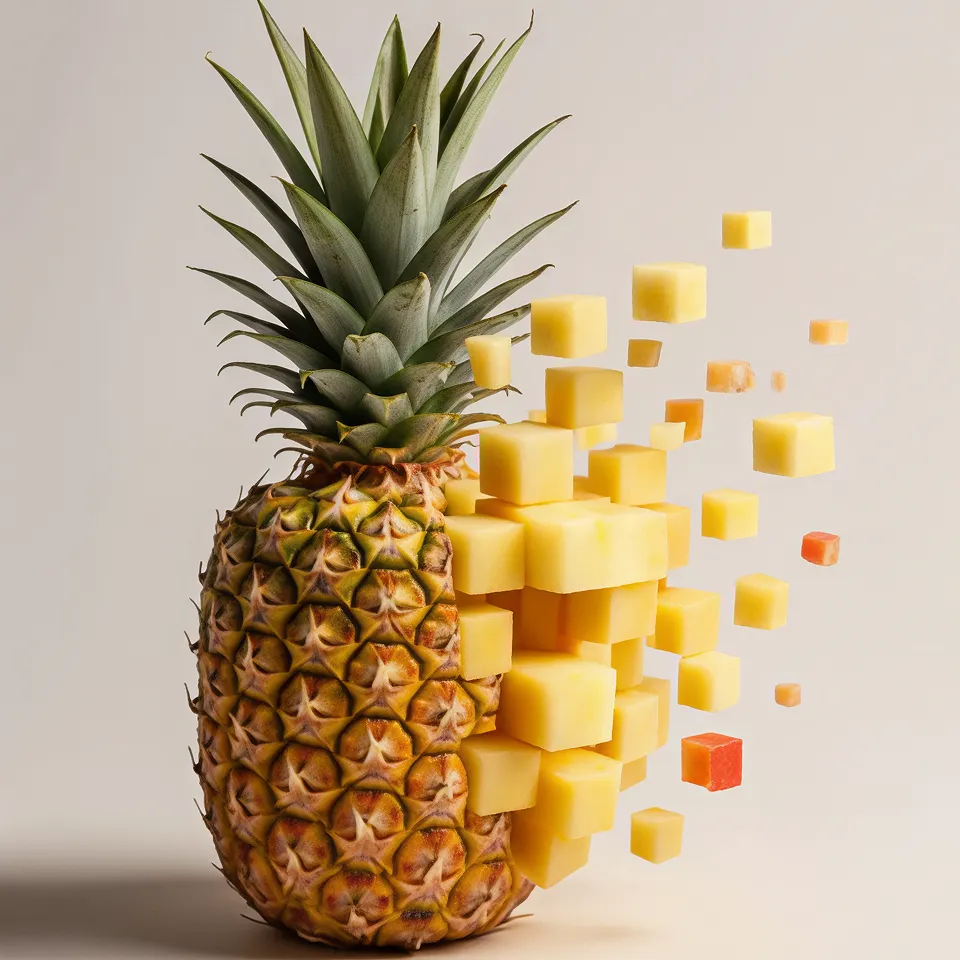
Don’t worry about losing the quality of your AI art when upscaling with Artguru’s powerful image upscaler. Artguru does only one thing — enhance clarity and upscale your images. This means we will not alter or distort your artwork, nor change any colors or lighting. We remain completely faithful to the original image’s style, making your creations stay sharp in print, on big screens, or anywhere else you showcase it.
Boost Efficiency with the Midjourney Upscaler API
By integrating our MidJourney Upscaler API into your projects, you can save time and streamline your workflow, effortlessly enlarging images to 4K while maintaining all details. For users who frequently print artwork, create digital art, or produce website assets, the API streamlines your process, letting you focus on creativity instead of tedious manual adjustments. All processing is done securely, keeping your images private and fully protected.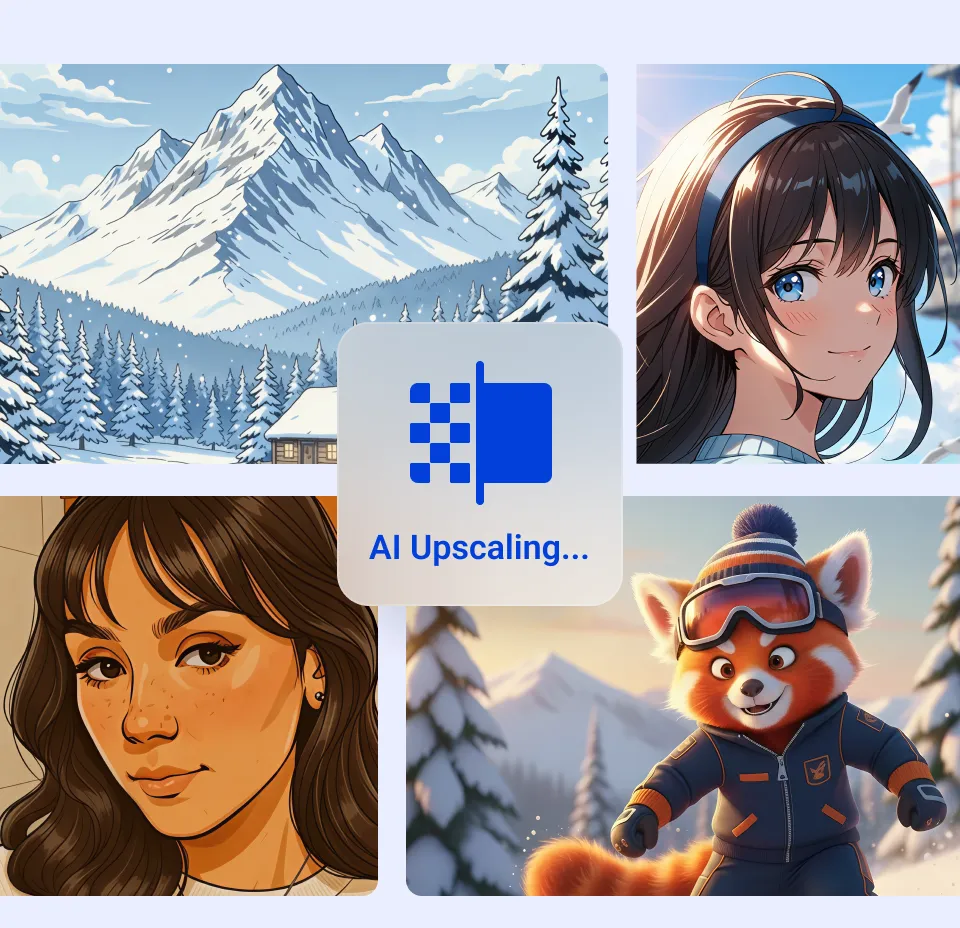
What Users Say about Artguru Midjourney Enhancer

4K No Loss
Artguru's Upscaler works really well. My fantasy illustrations go to 4K without losing any detail.
Time Saver
Saves me a lot of time. I rely on it for nearly every Midjourney project, including character design, landscapes, and digital artwork.
Fast Delivery
Artguru helps me get my AI creations to clients faster, which has also increased my income. Really handy.FAQs About Midjourney Upscaler
Upscale Your Midjourney Images Instantly
Make your AI art larger, sharper, and ready for print or big screens with Artguru.AI Photo Enhancement
Photo EnhancerRestore Old PhotoUnblur ImageImage UpscalerHD Photo ConverterImage SharpenerSee more